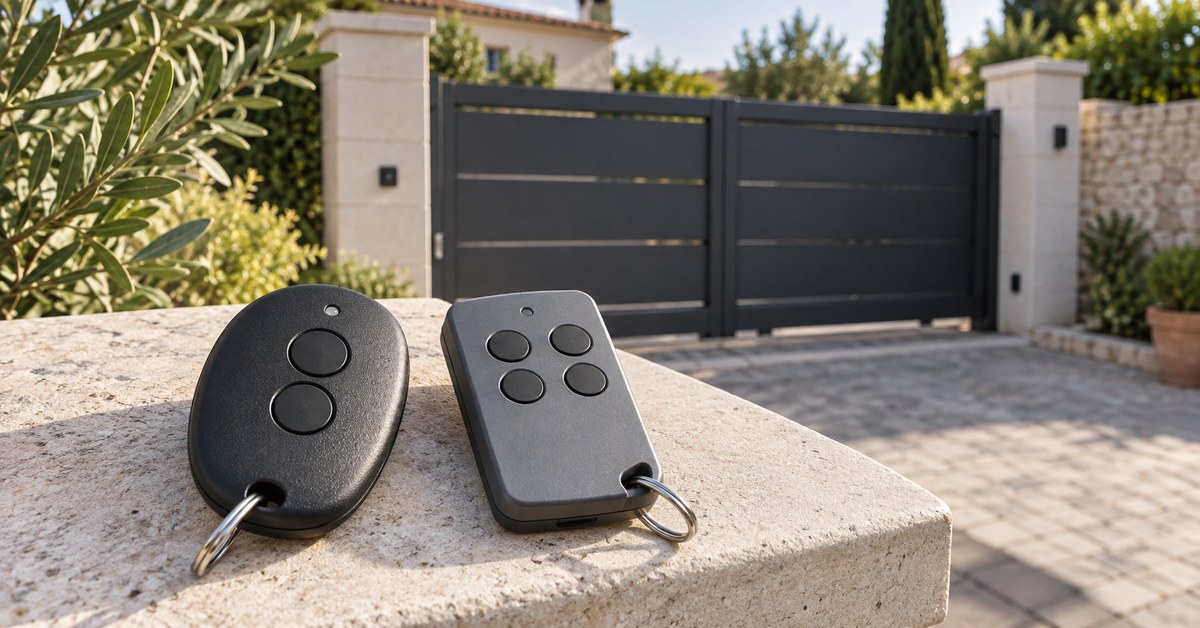
In short: you program a Berner remote either on the radio receiver of the operator, or by copying a button function from a remote that already works. With the current generation (BiSure radio system, for example on the GA203 and GA403) Berner says both ways are possible. Replacements come from specialist dealers: the model name is on the back of the remote.
A universal remote rarely helps: of the 22 Berner remotes in the 1Control catalogue, 1Control SOLO can copy only one, the SKX MD. For all the others, the way to your phone is SOLO with SOLO KIT, a small receiver wired to the push-button input of the operator. The steps below come from the official manuals of Berner, a German maker of door operators.
Which Berner remote do you have? BDS, BHS, SKX and 40 MHz
Berner lists every model used so far in its overview of Berner hand transmitters (in German, as of April 2022). The table sums it up and adds the result of the 1Control catalogue.
| Family | Models | Radio system according to Berner | With 1Control |
|---|---|---|---|
| BiSure | BDS120, BDS140, BDS150; new BDS210, BDS220, BDS240 | 868 MHz bi-directional, learning | Cannot be copied: SOLO + KIT |
| Blue-Line | BHS110, BHS121, BHS140, BHS153 | 868.3 MHz fixed code | Not in the catalogue: SOLO + KIT |
| Rolling code 868 | RCBE868/4, M868 | 868 MHz rolling code, taught in on the receiver | RCBE868 cannot be copied: SOLO + KIT |
| SKX | SKX1MD to SKX4MD | 433 MHz fixed code, coding switches | SKX MD: WHY and SOLO copy it |
| 40 MHz | SLX1MD to SLX4MD, B1S40L to B4S40L (S849), M140 | 40 MHz | Quartz remotes: QZERO |
| 27 MHz | SM1 to SM4, SM1MD to SM4MD | 27 MHz, coding switches | Quartz remotes: QZERO |
BiSure is Berner's own radio system, not Hörmann BiSecur: according to Berner, remotes from other manufacturers cannot control a Berner operator. The new BDS210, BDS220 and BDS240 and the BHS models are not in the 1Control catalogue. Check the exact model name in the compatibility checker for Berner.
Replace or copy a Berner remote: what is possible
Original replacement. Berner does not sell to private customers: you order a new remote from a specialist dealer, with the model name from the back of the old one. According to Berner, many systems from the last 30 years are still available. The overview names the replacements: BDS220 for the BDS120, BDS240 for the BDS140 and BDS150. For the 27 MHz remotes B1S27 to B4S27 you need a conversion set with a receiver and a remote.
Copy with 1Control. The SKX MD can be copied to 1Control WHY, a four-button remote, and to SOLO. The quartz remotes on 40 and 27 MHz are copied by 1Control QZERO: look for your model in the WHY and QZERO list. In both cases you need an original that works.
BDS and RCBE868. They cannot be copied over the air. This is why SOLO + KIT works through a cable: it works with any radio system and needs no Berner remote.
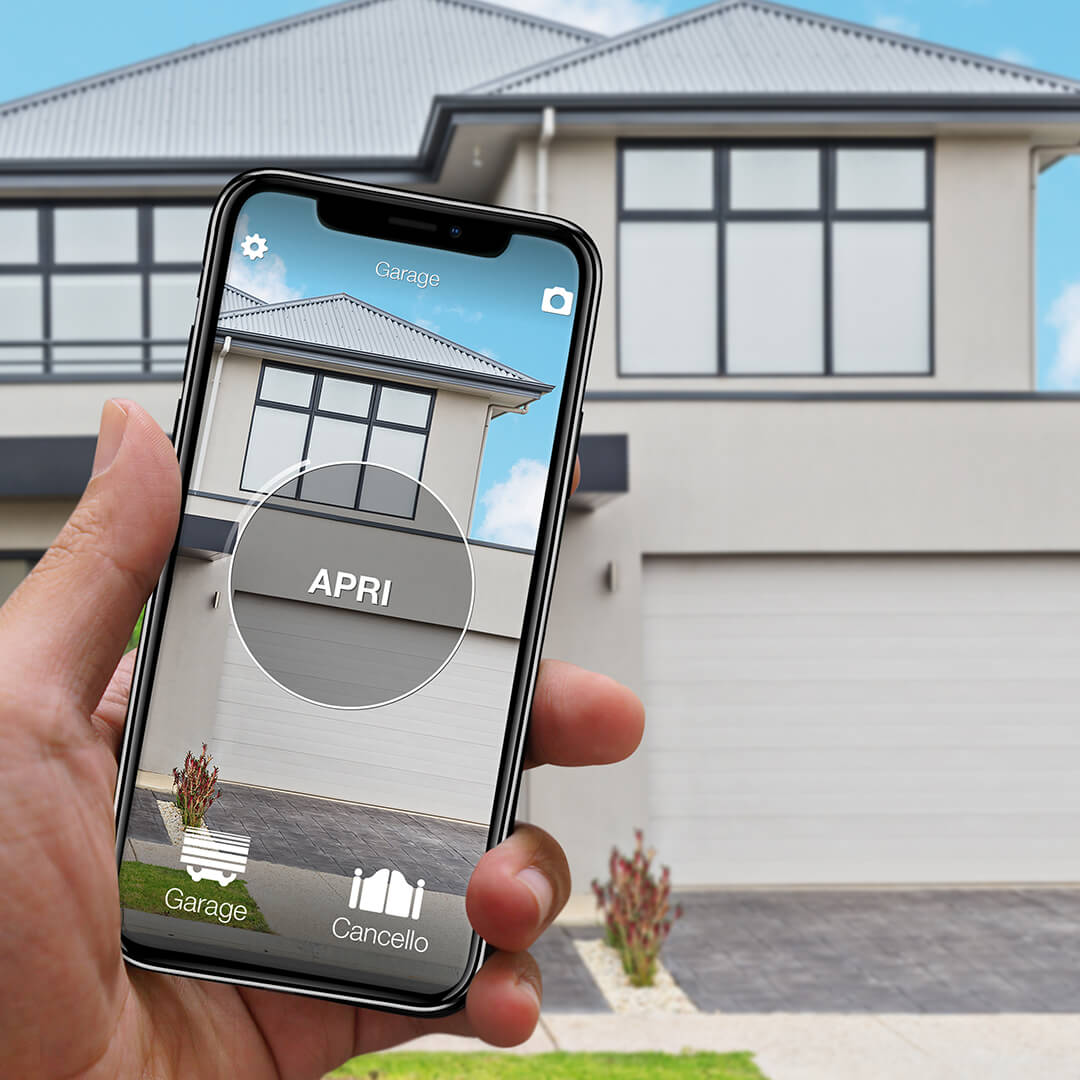
Remote not copyable? SOLO + KIT makes any gate smart
SOLO KIT wires to the push-button input of the motor and works with any automation: SOLO then opens from your phone even when the original remote cannot be copied. One-off purchase, no subscription.
139,00€ 99,00€ VAT included
- 1,500+ reviews on Amazon, Facebook and Trustpilot
- Secure payments
- 2-year warranty
Black Friday at 1Control: deals until 27/11. See the deals →
Program a Berner remote on the receiver: GA203 and GA403
The procedure is in the manual of the operator, not in the manual of the remote. For the GA203 and GA403 (MS550 control unit, plug-in radio receiver) it is in the English GA203/GA403 operating instructions (document 2904660, Rev. 1.2, section 7.1); the newer German edition (2907453, chapter 8.3.1) gives the same steps:
- Press the red TA3 button on the control unit: once for channel r1, twice for r2, three times for r3, four times for r4. The display shows the channel; five presses leave the menu without changes.
- Hold down the button you want to use on the remote for about 3 seconds.
- Release the button. When teach-in has worked, the display shows the door status again.
- Repeat for each additional remote.
Channel r1 is the start command, r2 is partial opening. The manual of the BDF140-1 receiver asks for at least 1 m between the remote and the receiver. Berner warns that the door may move: nobody should stand in its path.
The new GA205 to GA406 series follows the same logic (German manual 2909306, chapter 5.2.1). The general method, for every brand, is in our gate remote programming guide.
Copy from remote to remote: BDS140 and BHS140
Berner remotes that can learn take a button function from a remote that already works. For the four-channel BDS140 the steps are in the BDS140 operating instructions (Rev. 1.3, section 4.3). The new remote is the "learning transmitter", the old one the "master transmitter":
- On the new remote, briefly press the upper and the lower button together. The LED lights up.
- Within 4 seconds, press and hold the button you want to use on the new remote.
- Place the master with its front side facing the new remote, about 50 mm away.
- On the master, press and hold the button with the function to copy. When copying is done, the LED flashes for 5 seconds and goes out. If it does not flash, release the master button and press it again.
- Release both buttons.
On the fixed code BHS140 the start is different: instead of the two buttons, you briefly push the reset button on the back with a pointed tool, and the distance is about 5 mm (BHS140 operating instructions, Rev. 1.3). The BHS153 and BHS157 cannot learn: they can only be taught in on the receiver.
Lost Berner remote: clear the memory
A lost remote keeps opening the door as long as it stays in the memory. On the GA203 you cannot clear one remote, only all of them (section 7.3 of the same manual): hold down TA3 for about 10 seconds. After about 2 seconds a countdown starts from 8; at the end the display shows "de" and all channels are cleared. If you release the button earlier, nothing is cleared. Then you teach in the remotes that should stay.
If your only remote is missing, there is nothing to copy: you need a new original, taught in on the receiver, or SOLO + KIT.
Open a Berner garage door with your phone: SOLO + KIT
SOLO KIT is a 433 MHz receiver with its own remote; the cables are in the box. The receiver is connected to the push-button input of the operator (START, step-by-step), like one more push button: for the operator, every signal from the KIT is a press of the wall button. The terminals are shown in the manual of your operator. You can do the connection yourself; work on the 230 V side is a job for an installer.
1Control SOLO then copies the remote of the KIT, not the Berner one. You open from the 1Control app over Bluetooth, from nearby, and the existing remotes keep working. You share access with family or guests for free, also with time slots.
To open from far away, for Alexa and Google Home and for notifications you add LINK: it talks to SOLO over Bluetooth and reaches the Internet over 2.4 GHz Wi-Fi or Ethernet, with no SIM card. Berner has its own app for the new series with Bluetooth (GA205 to GA406): the comparison is in open a Berner garage door with your phone.
Remote not responding: battery, range, memory full
- Battery. If the LED stays off when you press a button, the instructions say to change the battery. The BDS140 and BDS150 take one 1.5 V AAA cell, the BDS120 and BHS140 a CR2032. How to change it: remote battery replacement.
- LED flashes quickly for 5 seconds (BiSure). The signal was sent, but the receiver is out of range or the button has not been taught in.
- Memory full. On the GA203, the channel indication (r1 to r4) flashes during teach-in when there is no free place left.
- The operator runs, the door stands still. Berner says to check whether the operator is released.
Frequently asked questions
How do I program a Berner remote control?
On the radio receiver of the operator, or by copying a remote that works. On the GA203 and GA403 you choose the channel with the red TA3 button and hold down the button of the remote for about 3 seconds.
Can a Berner remote be copied?
From Berner to Berner yes, with learning models such as the BDS140 and BHS140. A universal remote can only copy the SKX MD (WHY and SOLO) and the old quartz remotes on 40 and 27 MHz (QZERO). The BDS120, BDS140, BDS150 and RCBE868 cannot be copied.
Where can I buy a replacement Berner remote?
From a specialist dealer, with the model name printed on the back of the remote: Berner does not sell to private customers.
Does a Hörmann remote work with a Berner operator?
No. According to Berner, remotes from other manufacturers cannot control a Berner operator. Berner BiSure and Hörmann BiSecur are different systems.
How do I open a Berner garage door with my phone?
With SOLO + KIT: the KIT receiver is connected to the push-button input of the operator, SOLO copies the remote of the KIT and opens from the 1Control app over Bluetooth. With an SKX MD, SOLO alone is enough.
The bottom line
You program a Berner remote on the receiver or copy it from one that works. If you do not want to buy more remotes, start with the compatibility checker: with an SKX MD, SOLO is enough; for every other Berner remote, SOLO + KIT is the way to your phone.