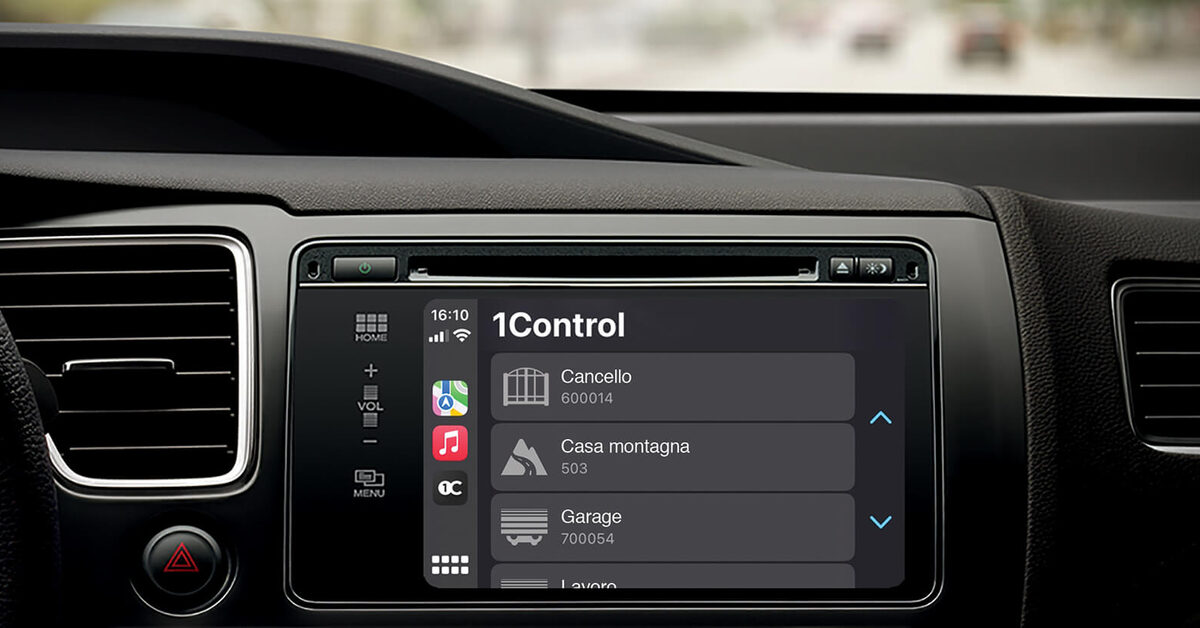
In short: HomeLink is the remote control built into the car, made by Gentex. It learns the code of your original remote and then opens the gate or garage door from buttons in the mirror, the overhead console or the display. Whether it works depends on the remote, the frequency and the year of the car. If your car has no HomeLink, or your remote is not on the list, the alternative is 1Control SOLO AUTO: a small transmitter that stays in the car and opens the gate from CarPlay or Android Auto.
The HomeLink information comes from the instructions of HomeLink and Tesla (10 November 2026).
What is HomeLink? The remote built into the car
HomeLink is a radio transmitter fitted in the car at the factory. Its FAQ describes it as a gate and garage door opener integrated into the interior, operating up to three systems: garage door, gate or radio-controlled lighting.
The principle: during programming you hold the original remote close to the HomeLink buttons, the car stores the signal, and from then on the button in the car sends the same command.
HomeLink is equipment supplied by the car maker, usually as an option. The vehicle list on homelink.com for Europe includes Audi, BMW, Mercedes-Benz, Volkswagen, Porsche, Volvo, Renault and Tesla, among others.
Classic HomeLink is a transmitter and nothing more: it opens when you press the button in the car. For new vehicles Gentex also presents a "Next Generation HomeLink" with an app and buttons inside CarPlay or Android Auto. Ask your car maker whether your car has it.
How to program HomeLink for a gate or garage door
These steps come from HomeLink's "General Programming Instructions" for Europe, last updated on 18 May 2026 (HomeLink PDF). They apply to cars with three HomeLink buttons. The controls differ between makers and models: the reference is your vehicle manual.
Before you start: park outside the range of the gate (it will move), ignition on, engine off, new battery in the original remote.
- Press the HomeLink button you want to program, briefly or holding it, until the indicator lamp flashes slowly.
- Hold the remote 5 to 30 cm below the HomeLink buttons and keep its button pressed. Solid lamp: complete. Flashing lamp: one step is missing.
- Press the programmed HomeLink button for 1 to 2 seconds, release it for 1 to 3 seconds, three times in total. With a fixed code the gate now moves.
- If it does not move and the lamp flashes rapidly, you have a rolling code: synchronisation is missing.
Synchronising the rolling code
- Press the learn button on the motor or receiver. Depending on the brand it is called "Learn", "Program" or "Smart".
- Return to the car within 30 seconds. Press the programmed HomeLink button for 1 to 3 seconds, release, and repeat twice more.
Some motors allow less time (see the motor manual). For Hörmann BiSecur, HomeLink asks for one single press of 8 seconds.
To clear the buttons, hold the two outer buttons until the lamp flashes rapidly. Do this before you sell the car.
No HomeLink? The car screen remains: SOLO AUTO with CarPlay or Android Auto.
Open your gate from CarPlay and Android Auto
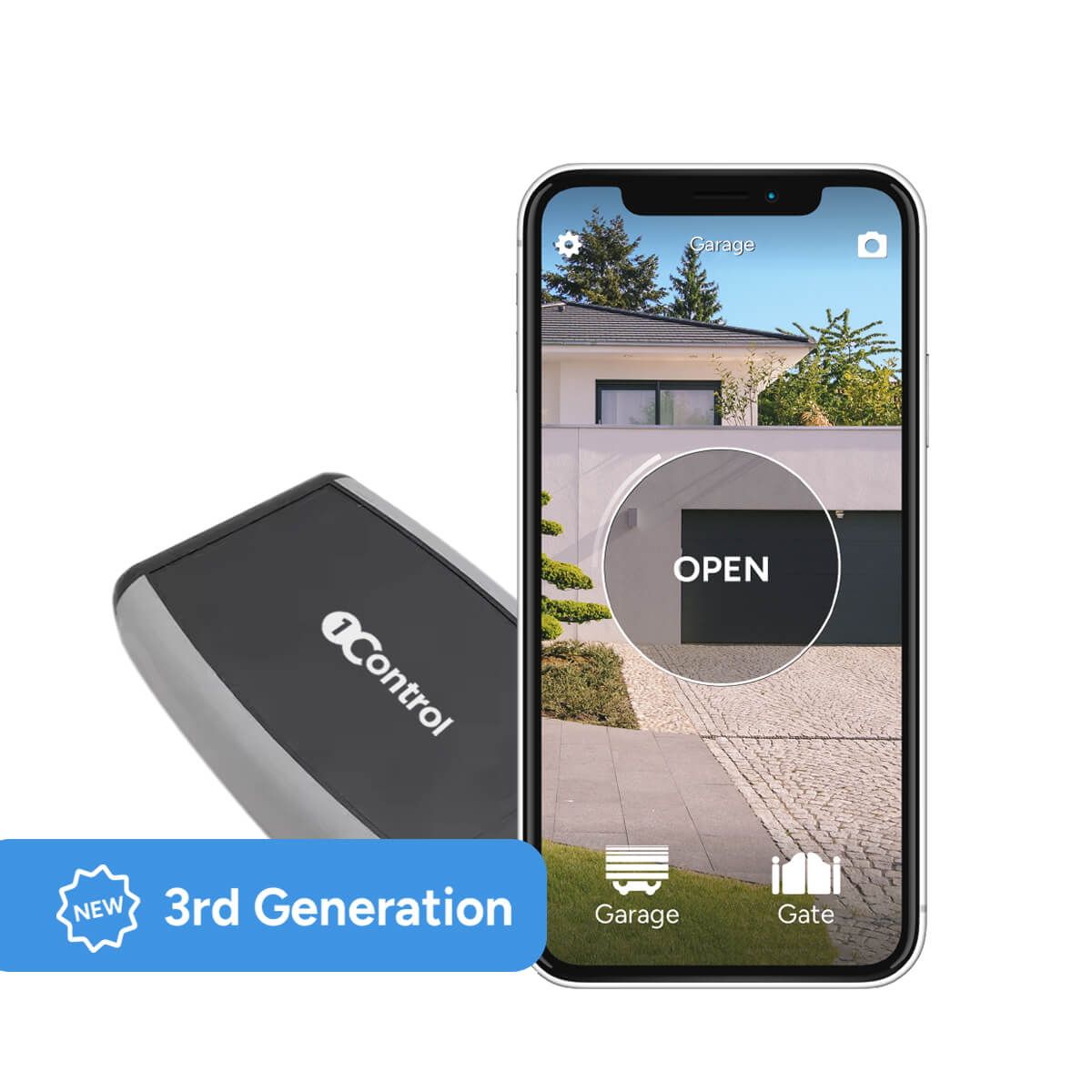
With 1Control SOLO AUTO you control your gate right from the car display, one-off purchase, no subscription.
159,00€ 129,00€ VAT included
- 1,500+ reviews on Amazon, Facebook and Trustpilot
- Secure payments
- 2-year warranty
Black Friday at 1Control: deals until 27/11. See the deals →
HomeLink compatibility: fixed code, rolling code and frequencies
HomeLink states that it learns both fixed codes and rolling codes. Three things decide whether it works with your gate.
The frequency. HomeLink 5 modules transmit only on the high band, 433 and 868 MHz. The old 27, 30 and 40 MHz frequencies are no longer supported.
The learn button. With a rolling code the receiver has to learn HomeLink as a new remote, so you must press the learn button on the motor. Without access to the motor, as in a shared car park, you are stuck.
The list for your car. On homelink.com you choose the make, model and year of the car, then the manufacturer of the remote. The list is specific to that car: on 10 November 2026 the Hörmann BiSecur remotes are listed for a 2025 BMW 5 Series but not for a 2021 Mercedes E-Class.
| Manufacturer | On the list (example: BMW 5 Series, 2025) | HomeLink note |
|---|---|---|
| Hörmann | HS…-868 with blue buttons, RS…-433, BiSecur HS…-868-BS | BiSecur: one 8-second press |
| Sommer | TX02, TX03, Pearl, Slider+, Telecody+ | SOMloq2: needs the SOMMER HomeLink Radio Receiver Module and D-Mode |
| Marantec | Digital 211 to 392 (fixed code, 433 and 868 MHz) | – |
| Nice, Came | Nice Flo and Very VE, Came TOP 432 / 434 (fixed code) | newer series are not listed |
| FAAC | TM 433 DS, TM 433 ESL and others on 433.92 MHz | SLH on 868 MHz is not listed |
If your remote is not on the list
HomeLink points to its Universal Receiver ("Add Compatibility" page): an additional water-resistant receiver, connected to the push-button input of the motor and to a mains socket, and programmed in UR-Mode. The wiring is a job for an installer.
Tesla HomeLink: programming on the touchscreen
If your Tesla has no HomeLink, check on the Tesla website of your country or in the app whether it is available as an accessory, and on what terms.
Programming is done on the touchscreen. Tesla describes it in the document "Programming Smart Garage Doors":
- Park with the front bumper in front of the gate.
- Touch the HomeLink icon at the top of the touchscreen, then "Create HomeLink".
- Enter a name, choose the mode (Standard, D-Mode or UR-Mode), touch "Start" and follow the instructions.
On a Tesla you point the remote at the front bumper. According to the HomeLink instructions for Tesla, you aim at the Tesla badge and hold the button until the headlights flash. At the "Train the receiver" step you have about 30 seconds after pressing the learn button. Tesla says several attempts may be needed.
The car then remembers the location: when you approach a saved gate, the HomeLink control appears on the touchscreen.
On the homelink.com list, on 10 November 2026, the Hörmann BiSecur remotes do not appear for Model 3 (2023) or Model Y (2025), although the instructions for Tesla describe that step. Ask HomeLink to confirm.
HomeLink on Audi, BMW, Mercedes and Volkswagen: what changes
The technology is the same, the controls are not. Besides the three buttons, HomeLink describes two other cases:
- Touch display only (HomeLink names Audi, Bentley, Lamborghini, Porsche and VW): in the vehicle settings choose the garage door opener, touch a free "+" and follow the messages.
- In front of the car: on some Audi, Porsche, Bentley and Lamborghini models you hold the remote 5 to 30 cm from the front bumper. Three flashes of the hazard lights mean the signal was learned.
Which case applies to your Audi, BMW, Mercedes or Volkswagen is written in the vehicle manual. On homelink.com, always choose make, model and year first.
HomeLink not working: the most common causes
- The lamp flashes rapidly and the gate stays closed. A rolling code was detected but not synchronised: press the learn button on the motor and repeat the synchronisation.
- The range is shorter than with the remote. HomeLink gives two causes: interference near the car, or a weak battery in the original remote during programming. Change the battery and program again.
- Old gate, new car. Remotes on 27, 30 or 40 MHz cannot be programmed on HomeLink 5.
- The remote is not on the list. The Universal Receiver remains, or HomeLink support ("Support" section of the site).
No HomeLink, or not compatible: open from CarPlay and Android Auto
If HomeLink works with your motor, it is the most convenient solution: already in the car, no battery, no phone.
SOLO AUTO: the transmitter that travels with you
1Control SOLO AUTO stays in the car, on the windscreen or in the glove box. You copy your working remote once from the 1Control app. The gate then appears as a button in Apple CarPlay and Android Auto: the phone talks to SOLO AUTO over Bluetooth, and SOLO AUTO transmits to the gate by radio. The guide: open your gate with CarPlay.
- Up to 6 automations: garage, home gate, office barrier.
- No cable: it runs on AA batteries.
- If you change car, it comes with you.
The limits: SOLO AUTO is not waterproof and stays inside the car. It does not work with LINK, so there is no remote opening, no Alexa and no Google Home. It does not open by itself when you arrive: you touch the button.
The SOLO AUTO compatibility checker tells you whether your remote can be copied. For remotes that cannot be copied by radio there is SOLO KIT: a receiver wired to the push-button input of the motor.
SOLO near the gate: for the whole family
1Control SOLO stays near the gate. Everyone at home opens from the app over Bluetooth, with free shared access, also on a schedule. For CarPlay, Android Auto and opening from a distance this version also needs LINK (2.4 GHz Wi-Fi or Ethernet). See how to open a gate with a smartphone.
HomeLink, SOLO AUTO or the original remote: comparison
| HomeLink | SOLO AUTO with CarPlay / Android Auto | Original remote | |
|---|---|---|---|
| What you need | a car with HomeLink, a compatible remote and, with rolling code, access to the learn button | SOLO AUTO, a phone with the 1Control app, a working remote to copy | nothing else |
| Where it works | in that car only | in any car where you bring the device and the phone | anywhere within radio range |
| How many gates | up to 3 | up to 6 | depends on the buttons |
| If you change car | stays in the old car: clear the buttons and program the new one | comes with you | comes with you |
Frequently asked questions
Which gate and garage door motors are compatible with HomeLink?
It depends on the remote and on the car. On homelink.com you choose the car, then the manufacturer of the remote. Remotes on 27, 30 or 40 MHz are no longer supported by HomeLink 5.
Can HomeLink be retrofitted?
HomeLink is equipment supplied by the car maker: ask your dealer whether it can be added. For a Tesla, check availability as an accessory on the Tesla website of your country or in the app. Without any fitting there is SOLO AUTO, which opens from CarPlay or Android Auto.
HomeLink is not working: what should I do?
If the lamp flashes rapidly, the rolling code is not synchronised: press the learn button on the motor and, within 30 seconds, press the HomeLink button three times. Poor range? Change the battery of the original remote and program again.
Does HomeLink work with rolling code remotes?
Yes, but the receiver must then learn HomeLink as a new remote: you need access to the learn button on the motor.
What is the alternative if the car has no HomeLink?
1Control SOLO AUTO: it stays in the car, copies the remote and shows up to 6 gates in CarPlay and Android Auto. It does not open from a distance.
The bottom line
HomeLink is the right choice if your car has it and your remote is on the list for that car on homelink.com.
If the remote is not listed, or the car has no HomeLink, check the remote in the SOLO AUTO compatibility checker.