To delete a share, follow this guide:
Select settings by pressing the wheel at the top right. 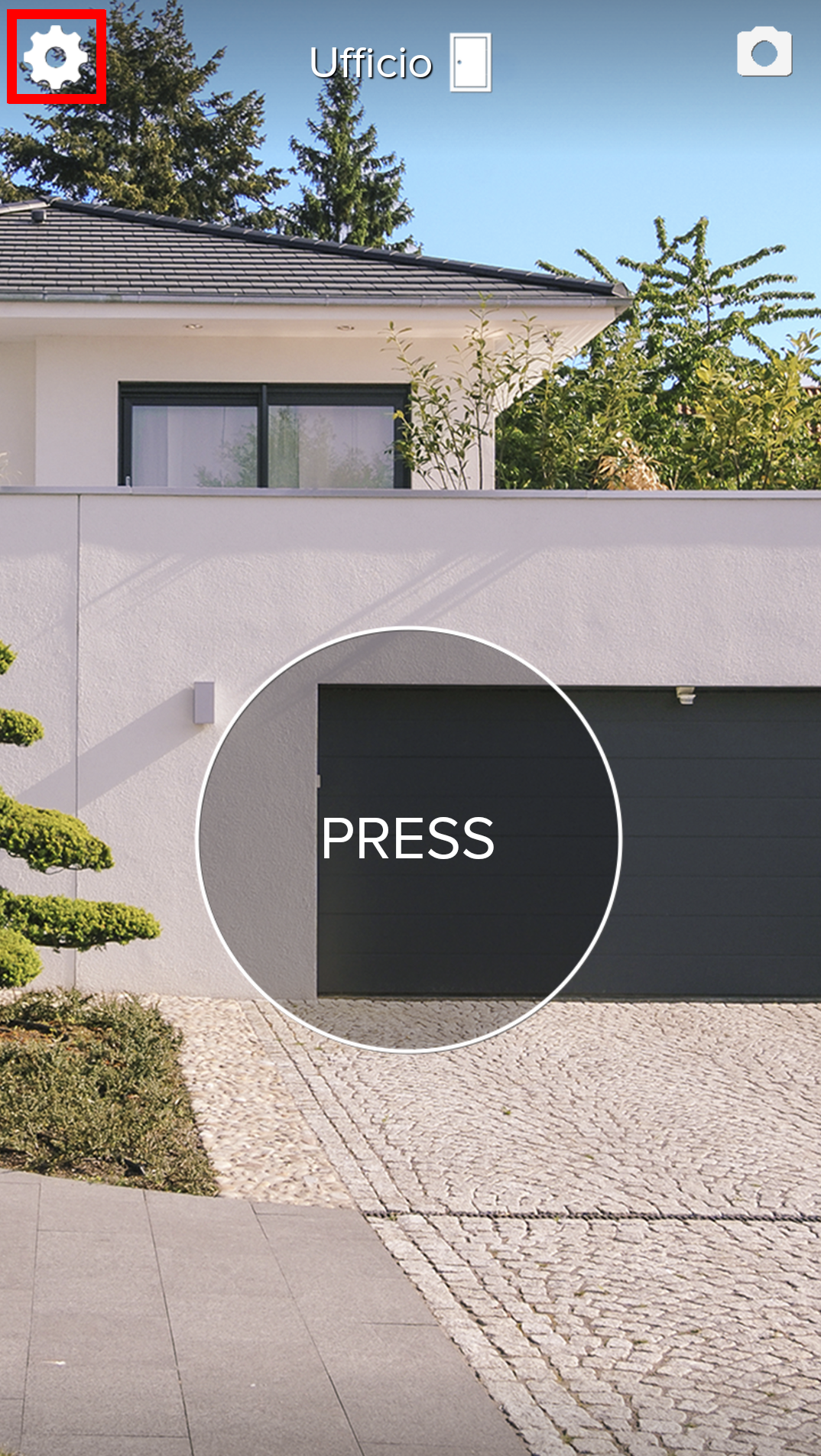
Select Shares.
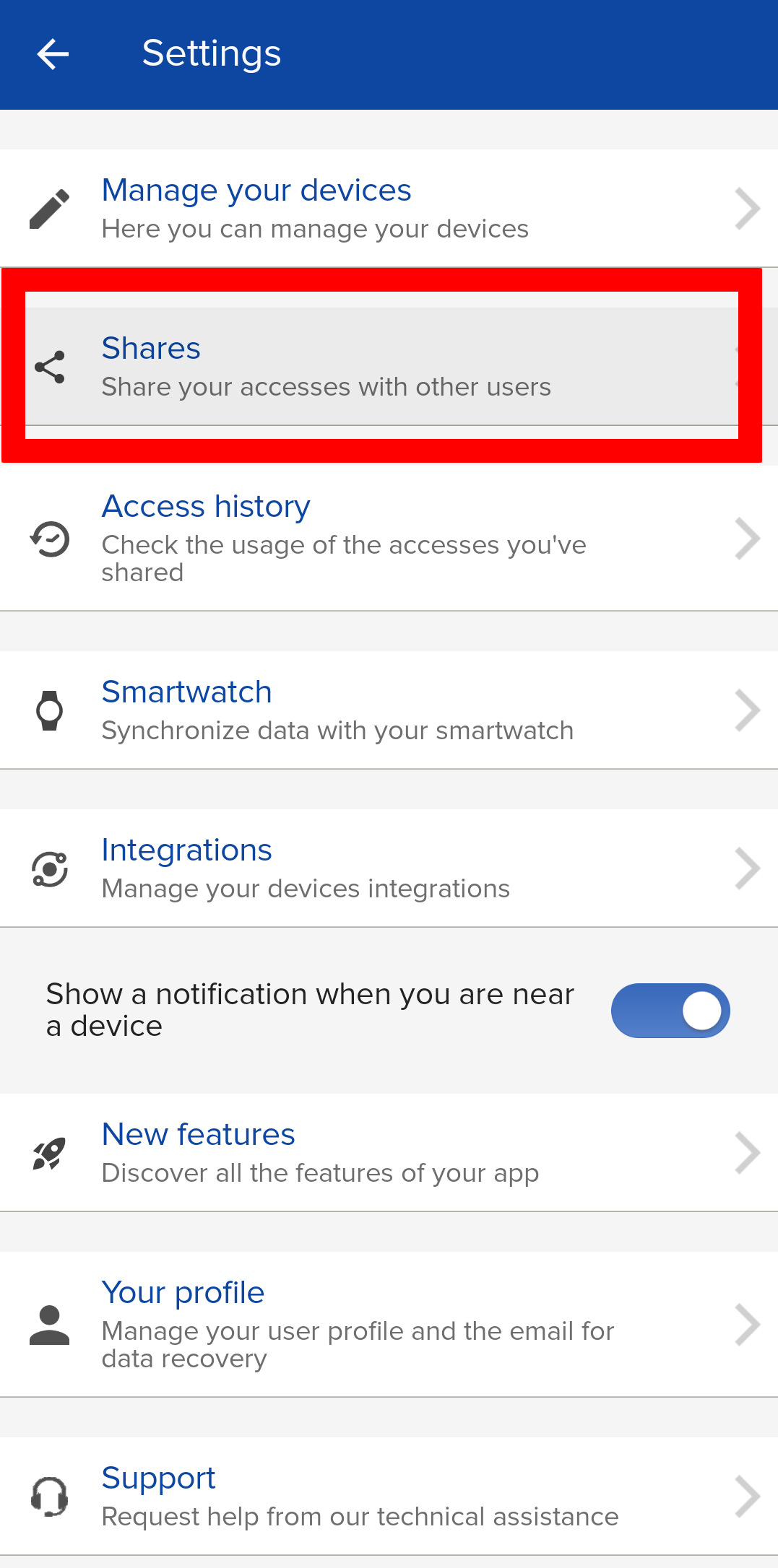
Select ONLY.
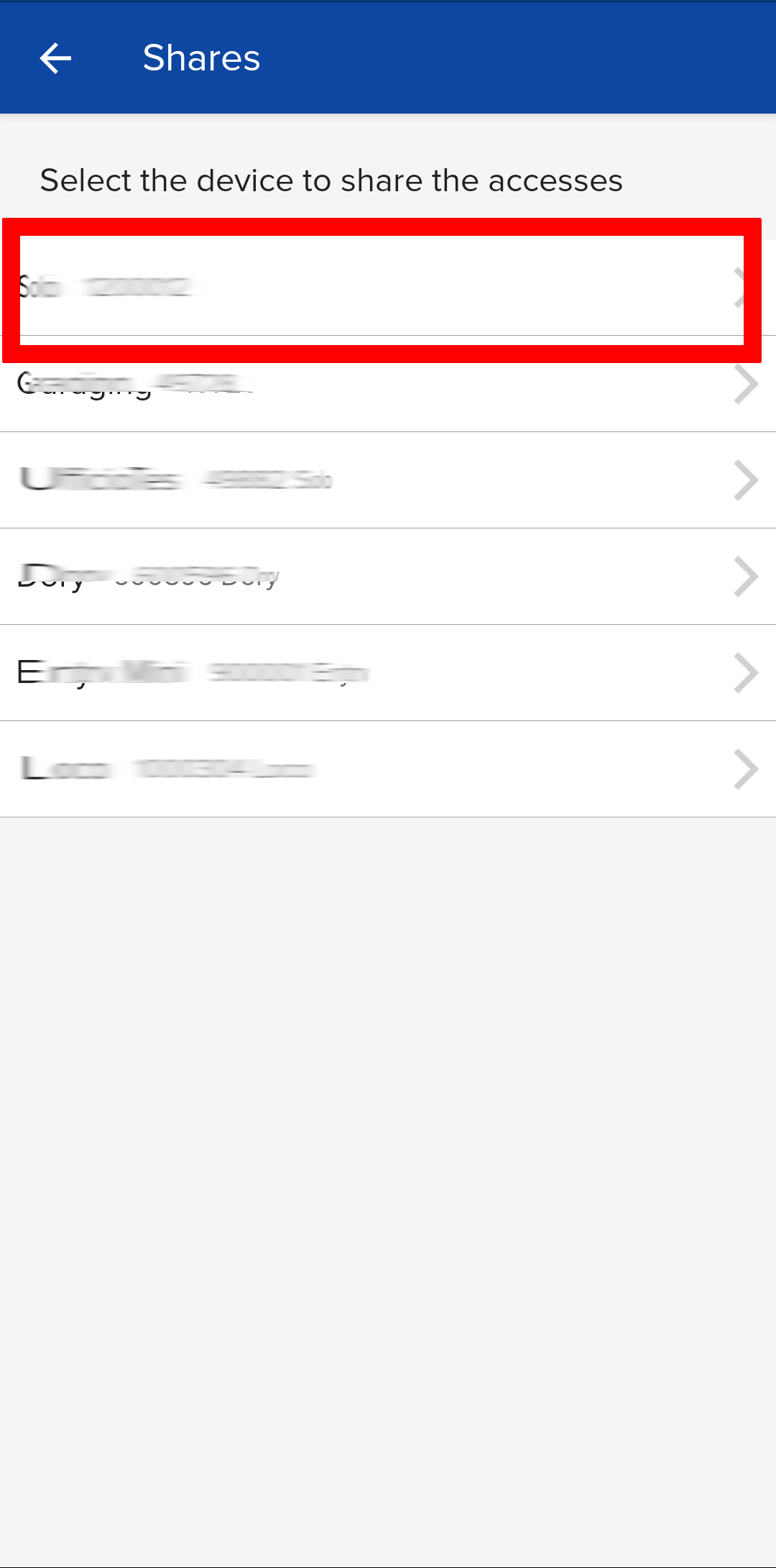
Select the share you want to delete.
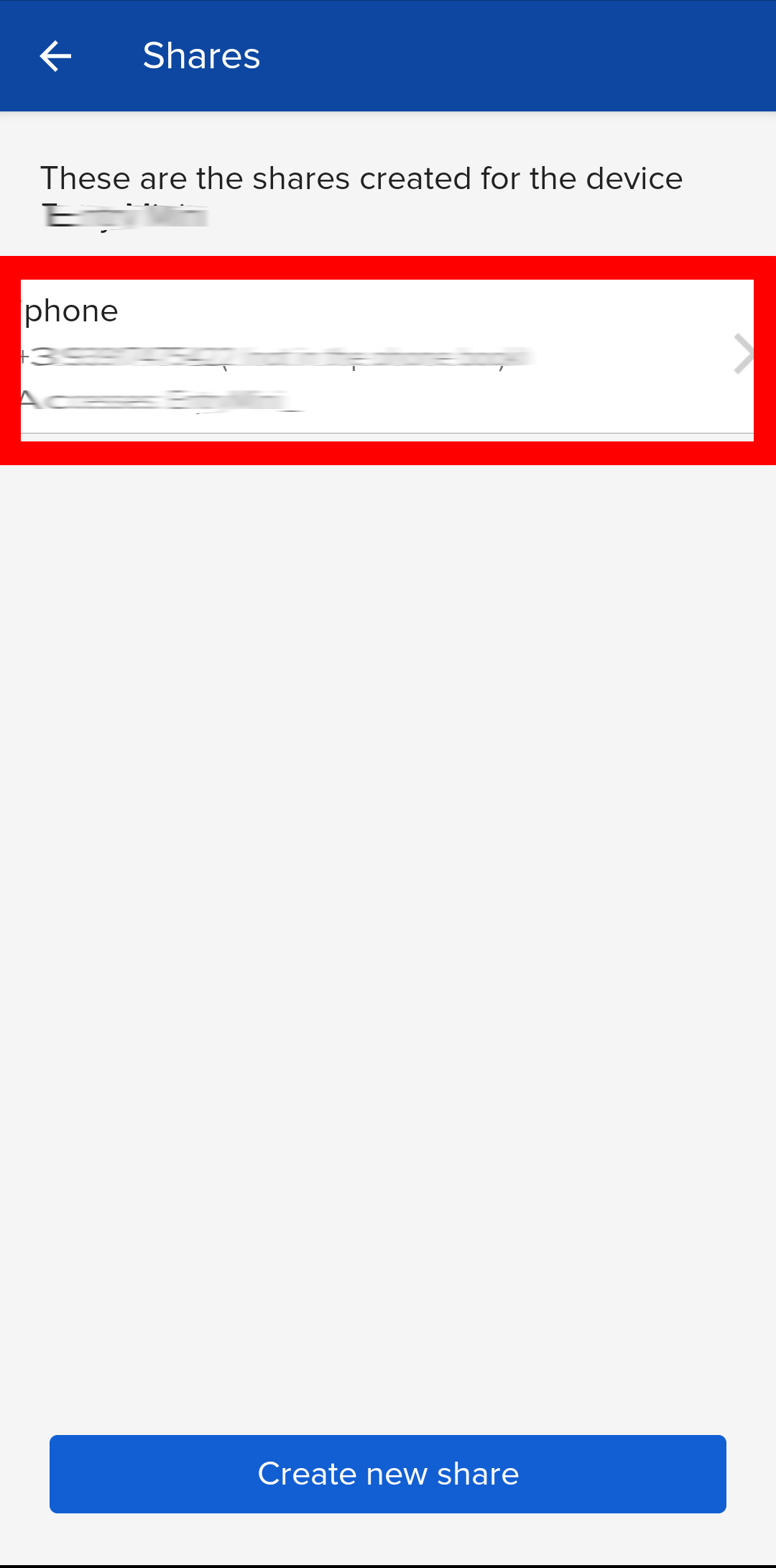
Press the three dots at the top right.
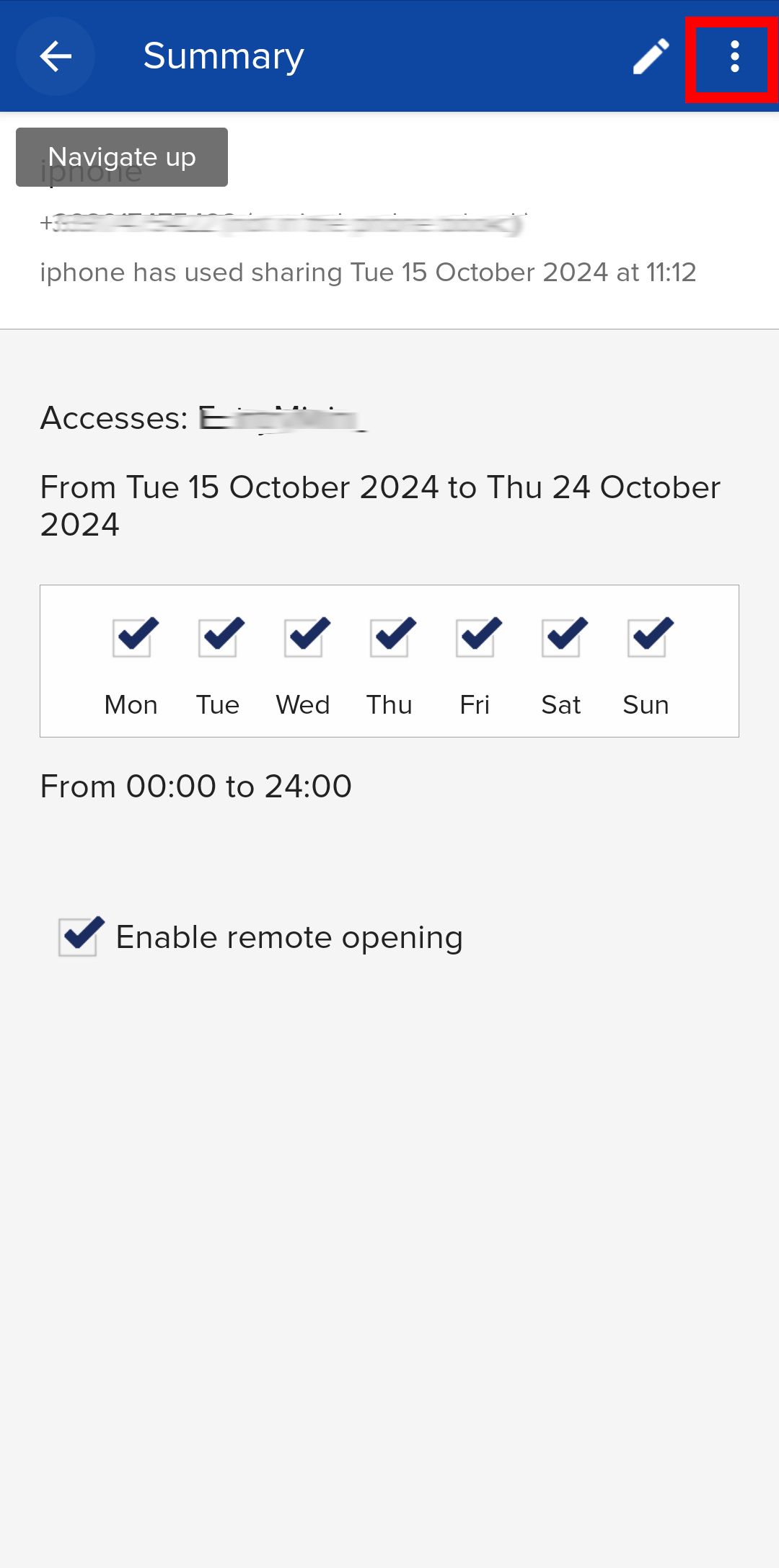
Press Delete.
To delete a share, follow this guide:
Select settings by pressing the wheel at the top right.
Select Shares.
Select ONLY.
Select the share you want to delete.
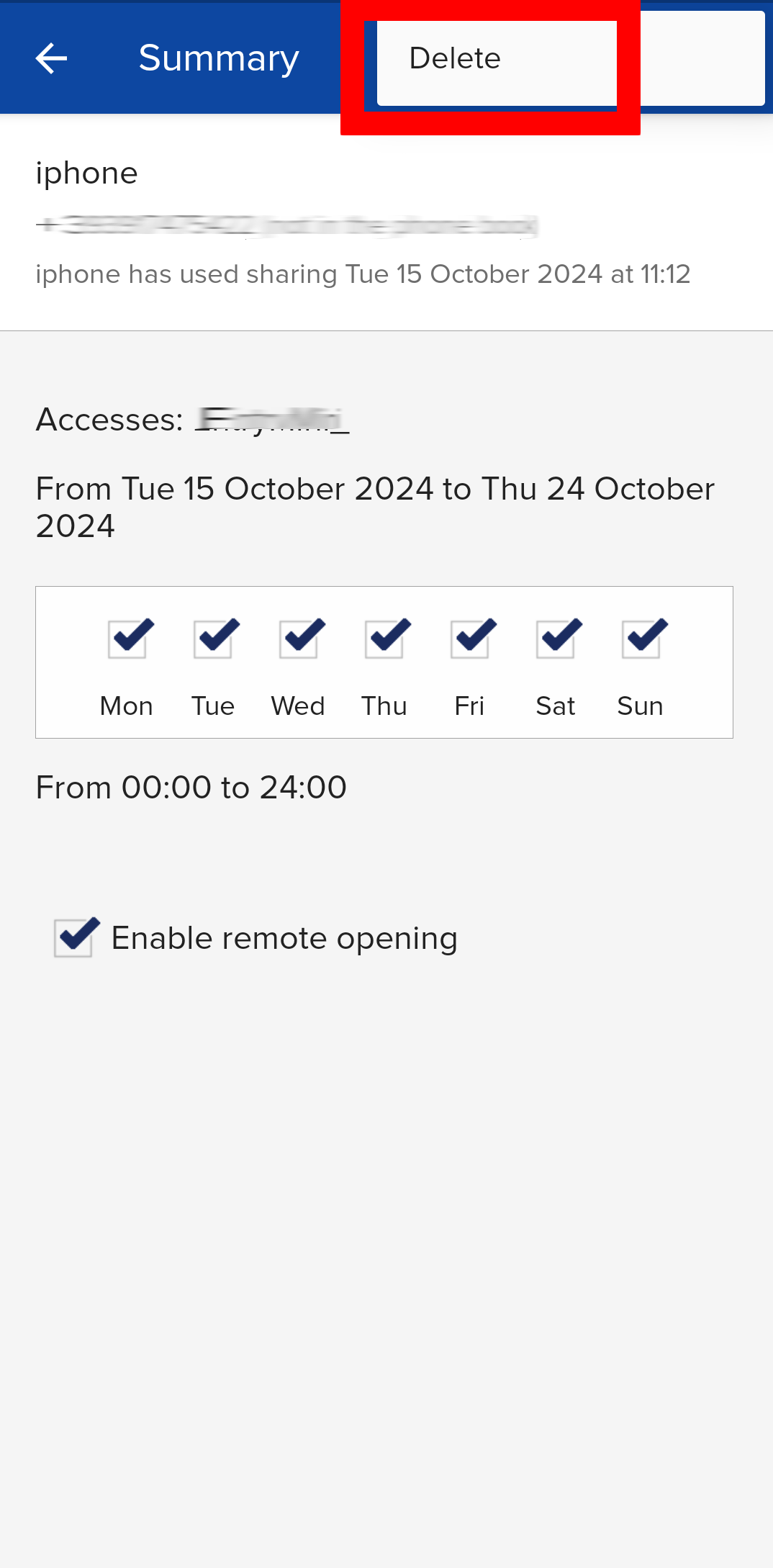
Press the three dots at the top right.
Press Delete.
Was this guide helpful?
Thanks for your feedback!
This guide in other languages: Italiano Deutsch Français Español