You can purchase additional users or additional accesses for your device directly from the "1Control" app. Here is the procedure to follow:
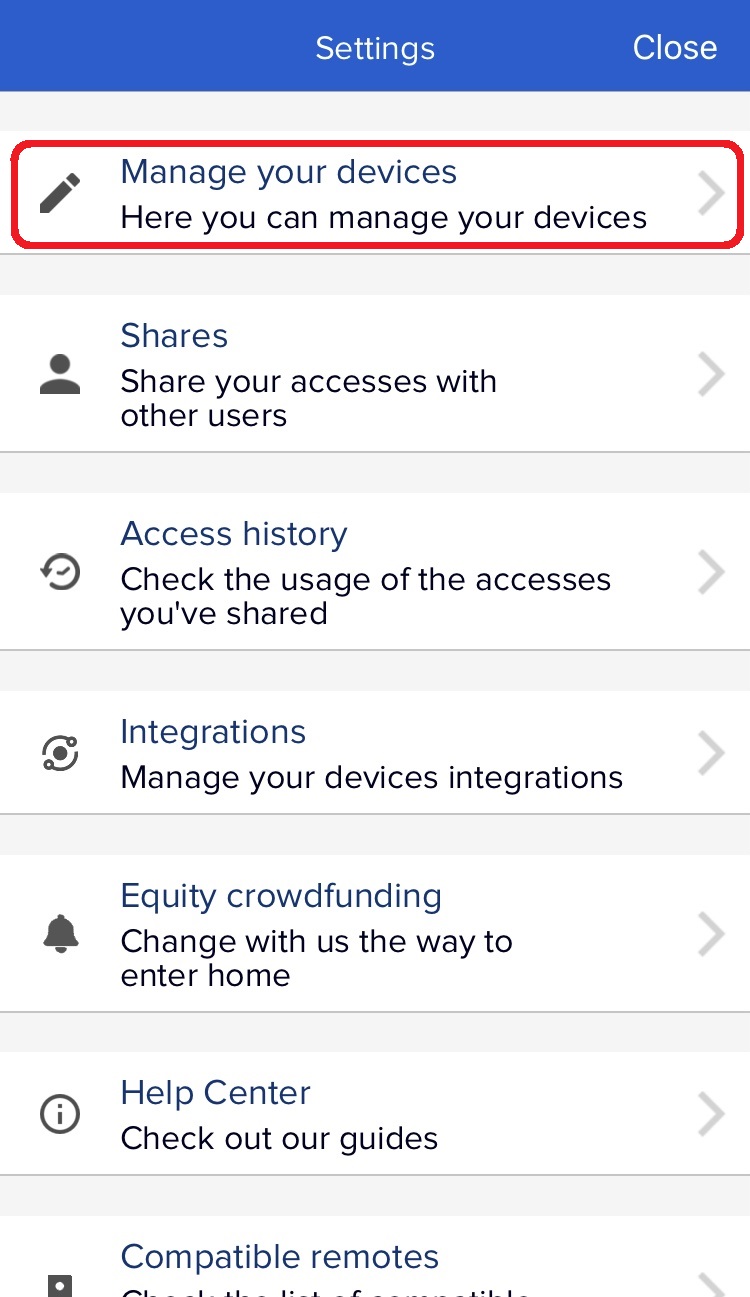
- Open the settings (by clicking the gear on the top left of the app's main screen)
- Go to "Manage your devices"
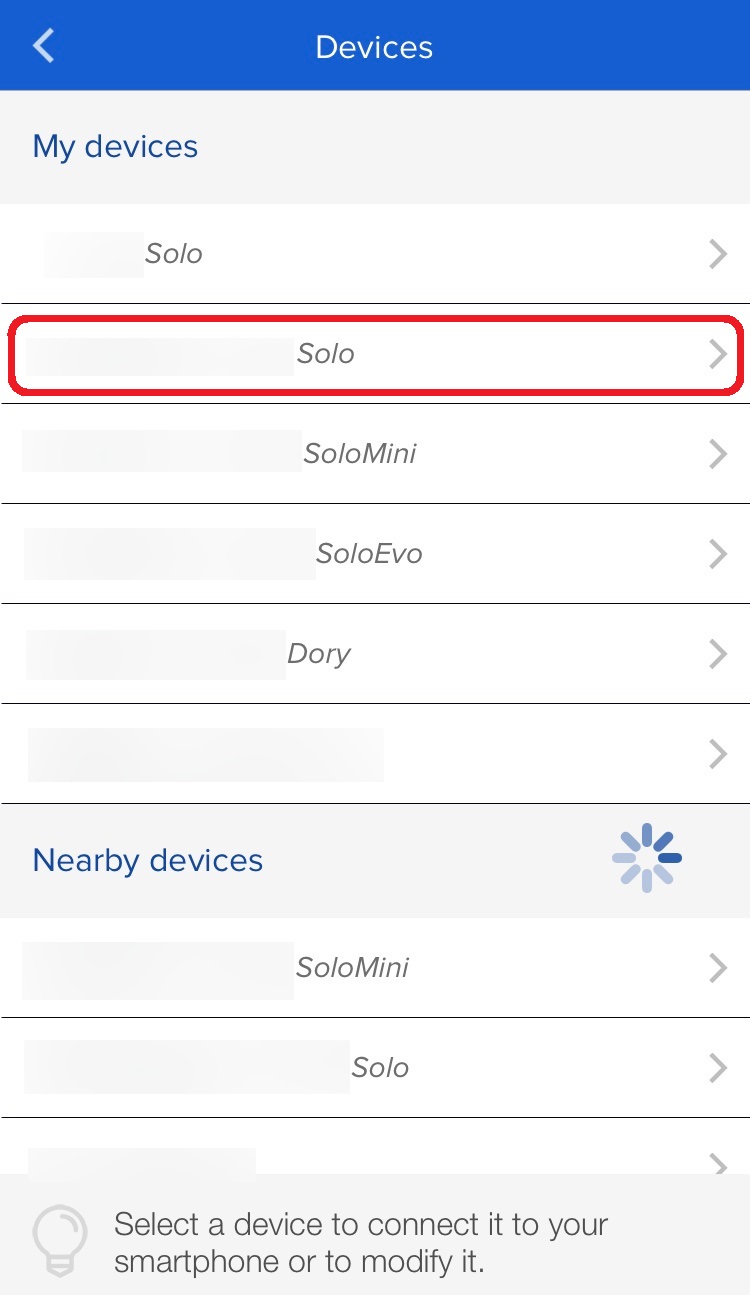
- Select the SOLO you want to add users / channels to
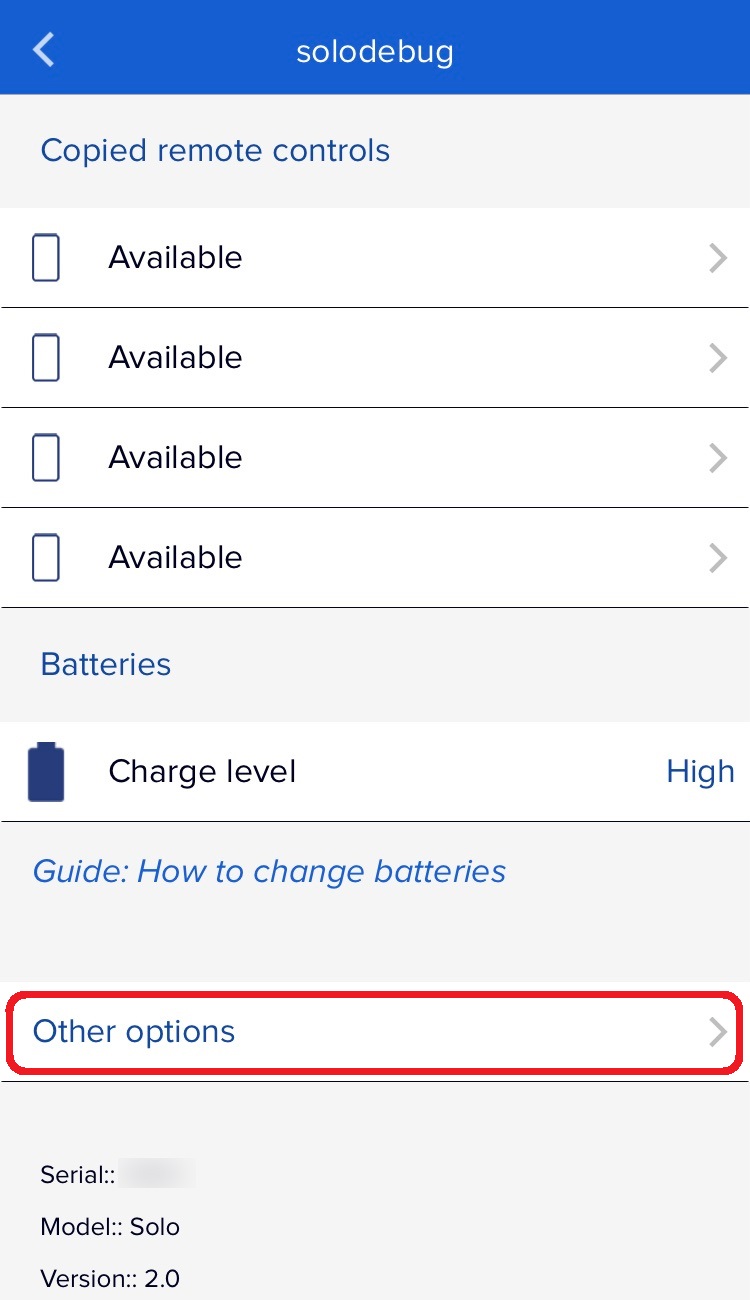
- Go to "More options"
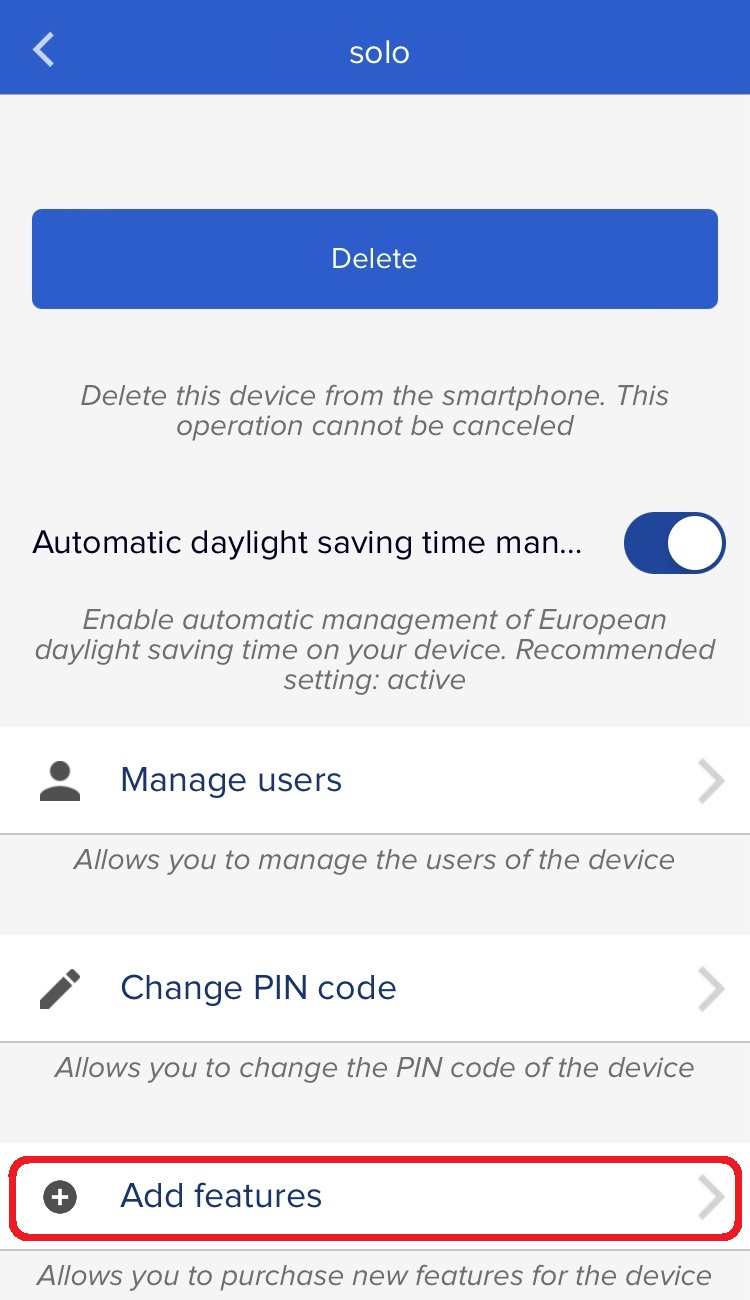
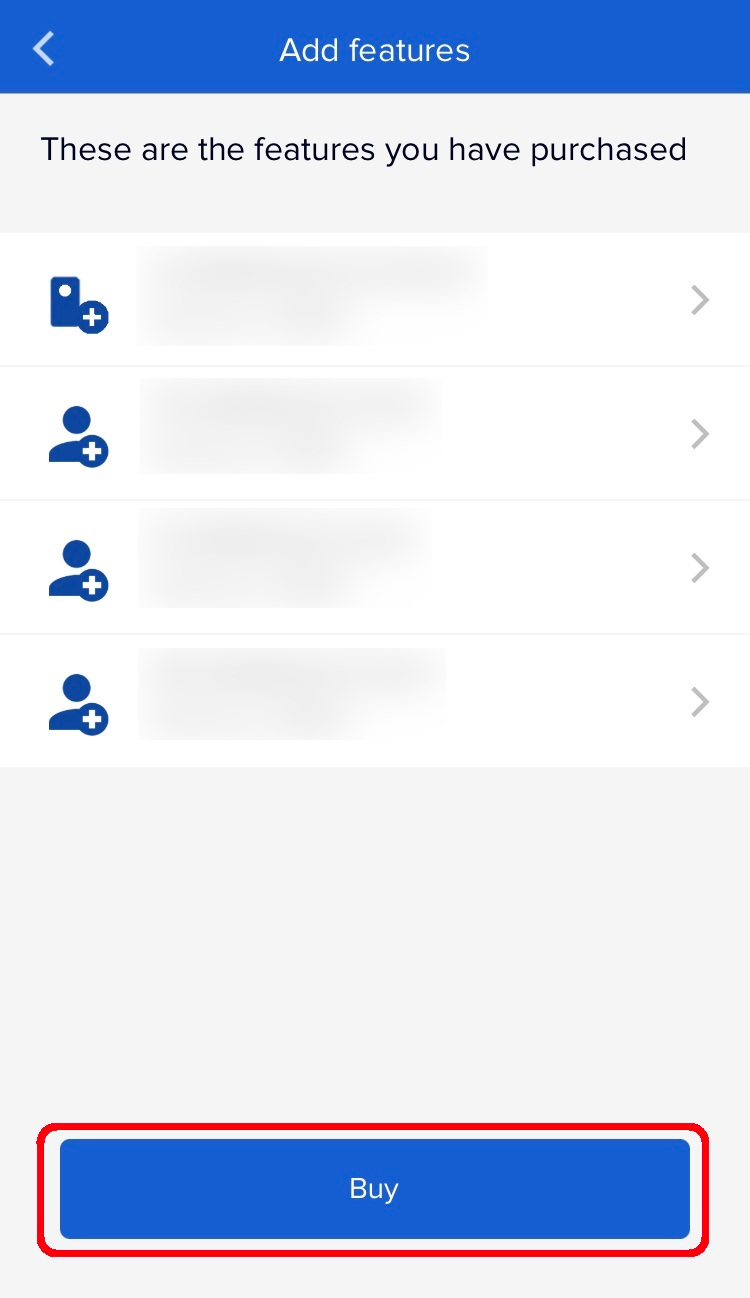
- At the bottom click on "Add features"
- Add the desired items to the cart and follow the indicated procedure
- Finally, go near the device and select "Add functionality" again to update the number of users / channels of your SOLO
Attention: the maximum number of accesses available for a single SOLO device is 4