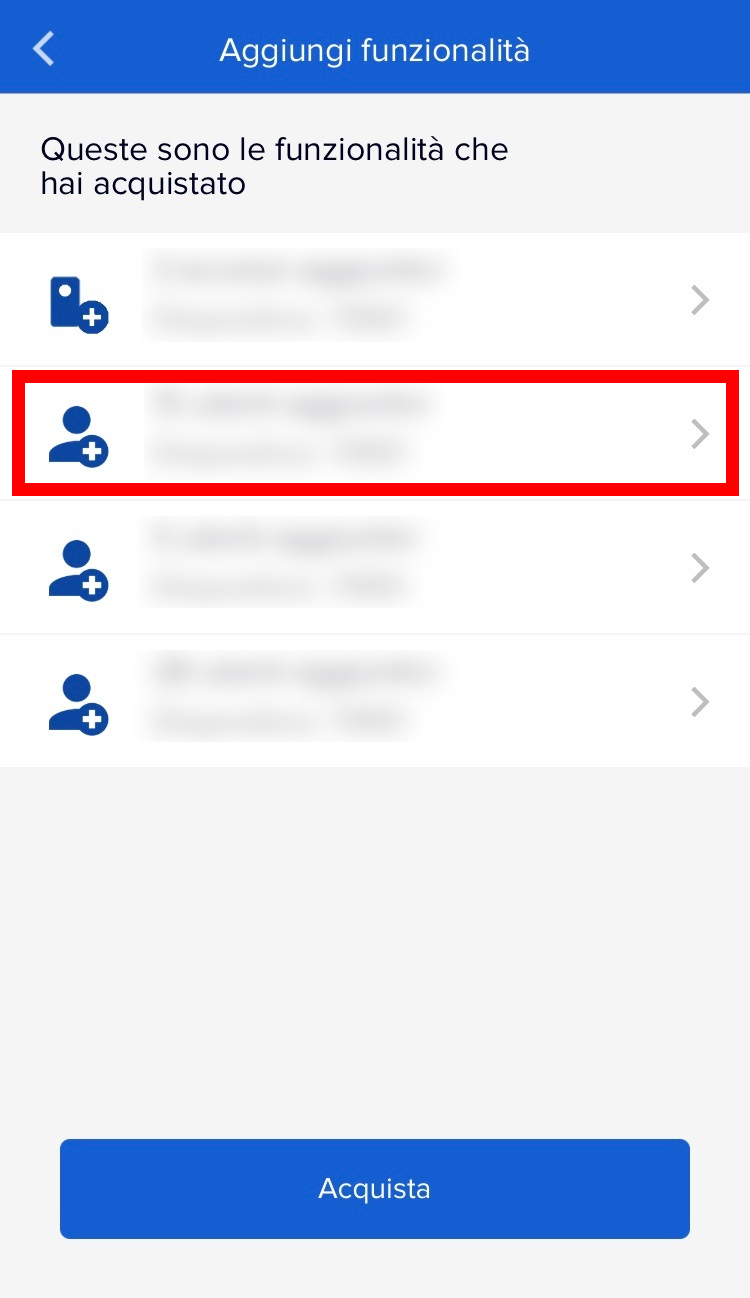
To activate additional users, you must follow these instructions:
- Move closer to your 1Control device
- Open the 1Control app
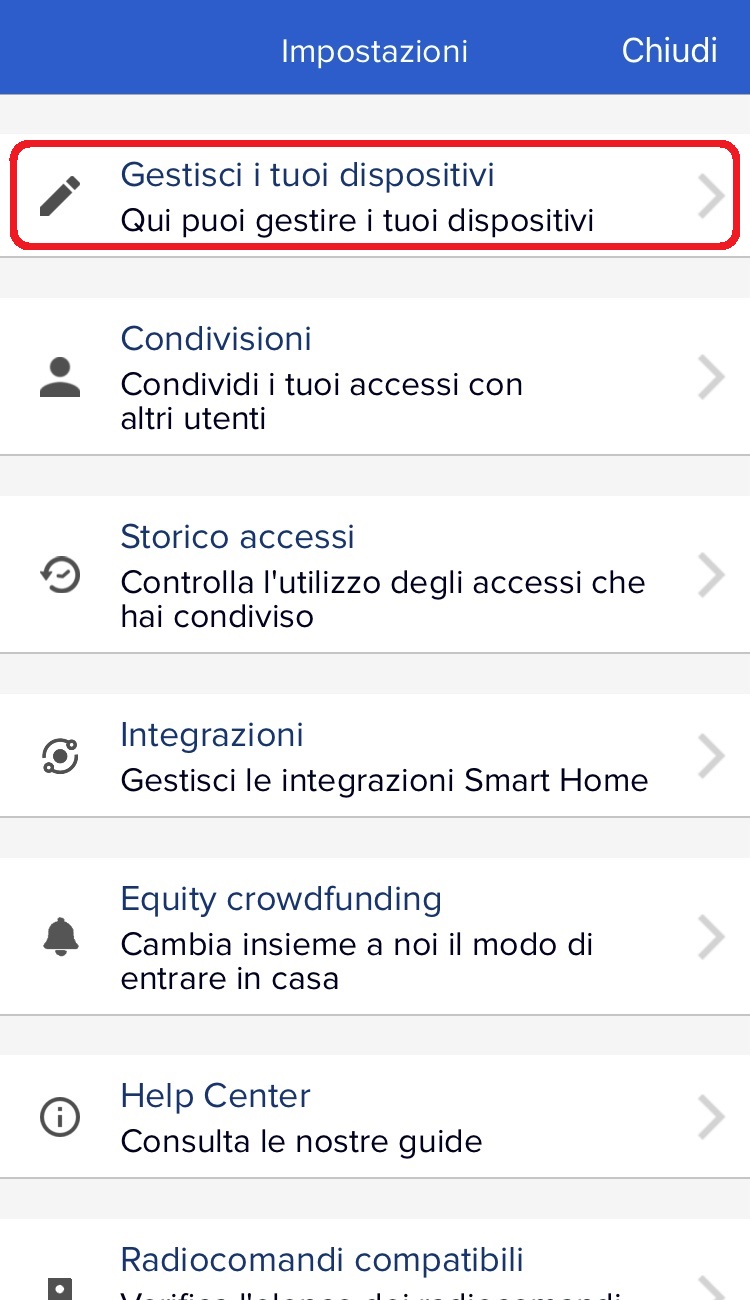
- Go to Settings (by clicking the gear icon at the top left of the app's main screen)
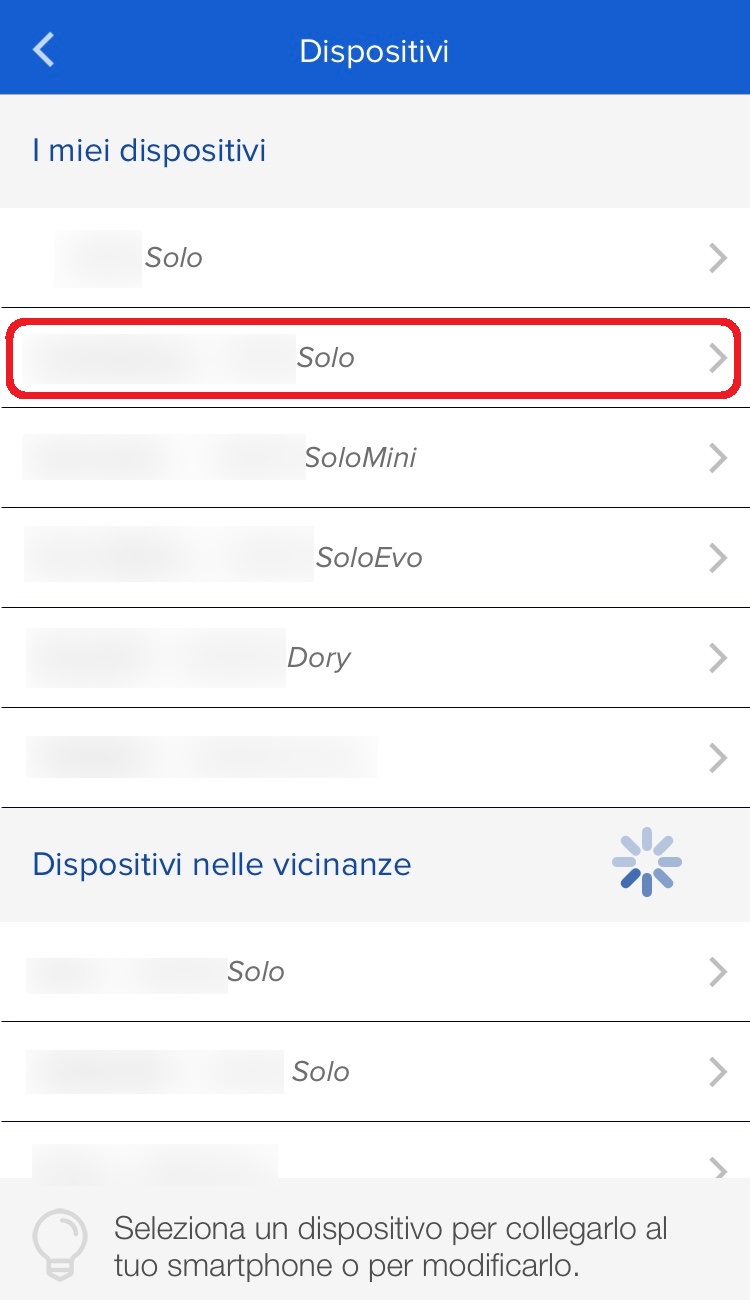
- Go to "Manage your devices"
- Select the device you want to add users/channels to
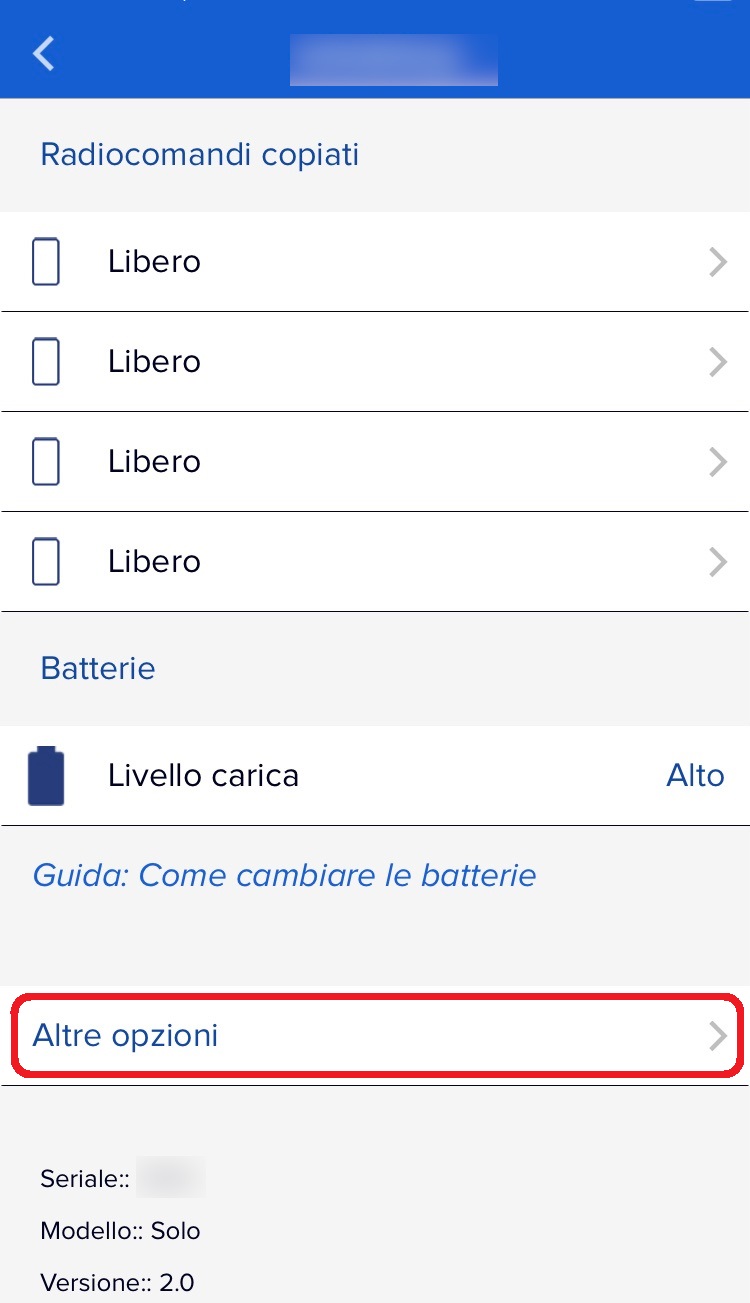
- Go to "More options"
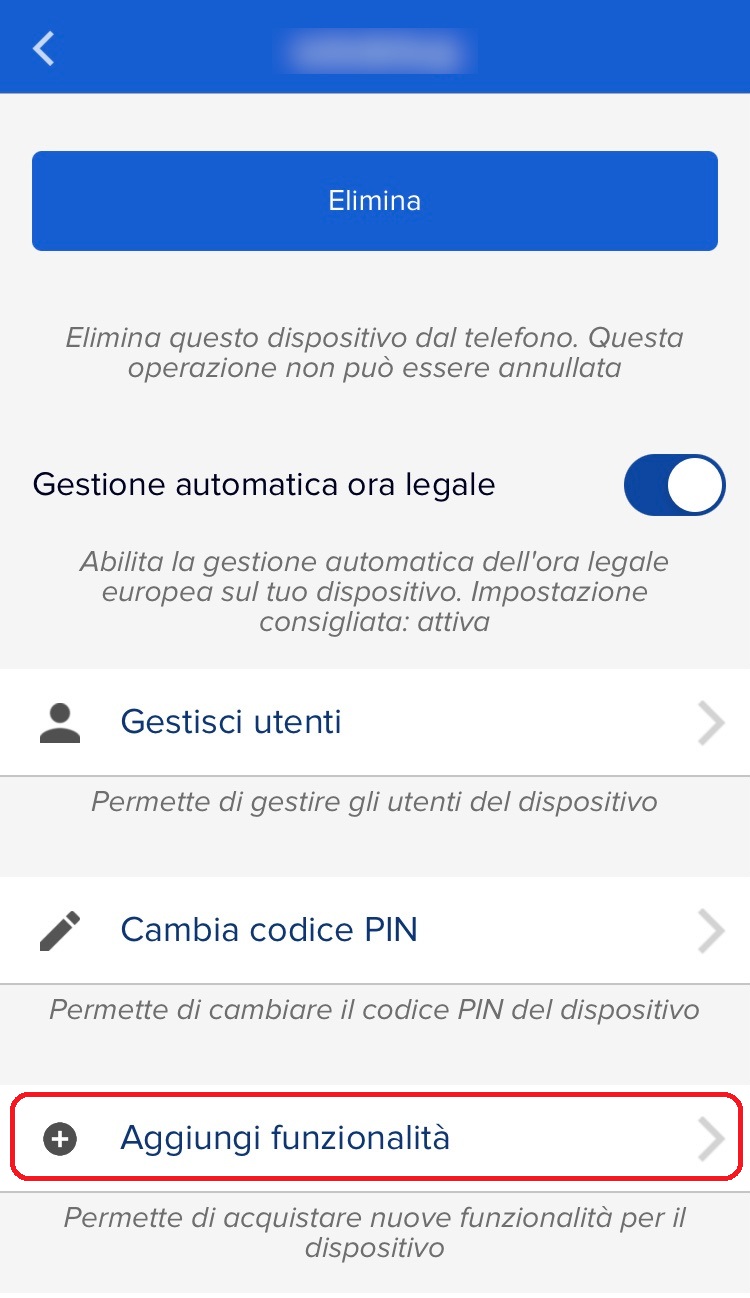
- At the bottom click on "Add features"
- Select the user package to activate
- Press "Activate"
 |
 |
 |
 |