To complete the copy, follow the procedure as indicated:
- Start copying your radio control
- Once you get to the screen where it asks you if there is a button on the back, select the correct option in your case
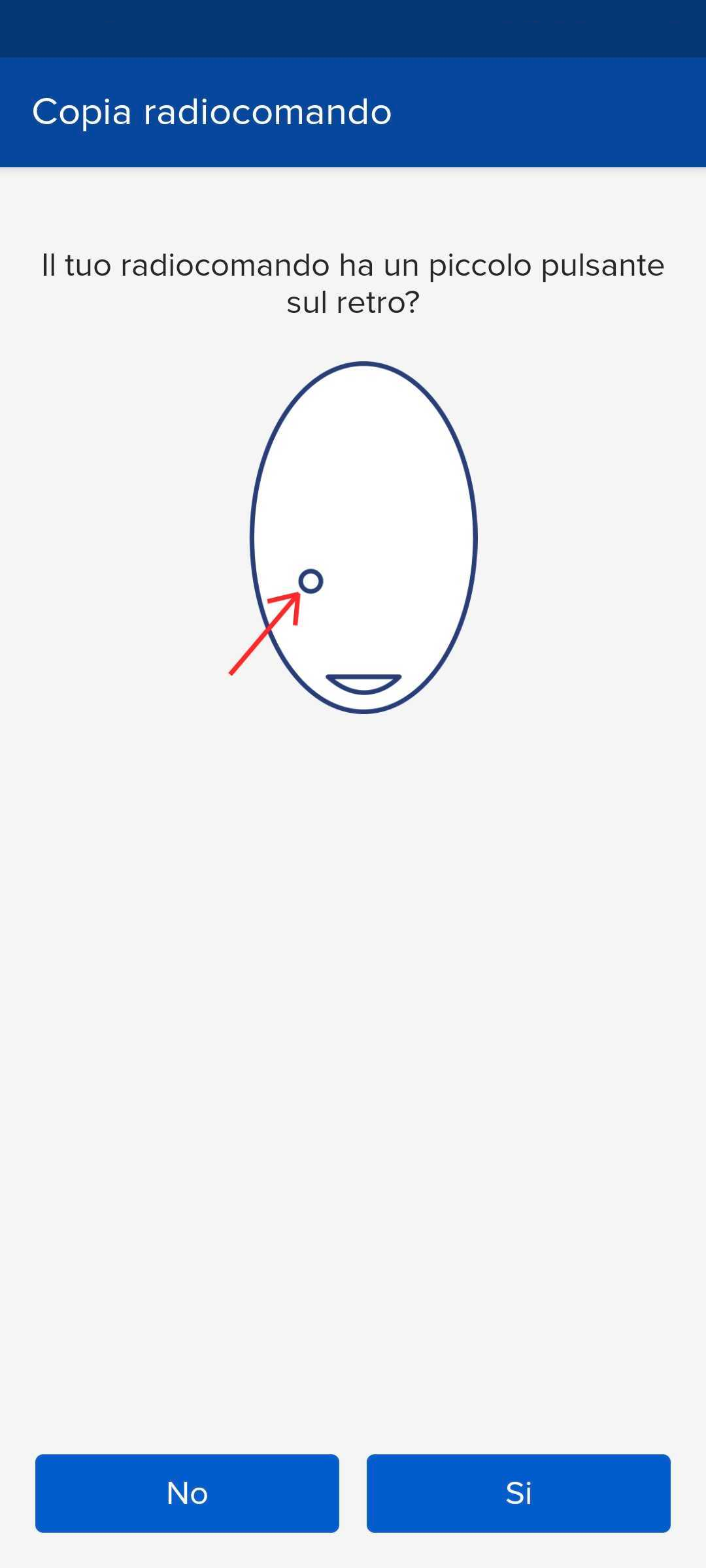
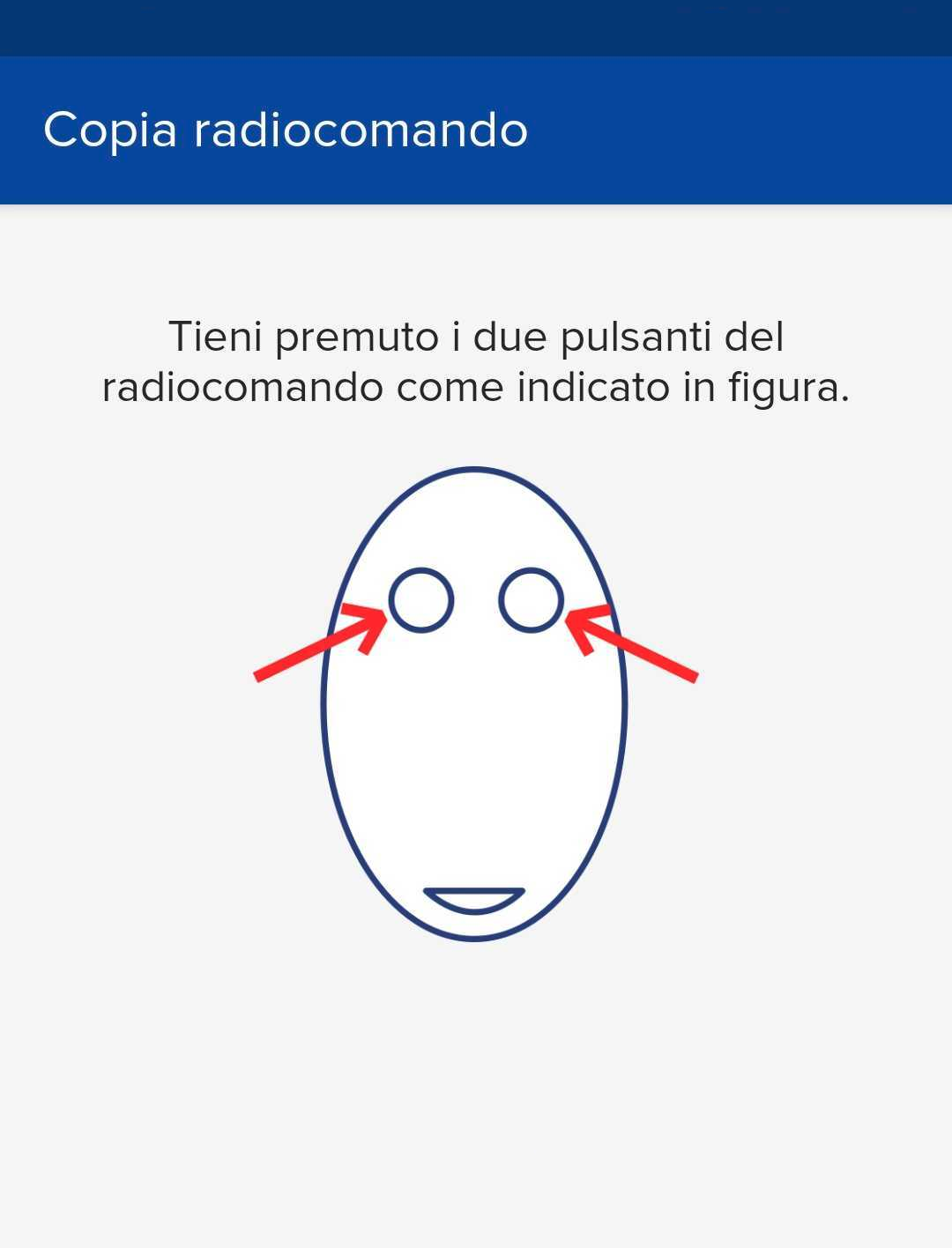
- Proceed following the instructions indicated (in our case the radio control does not have a button on the back, so it asks us to press the two upper buttons)
- After the page where it asks you to be near the gate, press on the 3 dots at the top and enter manual registration mode

- Move both sliders shown in figure 3 to 4 seconds

- On the control unit, press the OK button and the display will show the word PARAM
- Press the " - " button until the RADIO item is displayed
- Press OK
- ADD.Start will be displayed, press OK again
- When the word " hidden button " appears on the display, press the " Transmit source code " button in the app.
- The display will show " Release ", wait for the signal processing to finish
- When the writing " desired key " appears on the LCD, press the "Send opening signal " key in the app
- " OK " should appear on the control unit display followed by a number
- in the app press the " Next " button, located at the bottom, and perform an opening test by pressing the " OPEN/CLOSE " button
- If the test is successful, press " Ok, done " at the bottom, otherwise you need to follow the procedure again.