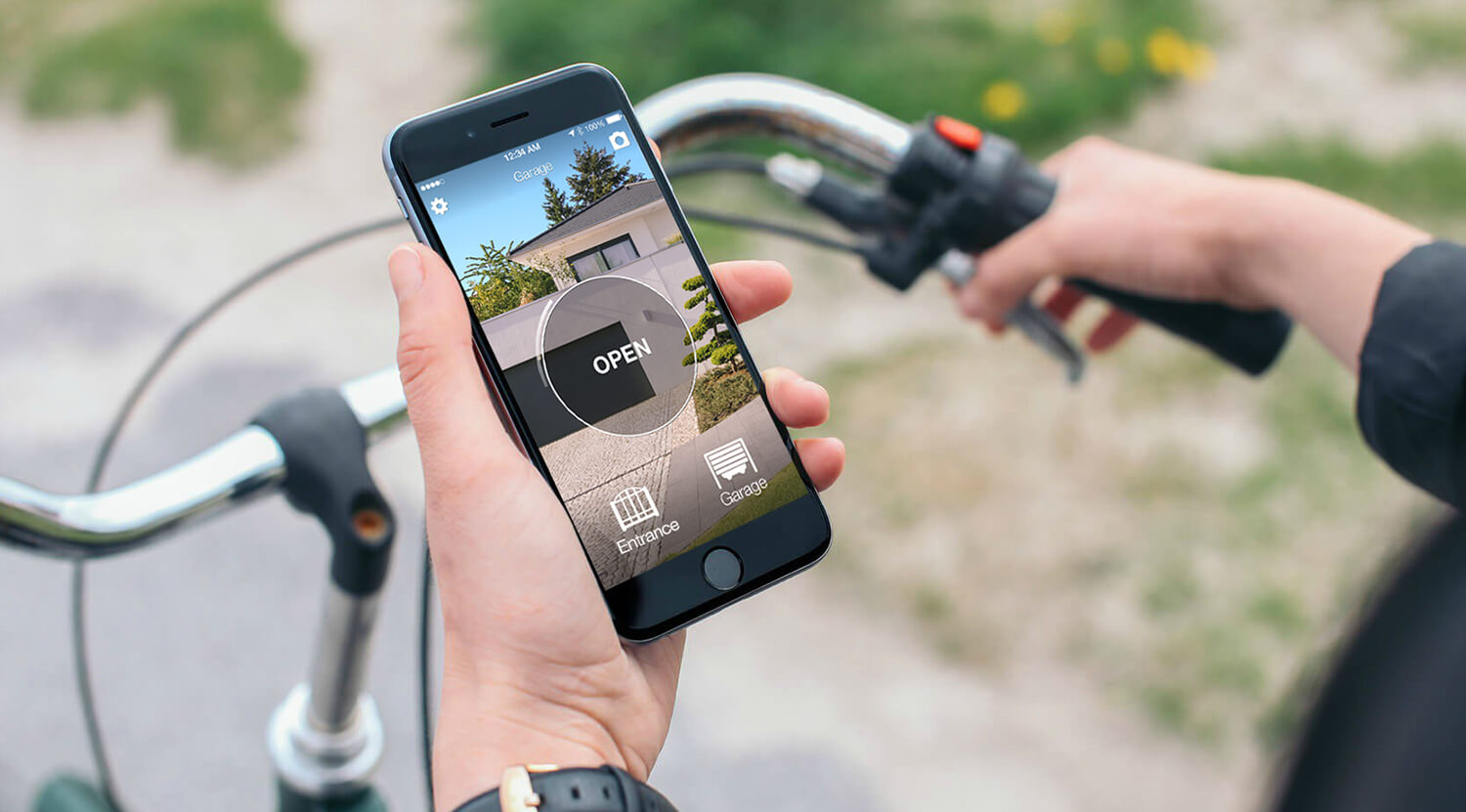
To open a TAU gate with your phone, first identify whether you want the manufacturer's connected system or an accessory that reproduces the existing remote. Both routes need compatible equipment; the app is only one part of the solution.
Check the current TauOpen generation
TAU's TauOpen 2.0 documentation describes T-CONNECT or T-CONNECTW on the control unit, or T-GATEWAY with MOOFY/MOOFY-U modules at the automations. A T-GATEWAYSIM variant also exists, so connection requirements differ between configurations.
Ask the installer to confirm your control unit, interface and app. The documented solution includes a code for three smartphones, with CODAT extensions; check what the actual offer supplies. Do not buy from an old TauOpen article without verifying the current equipment.
Start with the exact remote model
Find the model printed on the transmitter or inside its battery compartment and check it in the 1Control compatibility checker. The motor brand and radio frequency are not enough. For direct copying, keep a working original: a phone cannot copy an unknown radio signal by itself.
SOLO learns a supported transmitter and operates it from a separate device near the gate. An incompatible model does not automatically mean changing the motor: check the appropriate SOLO variant or whether a wired KIT can be installed. Do not buy a standard unit on the assumption that every remote from the same brand works.
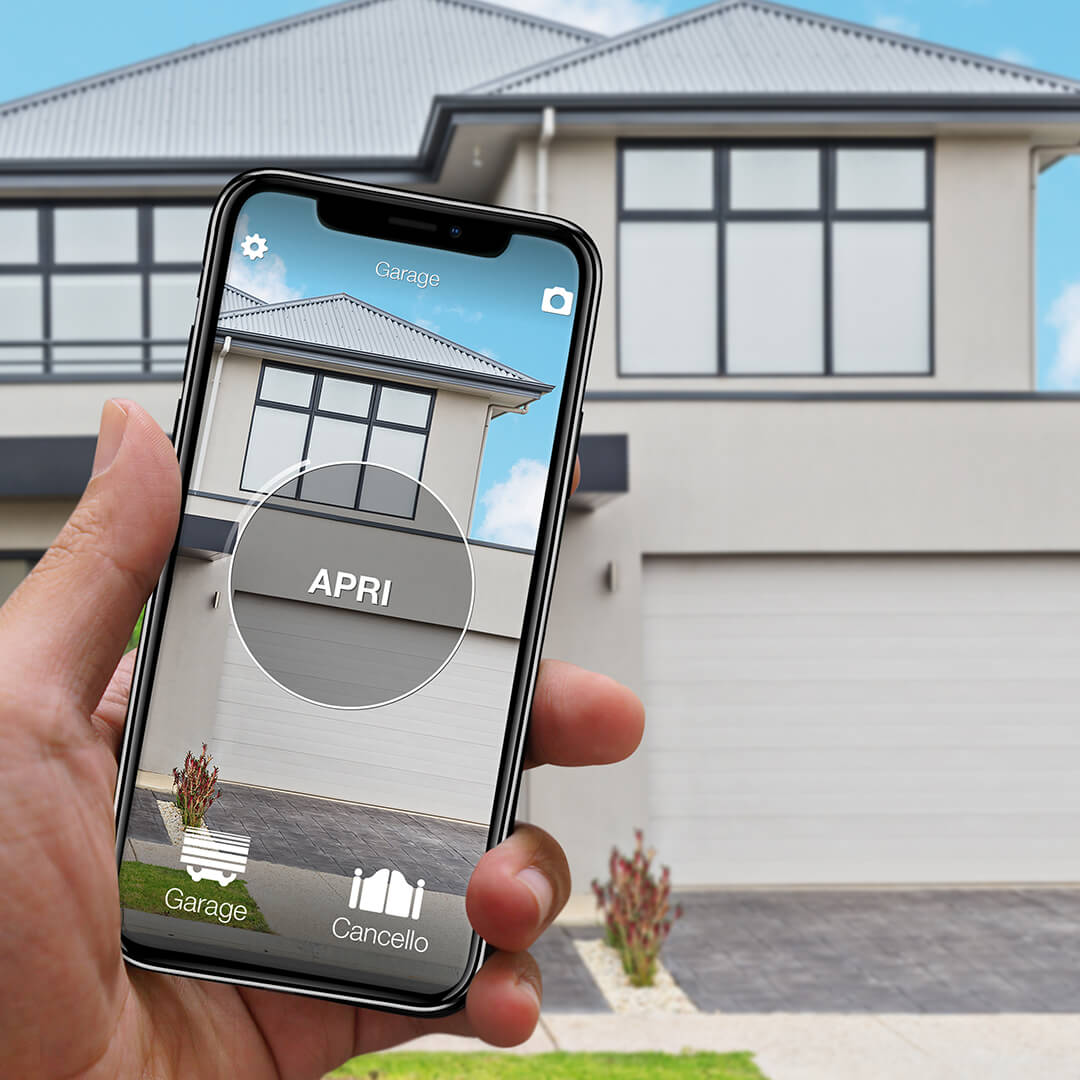
Want to open your gate from your phone?
Check in seconds whether your system is compatible with 1Control SOLO: it fits existing gates and garage doors, one-off purchase, no subscription.
139,00€ 99,00€ VAT included
- 1,500+ reviews on Amazon, Facebook and Trustpilot
- Secure payments
- 2-year warranty
Black Friday at 1Control: deals until 27/11. See the deals →
The alternative using the existing remote
SOLO can reproduce a supported TAU transmitter and let you open locally through Bluetooth. Check the exact T-4RP, K-SLIM, BUG or other reference rather than assuming all TAU models use the same coding. A supported direct-copy installation leaves SOLO near the gate without wiring to its control board.
Keep a working original for setup. If your model is not supported, check whether a suitable KIT can be connected to the control unit by an installer. That is a wired solution, not a successful radio copy of the unsupported transmitter.
Choose by function and complete cost
For everyday opening in front of the gate, compare the compatible local solution and its user capacity. For opening from work or another city, compare the complete connected system, including network equipment and accessories.
Ask separately about gate-state reporting: sending an opening command is not proof that the gate closed. Compare the installation cost, users included, extra equipment and ongoing requirements rather than the price of an app or a single module.
A practical acceptance test
Check operation from the intended phone position and test the original remote afterwards. Invite one additional user and try revoking their access. Establish how to enter when a phone is flat or the home network is unavailable.
Use TAU's current TauOpen 2.0 documentation to identify the manufacturer's solution. This guide concerns buying smartphone access; transmitter enrolment belongs in the dedicated TAU programming instructions.
Shared access is different from remote opening
With SOLO alone, a person uses their phone within Bluetooth range of the device. To open while you are elsewhere, add LINK with internet access through 2.4 GHz Wi-Fi or Ethernet and a Bluetooth connection to SOLO. Test the position before fixing the devices permanently: walls and metal can reduce range.
An opening command is not confirmation that the gate is closed. Status monitoring needs the appropriate opening sensor and LINK. Keep a working alternative for a flat phone battery or a network outage; the gate motor still requires its own power supply.
For the gate and garage opening sensor, check SOLO compatibility and use a second-generation LINK. Do not assume an older LINK supports this status feature.
Related guides
- How to open gate with smartphone: practical guide 2026
- Universal gate remote: how to choose the right one
- Garage door left open? Check it and get alerts on your phone
Frequently asked questions
Can I just install TauOpen and open the gate?
No. The app needs the manufacturer's compatible equipment and a correctly configured installation.
Does SOLO need Wi-Fi at the gate?
Local Bluetooth opening does not. For opening from elsewhere, LINK needs internet access and a Bluetooth connection to SOLO.