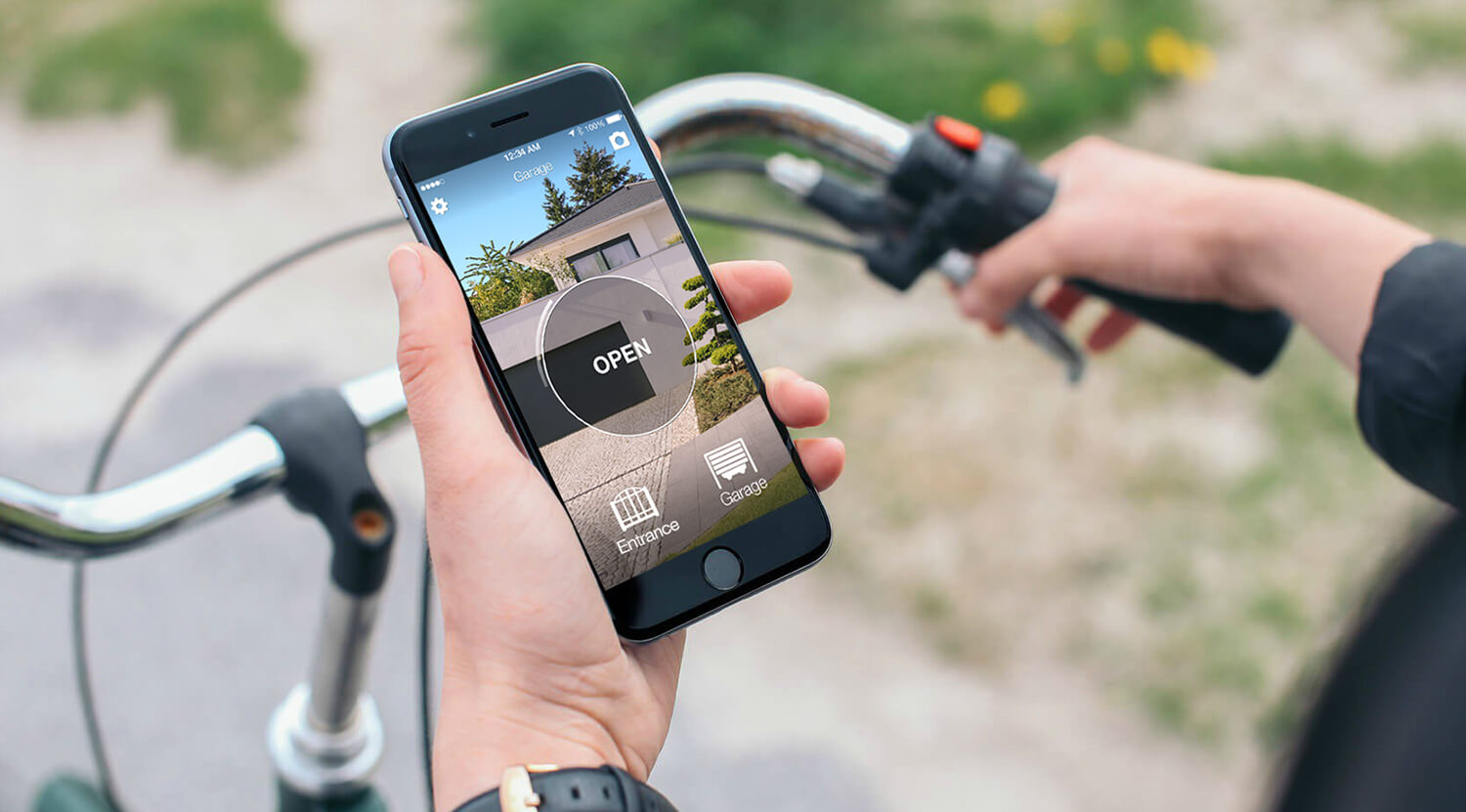
Opening a Genius gate with your phone does not necessarily mean changing the motor or replacing the control board. If a working remote is compatible, 1Control SOLO can learn its radio signal and let you operate the gate from the 1Control app. The phone talks to SOLO by Bluetooth; SOLO sends the command the gate understands.
The decision starts with the remote, not just the Genius name on the motor. Kilo, Amigo, Bravo and Echo are different families, and similar-looking versions are not automatically interchangeable. Before buying, identify the exact model, decide whether you need nearby or remote opening, and count the people who will use it.
Start with the exact Genius remote
Read the label on the back or inside the battery compartment, including the frequency and any suffix. The SOLO compatibility checker currently lists KILO 2 868, AMIGO 868, AMIGOLD 2-4 868, BRAVO TE4433H, ECHO, A252 and JA40 for second-generation SOLO. This is a list of specific remotes, not approval for every Genius installation.
Do not extend “AMIGO 868” to an Amigo 433, or “KILO 2 868” to another Kilo based on the case alone. If your complete reference is absent, confirm it before ordering. A motor model such as G-BAT cannot identify an external receiver that may have been fitted later.
Master remote or wired KIT: choose the right route
| Your situation | What to check | Possible route |
|---|---|---|
| Listed Kilo 2 868, Amigo 868 or Amigold 2-4 868 | Working original and master status for the relevant JLC procedure | SOLO with the guided copy procedure |
| Listed Bravo TE4433H, Echo, A252 or JA40 | Exact reference in the checker | SOLO following the procedure shown by the app |
| Only a slave, no working original or unsupported reference | Whether a KIT receiver can be wired to the control board | SOLO + KIT after installation checks |
The master/slave requirement concerns the relevant code family; it is not a test to apply indiscriminately to every 433 MHz remote. Follow the official FAAC/GENIUS copying guide and the app instructions for your model. A successful-looking app message does not replace an opening test at the gate.
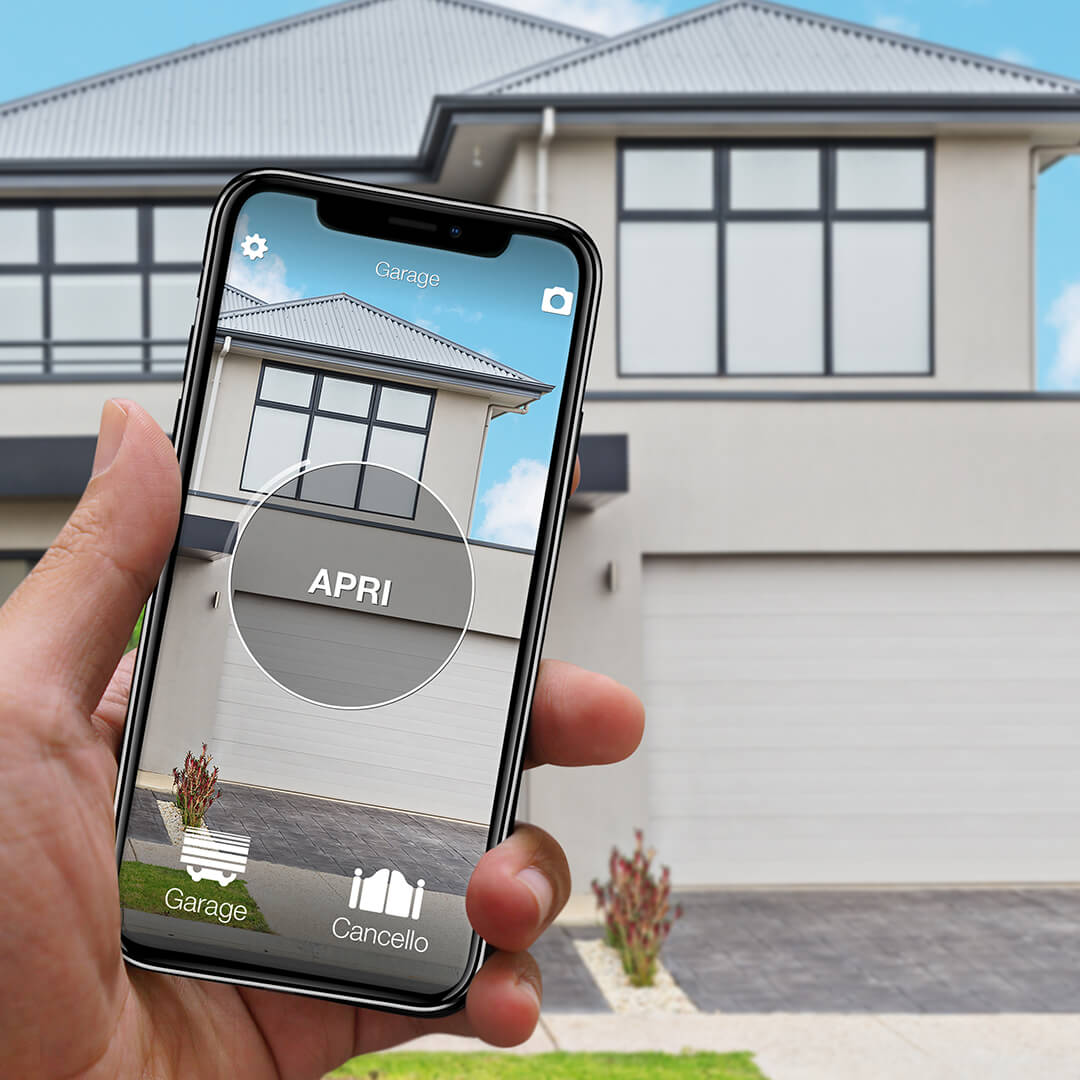
Want to open your gate from your phone?
Check in seconds whether your system is compatible with 1Control SOLO: it fits existing gates and garage doors, one-off purchase, no subscription.
139,00€ 99,00€ VAT included
- 1,500+ reviews on Amazon, Facebook and Trustpilot
- Secure payments
- 2-year warranty
Black Friday at 1Control: deals until 27/11. See the deals →
Install SOLO and test the real approach
For a supported radio copy, SOLO runs on batteries and sits close to the gate without a cable to its control board. Register the app, pair the device and copy the working remote using the guided sequence. Registration requires an internet connection and SMS reception; routine nearby opening uses Bluetooth.
Test from the place where you actually stop, before fixing the device permanently. Metal cabinets, reinforced walls and the position of your phone can reduce range. Copying does not disable the original remote, so keep it as a fallback. With KIT, a receiver must be connected by wire: this is a different installation, not a wireless copy of an unsupported remote.
Nearby opening is different from opening from elsewhere
SOLO alone is for a phone within Bluetooth range. If you want to let someone in while you are away, add LINK, with power and a working internet connection through Wi-Fi or Ethernet, positioned so it can communicate with SOLO. Check this placement before choosing a bundle.
Sending an opening command does not prove that the gate is closed. Monitoring its position requires the appropriate sensor and compatible hardware. Keep that requirement separate from simply opening it; otherwise you can buy an opener and still not have the status information you expected.
Family access and the purchase checklist
Standard SOLO includes 10 users and up to four automations. Sharing within the included capacity is free; extra user capacity is purchased separately. Each person needs the app and their own registration. You can limit access by time and revoke it, instead of handing out the administrator PIN.
Before checkout, check four things: the exact remote reference, the available original, the required user capacity, and whether the job is local or remote. If you only want another physical button, a compatible WHY remote may be the simpler choice. SOLO AUTO has different sharing and LINK limitations and should not be substituted for this family setup.
Related guides for the next decision
- Opening a gate with a smartphone
- FAAC gate control by phone: a separate compatibility check
- Choosing a physical universal gate remote
Frequently asked questions
Does any Genius motor work with SOLO?
The radio-copy route depends on the exact working remote, not simply the motor brand. Check its reference first; unsupported situations may need a wired KIT installation.
Can I copy a Genius slave remote?
For the relevant JLC master/slave models, the copying procedure requires a working original master. If only a slave is available, assess the wired KIT route.
Do I need Wi-Fi at the gate?
Nearby opening with SOLO uses Bluetooth. Opening from another location needs LINK with internet and power, within communication range of SOLO.
How many people can use standard SOLO?
Standard SOLO includes 10 users. Sharing is free within that capacity; additional user capacity is a separate purchase.
Will the original remote stop working?
No. Learning a compatible remote into SOLO does not disable the original; keep it available as an alternative.