To complete the copy follow the procedure as indicated
- Start copying until you reach the "Check Operation" screen.
- Press the menu button at the top right to enter manual recording as shown in the image below
- Move the slider above 4 seconds

- On the control unit Press the " ENTER" button to enter programming.
- Using the " < " and " > " keys, scroll through the menu until " U1 " appears on the display, press " ENTER "
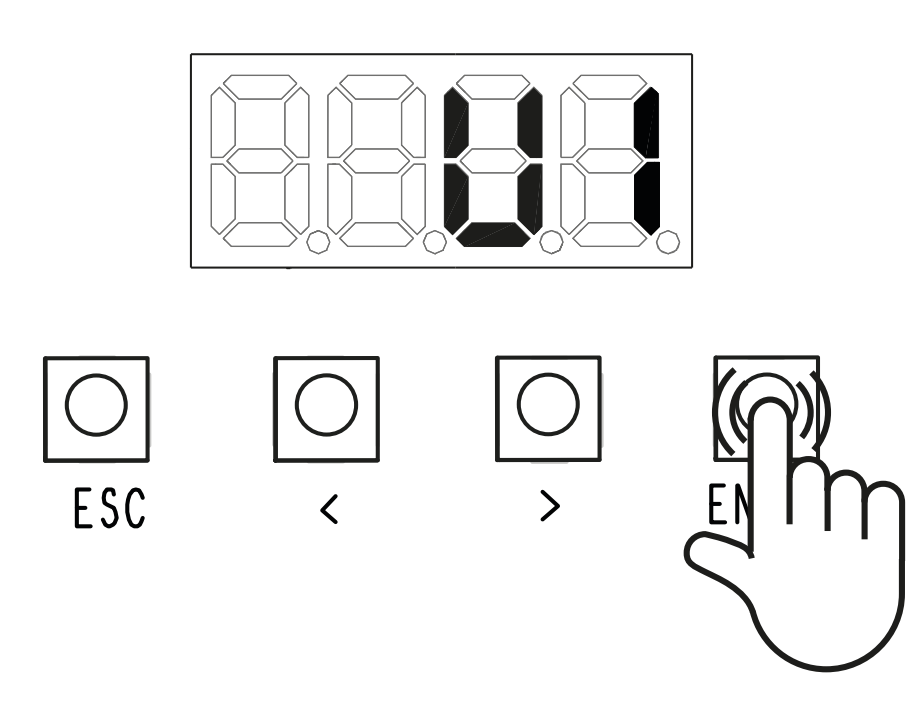
- Using the " < " and " > " keys, select the type of storage you wish to perform and press " ENTER " again:
- 1 = Step by step - The first command is to open and the second command is to close.
- 2 = Sequential - The first command is to open, the second command is to STOP, the third command is to close and the fourth command is to STOP.
- 3 = Opens
- 4 = Pedestrian/partial opening
- 6 = BUS module relay 1 - Activates output 2 (relay output) of the BUS I/O module 1
- 7 = BUS module relay 2 - Activates output 2 (relay output) of the BUS I/O module 2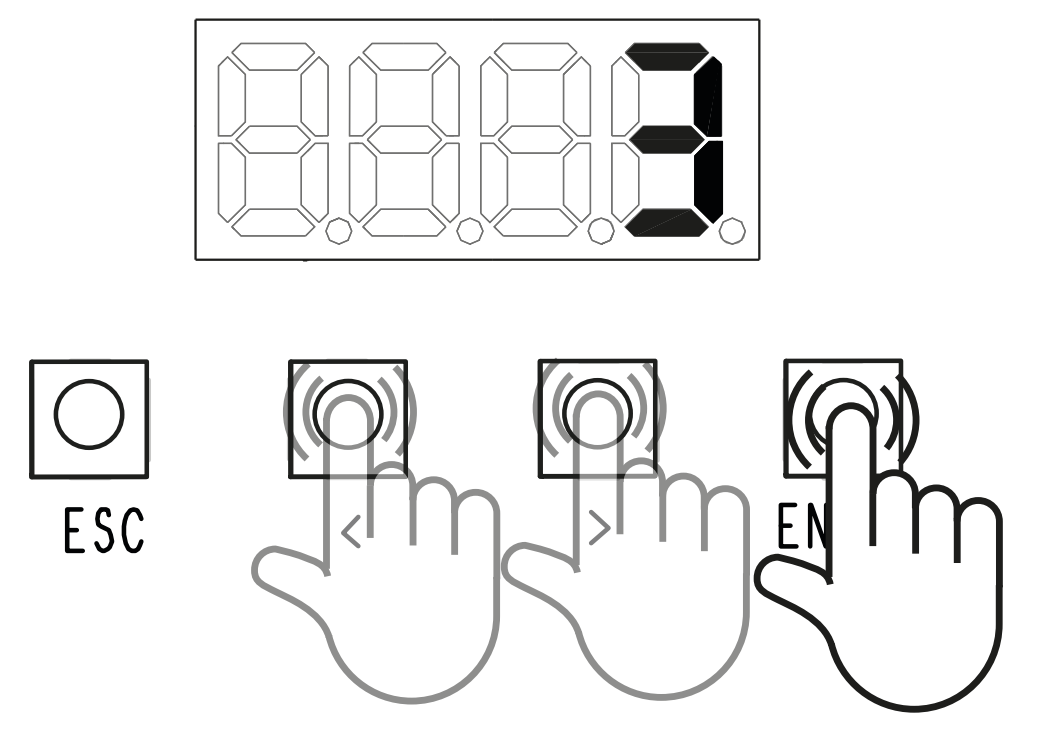
- The free memory location appears on the display, press the " Transmit opening signal " button in the app
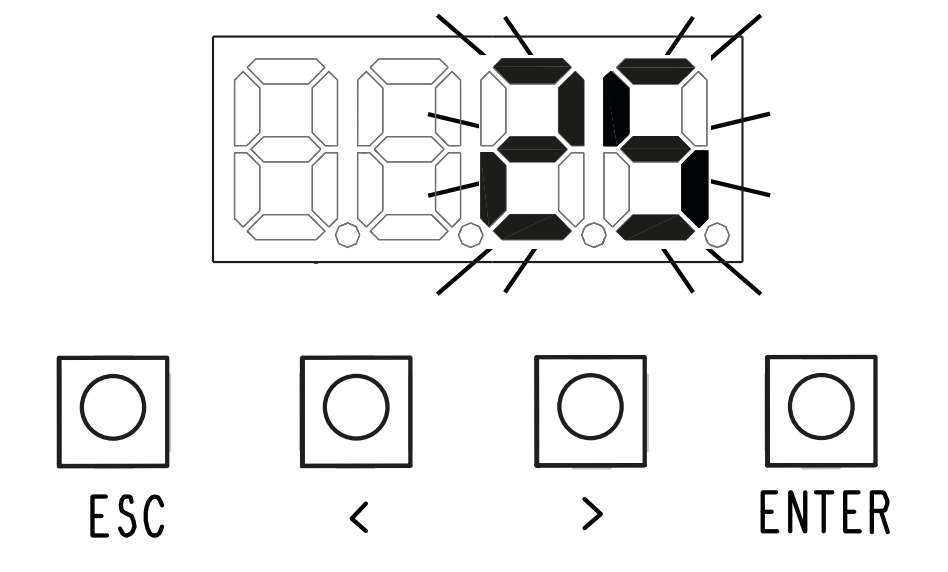
- Wait 10 seconds, the display should show "STO" to confirm signal acquisition.
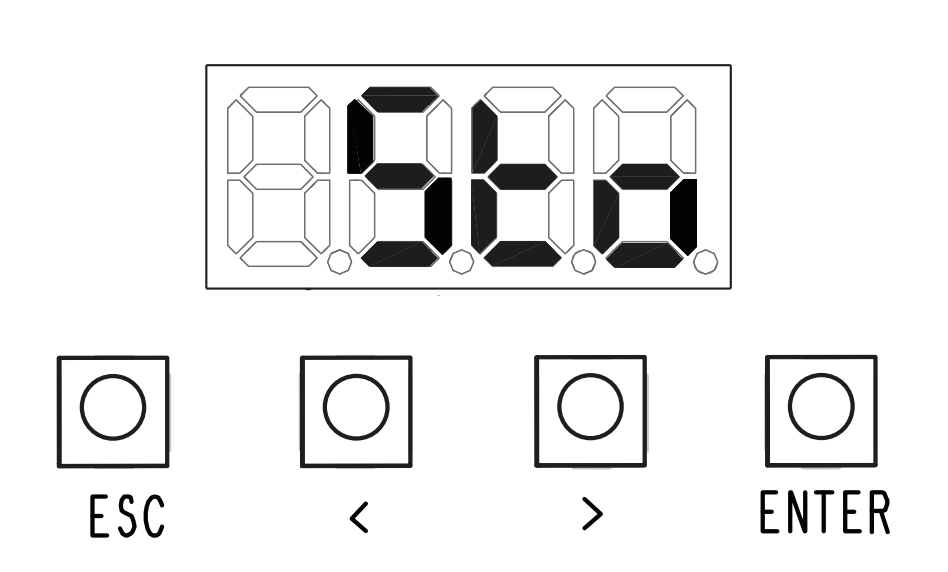
- Wait approximately one minute for the control unit to exit programming mode.