- Start copying until the "Check operation" screen
- Press the menu button at the top right to enter manual recording as in the image below
- Move the slider higher than 3 seconds

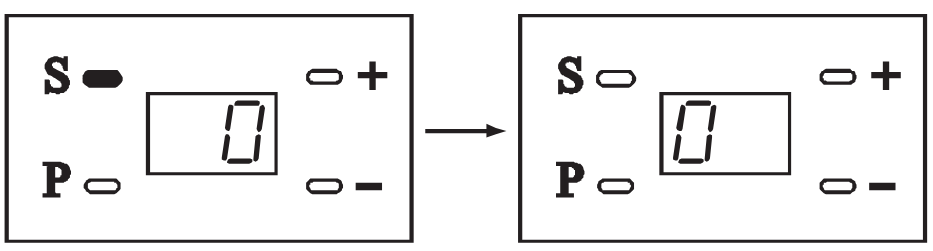
- Press the "S" button until the display shows a zero
- On the app, press the "Send opening signal" button
- Wait 3 seconds
- Press the "Send opening signal" button again
- Press "Next" at the bottom of the displayed screen and carry out an opening test using the "Open/close" button; if the garage is not operated, repeat the procedure from step 3
V6000
Was this guide helpful?
Thanks for your feedback!
This guide in other languages: Italiano Deutsch Français Español