- Start copying until you get to the "Verify Operation" screen
- Press the menu button on the top right to enter manual recording as in the image below
- Move the slider above 4 seconds

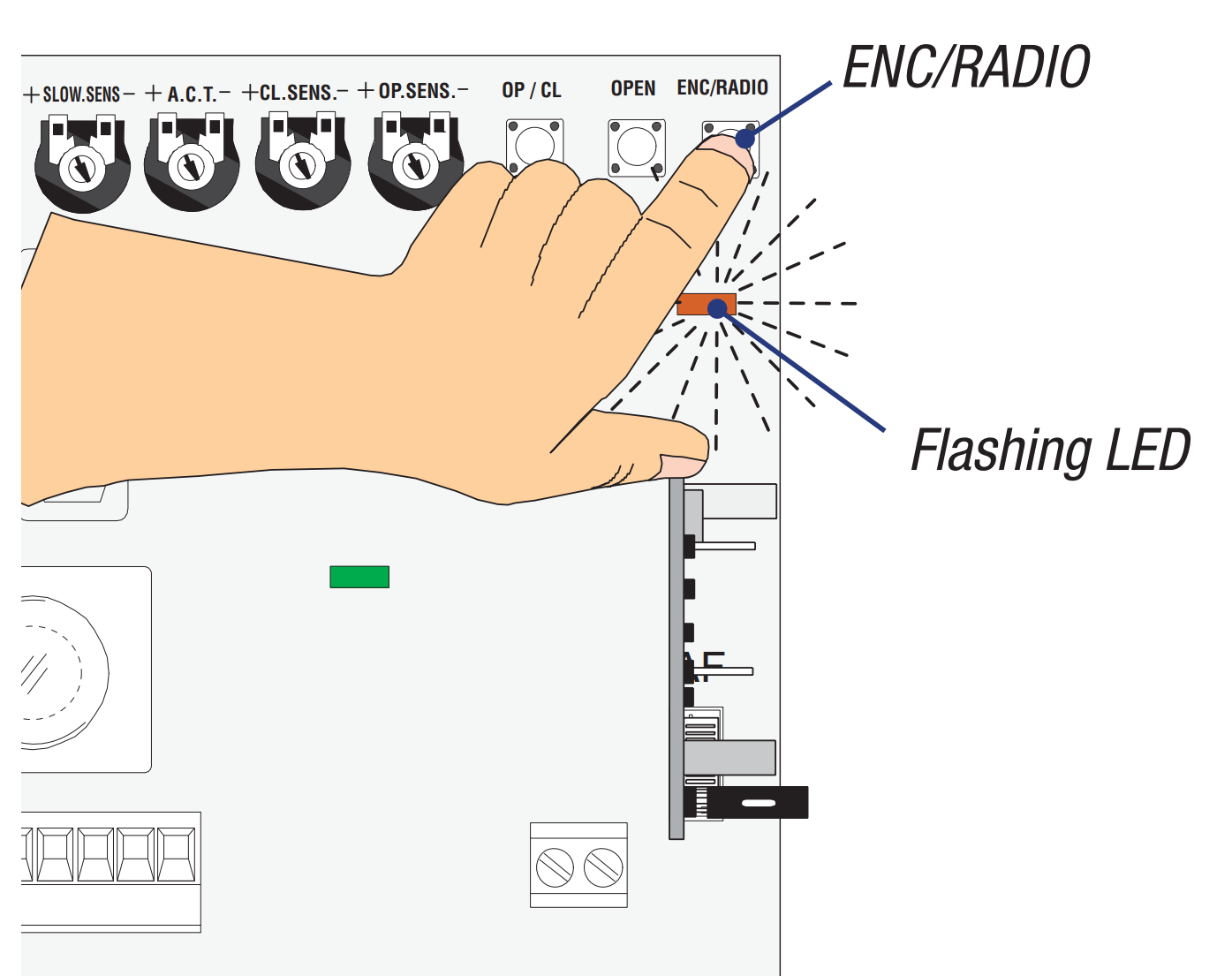
- Press and hold the "ENC/RADIO" button, the indicated LED will start flashing.
- On the app, press the "Transmit opening signal" button
- The LED on the control unit remains lit for a few seconds to confirm storage
- Release the button on the control unit
V900E
Was this guide helpful?
Thanks for your feedback!
This guide in other languages: Italiano Deutsch Français Español