To complete the copy follow the procedure as indicated
- Start copying until you get to the "Verify Operation" screen
- Press the menu button on the top right to enter manual recording as shown in the image below
- Move the slider above 6 seconds

- Locate the display on the control unit and the navigation keys:
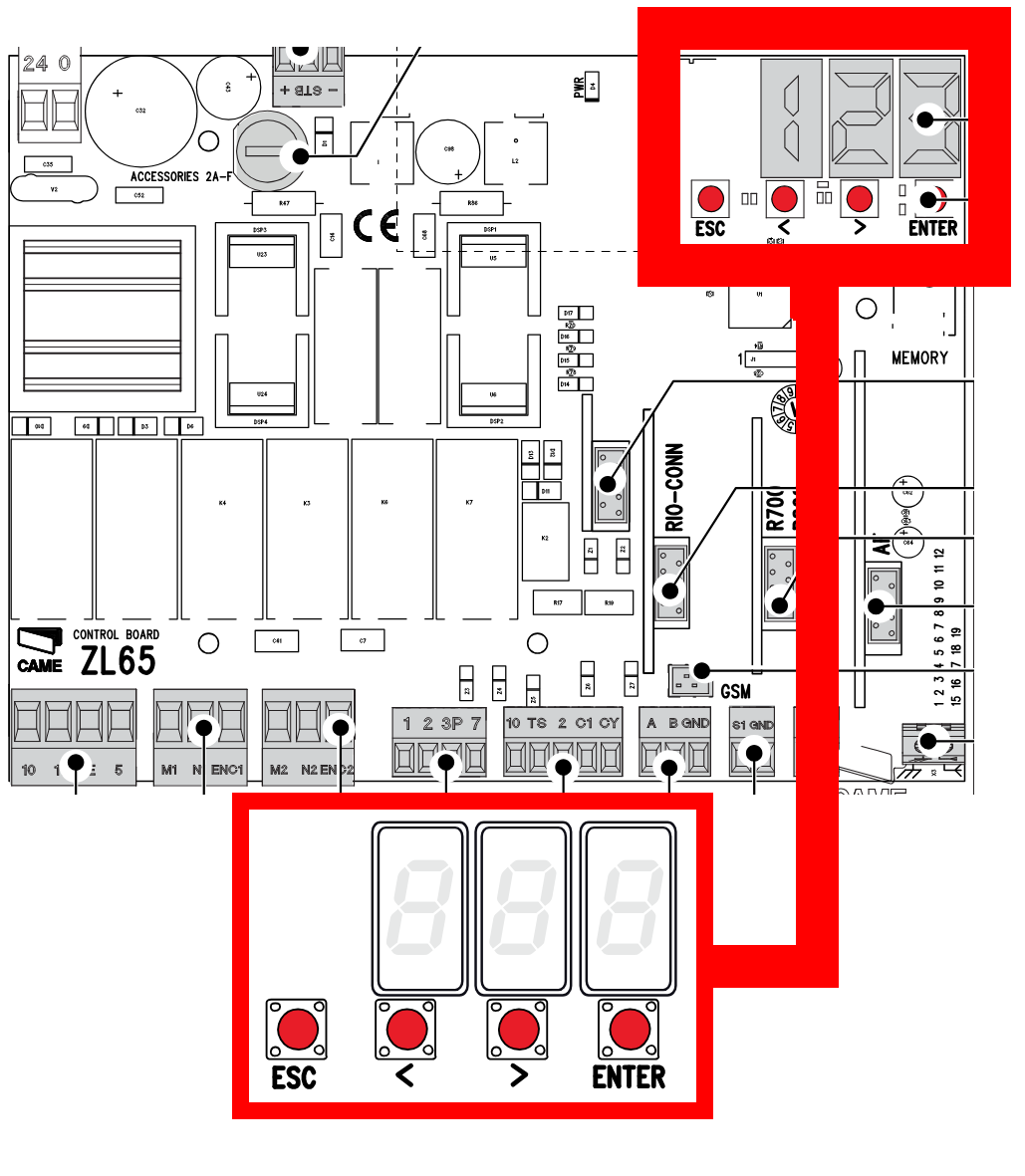
- Press and hold the " Enter " key for at least one second, the display should show " F1 "
- Using the " > " key, scroll through the various menus until you reach " U1 " and press " Enter "
- Select " 1 " with the arrows and press " Enter " again (if 1 appears immediately, then press " Enter " immediately)
- Press " Transmit opening signal " in the app and wait approximately 1 minute
- Press the " Next " button in the app and check the operation using the "Open/Close" test button. (If it doesn't work, try again starting from point 4.