To complete the copy, follow the procedure as indicated
- Start copying until the " Check Operation " screen
- Press the menu button at the top right to enter manual recording as shown in the image below
- Move the slider above 4 seconds

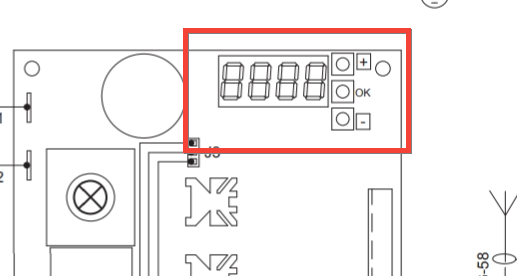
- On the control unit, use the " +" and " -" keys to reach parameter P005 , press the OK key, the flashing light turns on
- On the app, press the Transmit opening signal button
The flashing light goes off for 2 seconds to confirm the association, the message r will appear on the LCD of the control unit followed by a number
Wait for the flashing light to go out after 10 seconds