To complete the copy follow the procedure as indicated
- Start copying until you get to the "Verify Operation" screen
- Press the menu button on the top right to enter manual recording as in the image below
- Move the slider above 4 seconds

- on the control unit find the OK, -,+ buttons
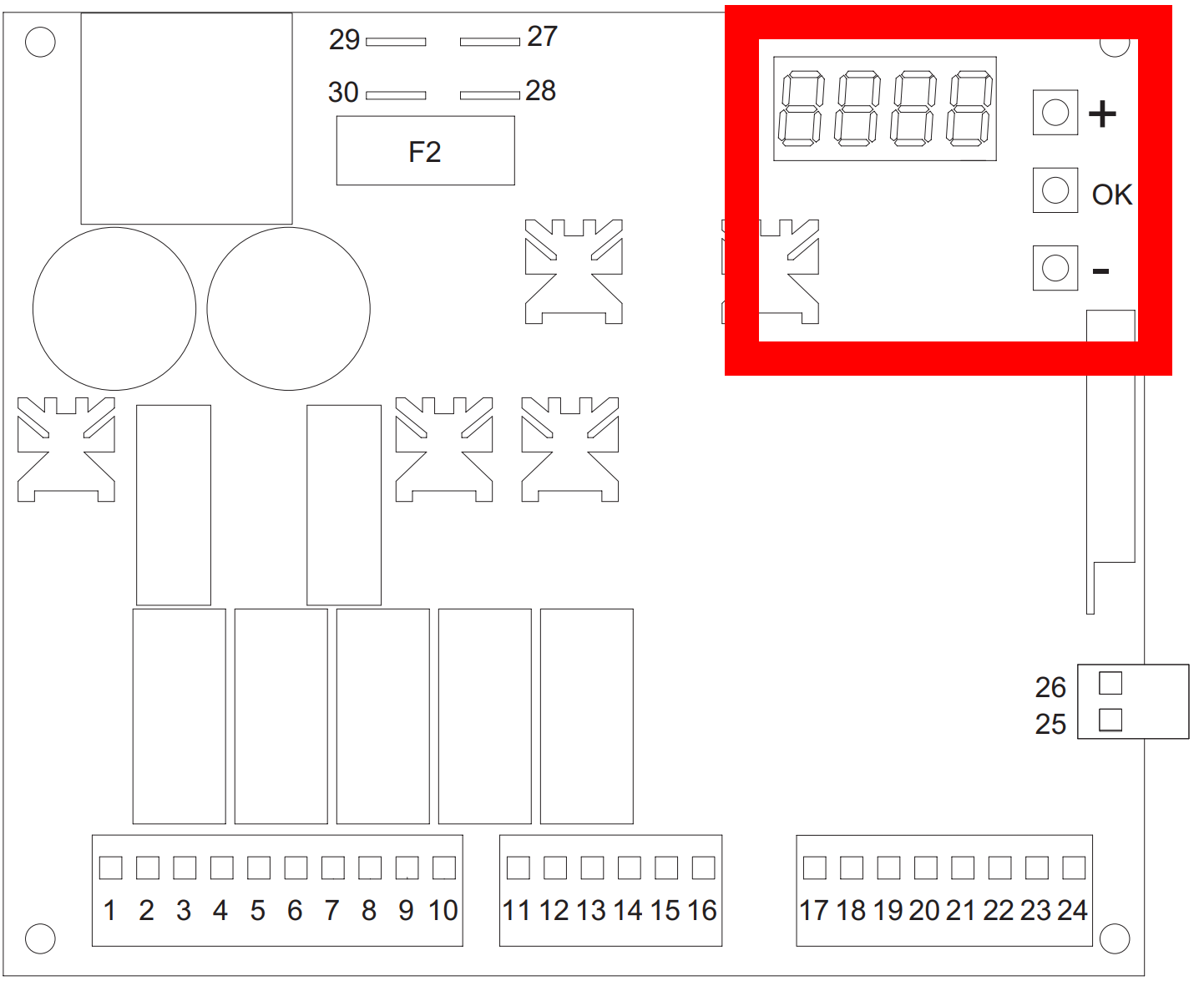
- Press the OK button and use - or + to navigate until P005 appears on the LCD screen and press OK
( Attention: Do not select P004 as it is used to delete all saved remote controls) - The flashing light starts flashing quickly and Lear appears on the screen
- On the app, press the " Transmit opening signal " button and wait 5 seconds
If the procedure was successful, the flashing light will turn off for a couple of seconds before starting to flash quickly again.
Wait another 10 seconds to exit the remote control copying procedure