To copy a BENINCA remote control to SOLO, follow this simple guide:
1. Open the 1Control App and press on settings.
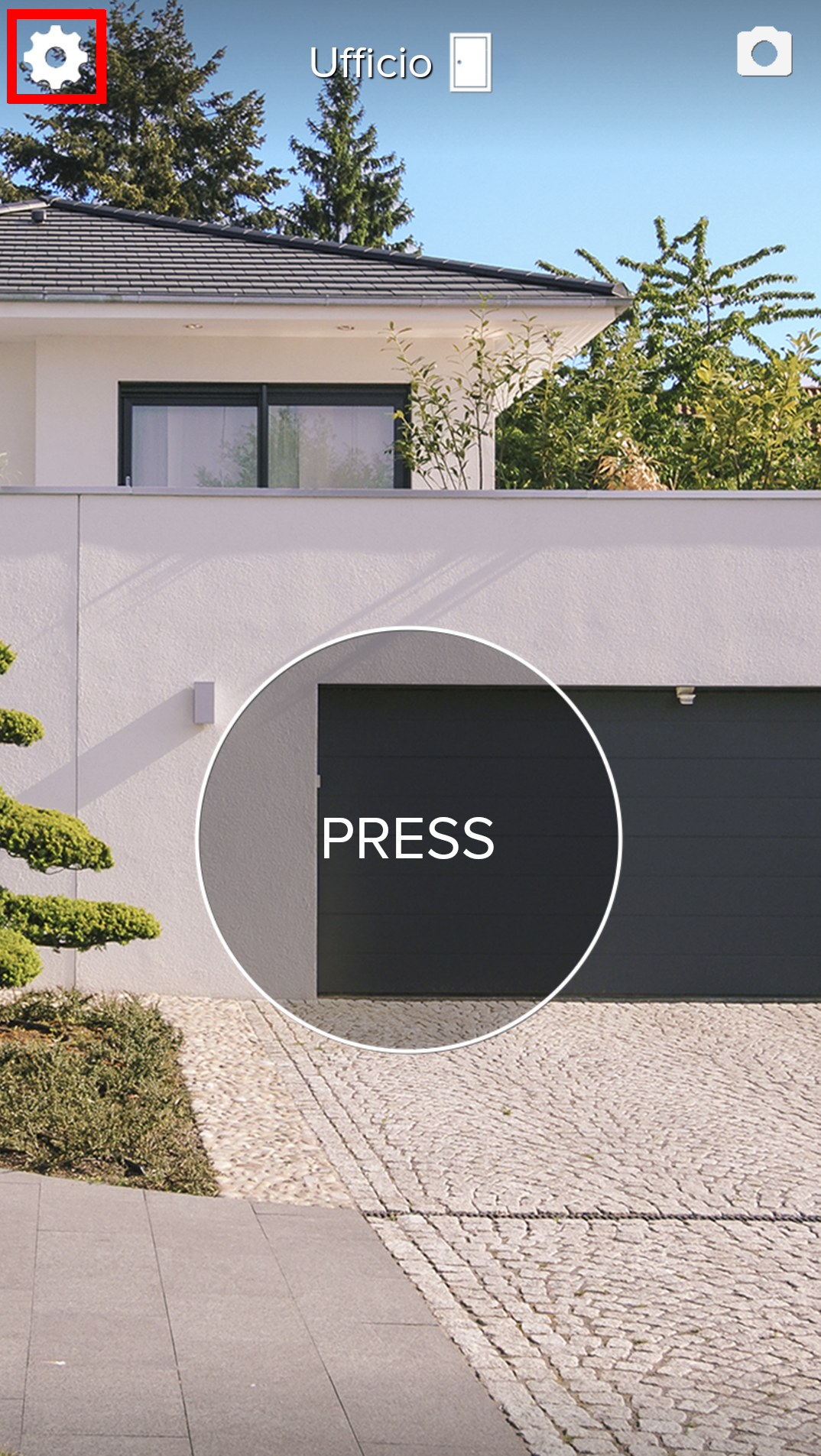
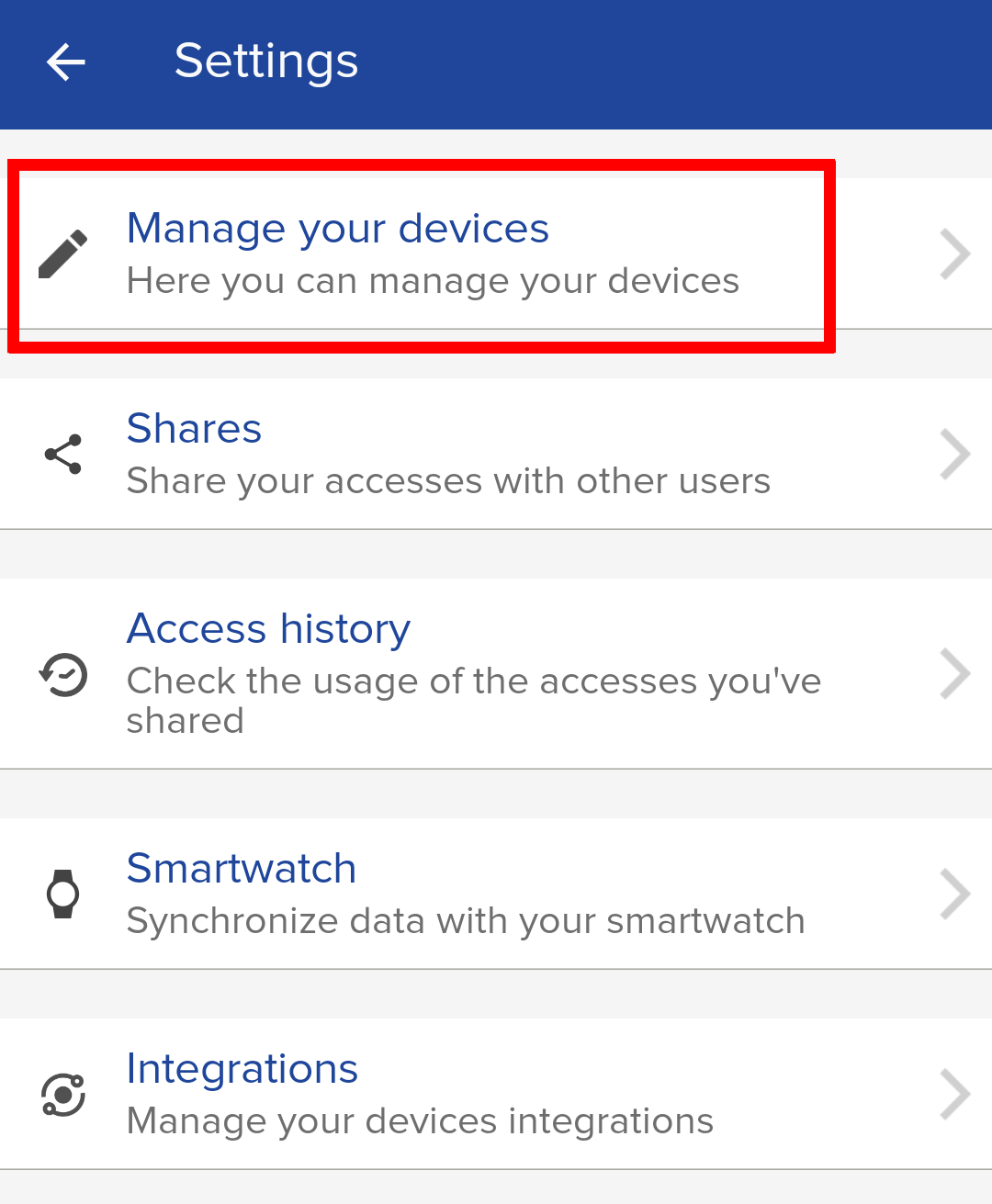
2.If you have already installed Select " Manage your devices ".
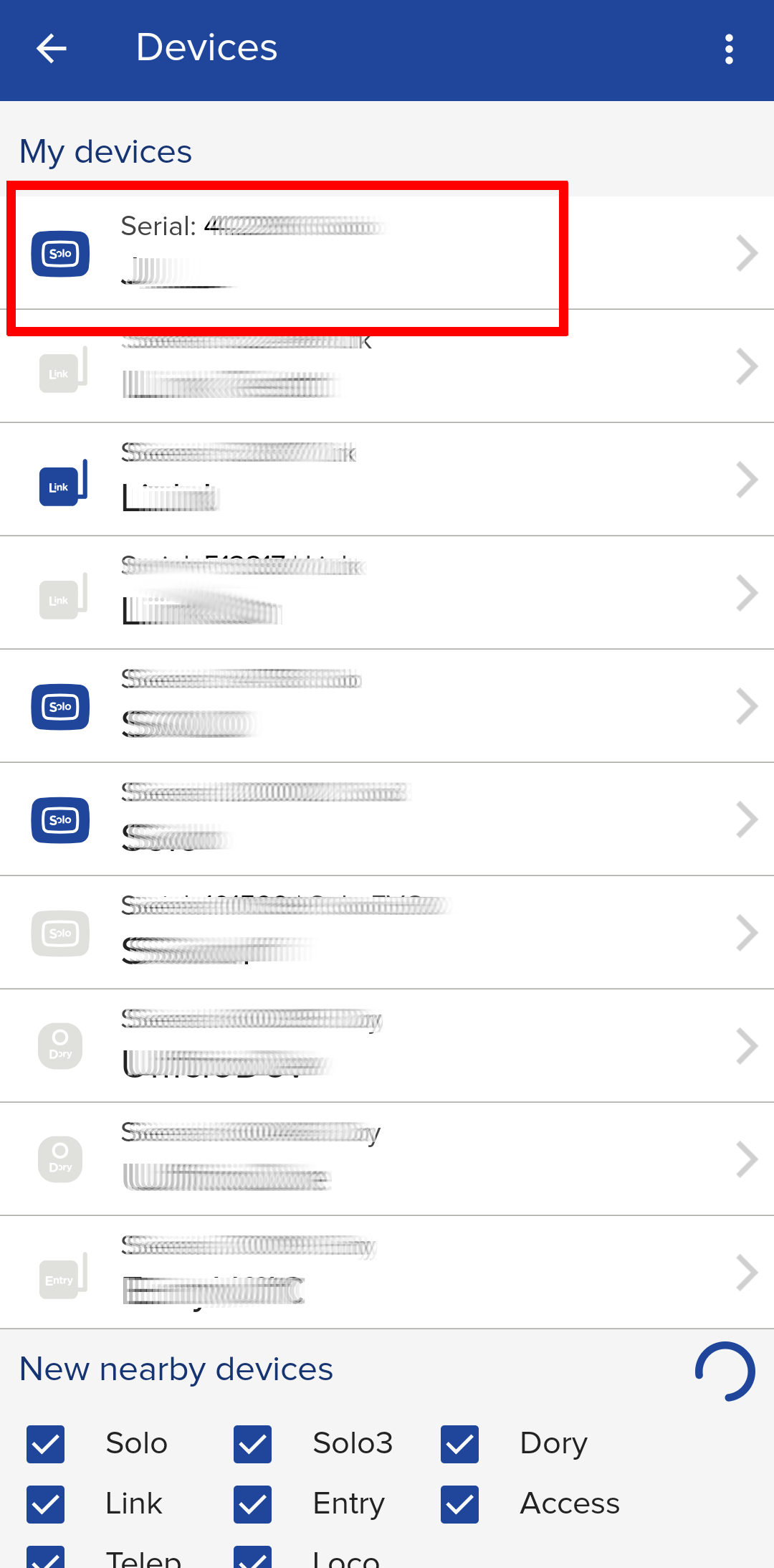
3. Select SOLO
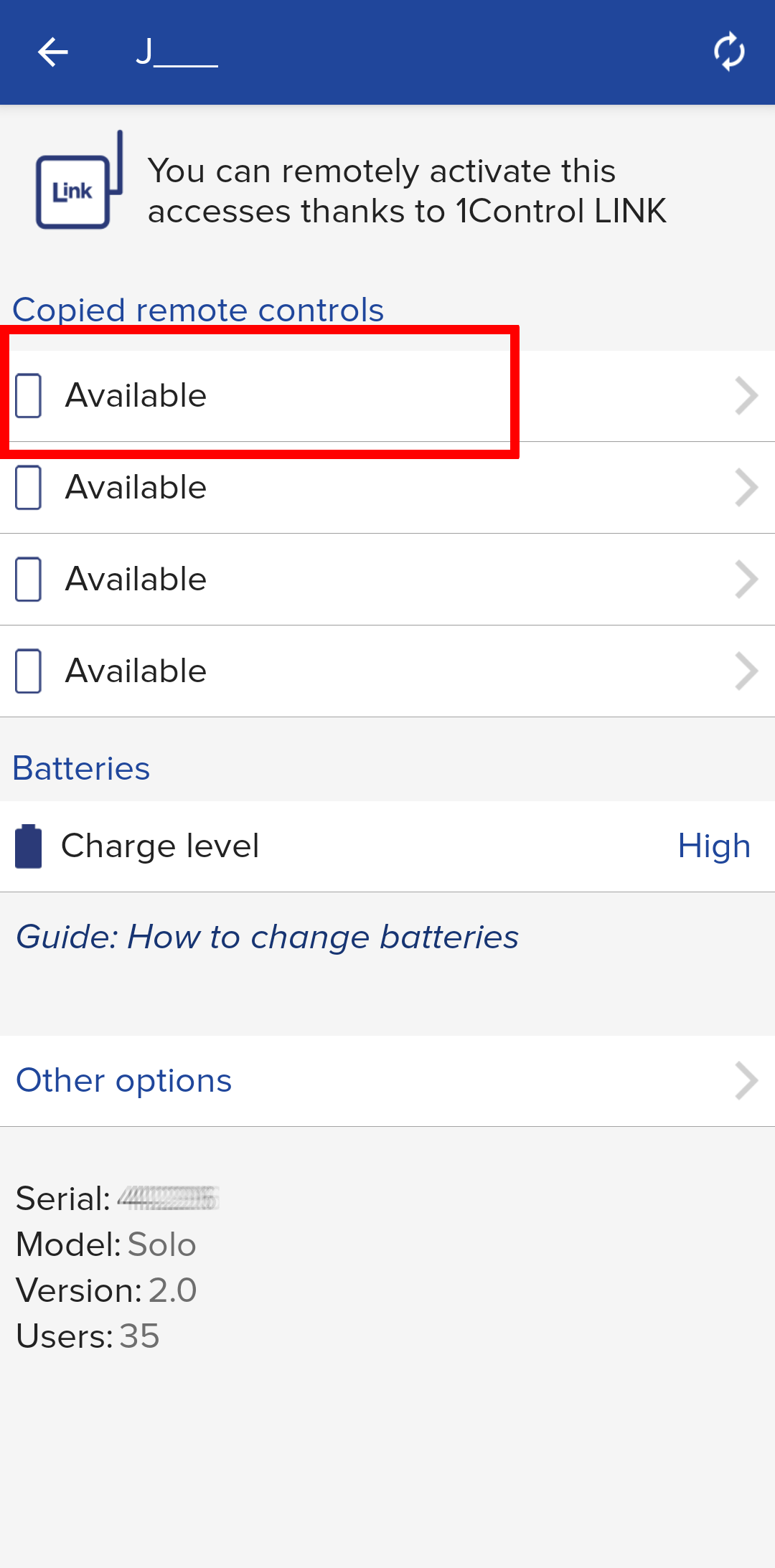
4. press on one of the available slots and start the procedure to copy the new remote .
5. The app automatically recognizes the remote control you are trying to copy and guides you step by step through the dedicated procedure .
While below you will find a video example of a copy of BENINCA remote control.
6. Once the procedure is completed, from the main screen of the app it will be possible to open the new gate / garage whose remote control you have just copied.
If you are experiencing troubles, consult the following guide:
https://1control.zendesk.com/hc/en-gb/articles/12433627378460
Otherwise, do not hesitate to contact our technical support by filling out the form at the following link: https://www.1control.eu/en/contattaci.php