To complete the copy, follow the procedure as indicated
- Start copying until the "Check operation" screen
- Press the menu button at the top right to enter manual recording as in the image below
- Move the slider higher than 4 seconds

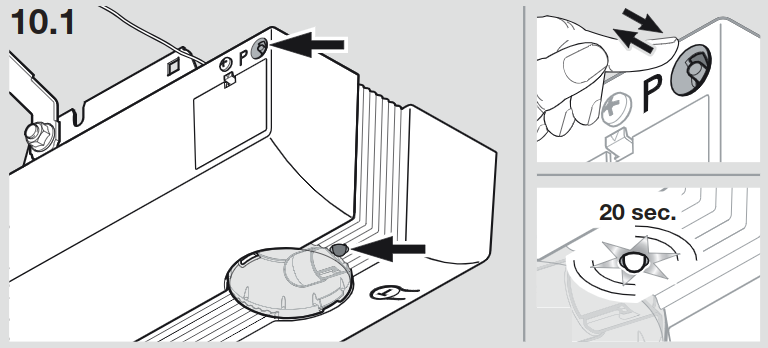
- On the control unit, press the P button, the adjacent RED LED starts to flash
- On the app, press the "Send opening signal" button, the LED starts flashing rapidly
- Press the "Send opening signal" button again, the LED starts flashing more quickly
- Wait 30 seconds
- Press "Next" at the bottom of the page
- Perform an opening test using the "Open/Close" button
If the behavior of the LED does not match what is described, repeat the procedure from point 3, setting a longer transmission time.