Before starting the procedure it is necessary to check whether there is an external receiver connected, such as the following:
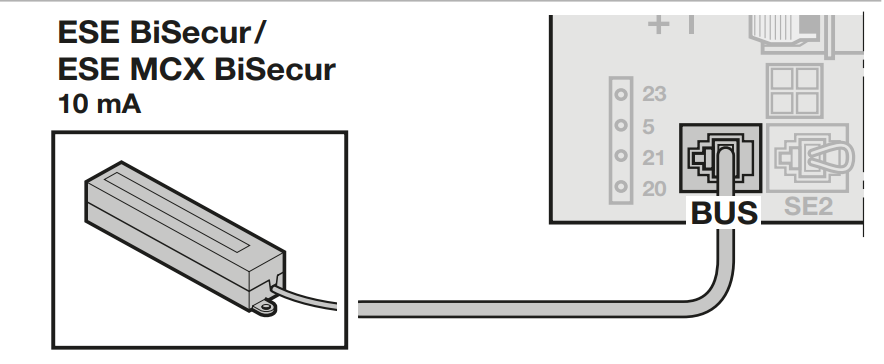
If it is present, consult the following guide:
https://1control.zendesk.com/hc/it/articles/13603643062684-HE-3-BiSecur-HE-3-MCX-BiSecur
Otherwise, proceed with the following:
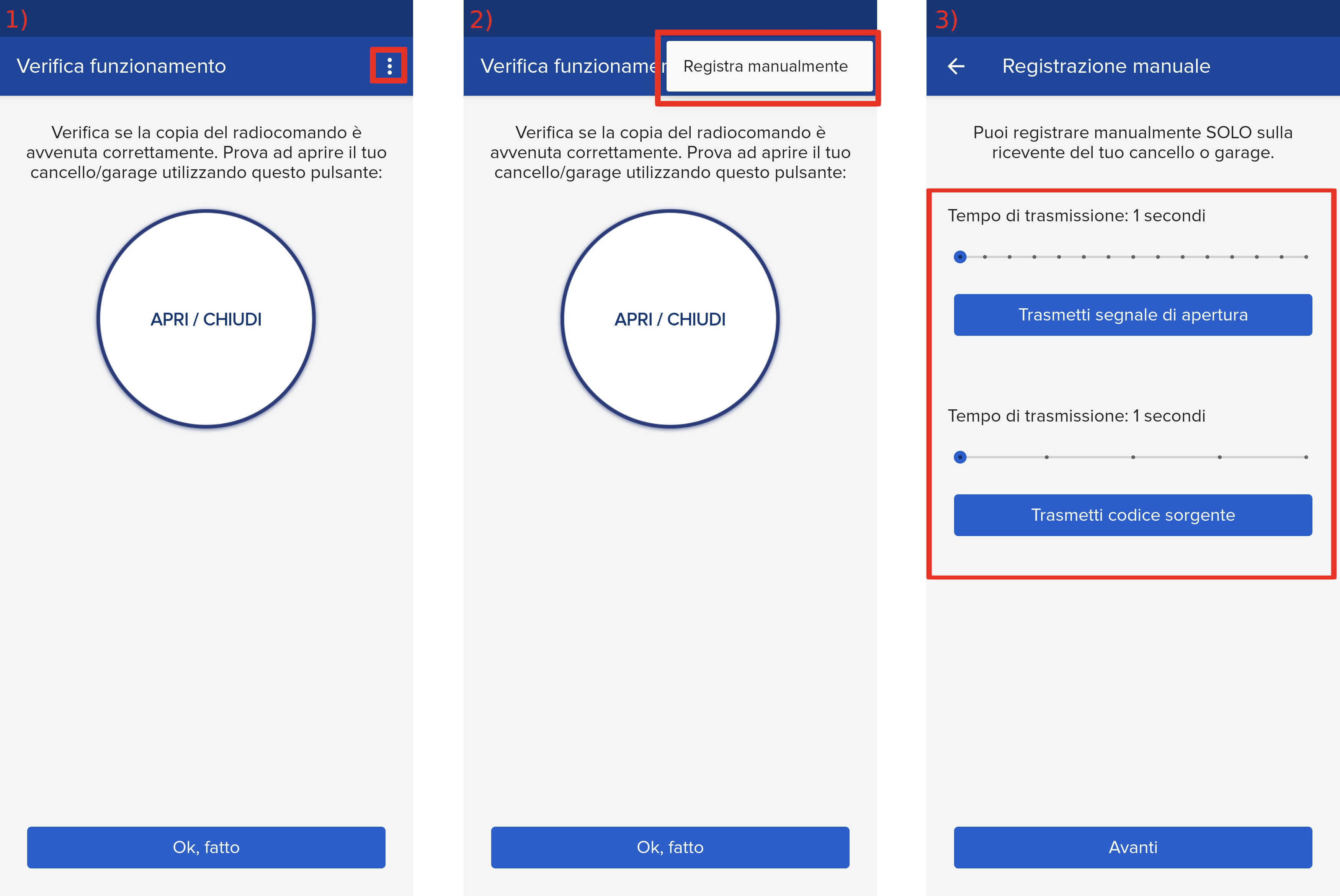
- Start copying until the "Check operation" screen
- Press the menu button at the top right to enter manual recording as in the image below
- Move both sliders to 5 seconds
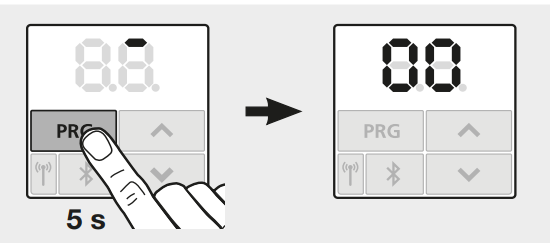
- On the control unit, press the " PRG" button for 5 seconds to access the programming menu:
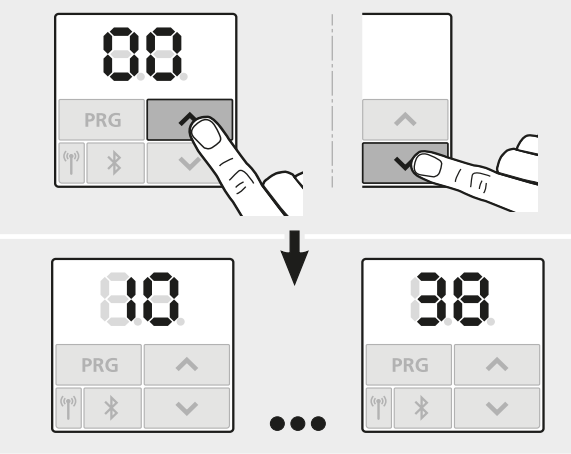
- Using the arrow keys navigate the menu until you reach the " 11' section
- Press the prog button for about one second, the display starts flashing
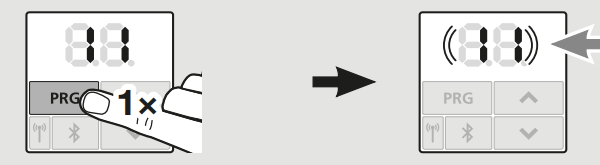
- In the 1Control app press the " Send source code " button
- A dot should appear on the display indicating correct signal reception
If it is not shown, increase the broadcast time and try again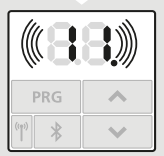
- Press the prog button again for about 1 second
- Wait approximately 1 minute
- Press " Send opening signal ", The garage should open
If after the last step the garage is not operated, repeat the copy and the indicated procedure again.