In the event of Wi-Fi connectivity problems with the LINK, it is advisable to reconnect it to your router. To do this, you need to:
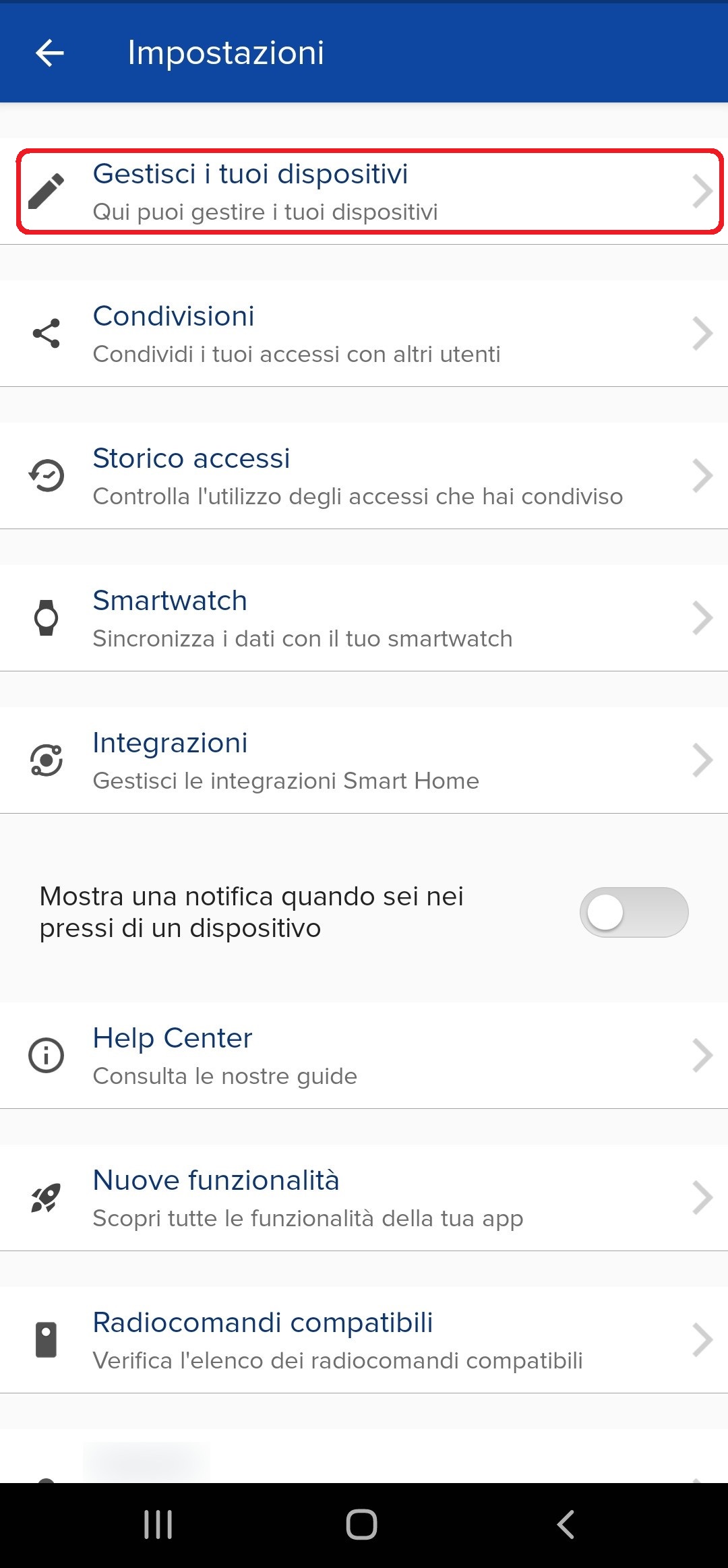
- Open the 1Control app;
- Go to settings;
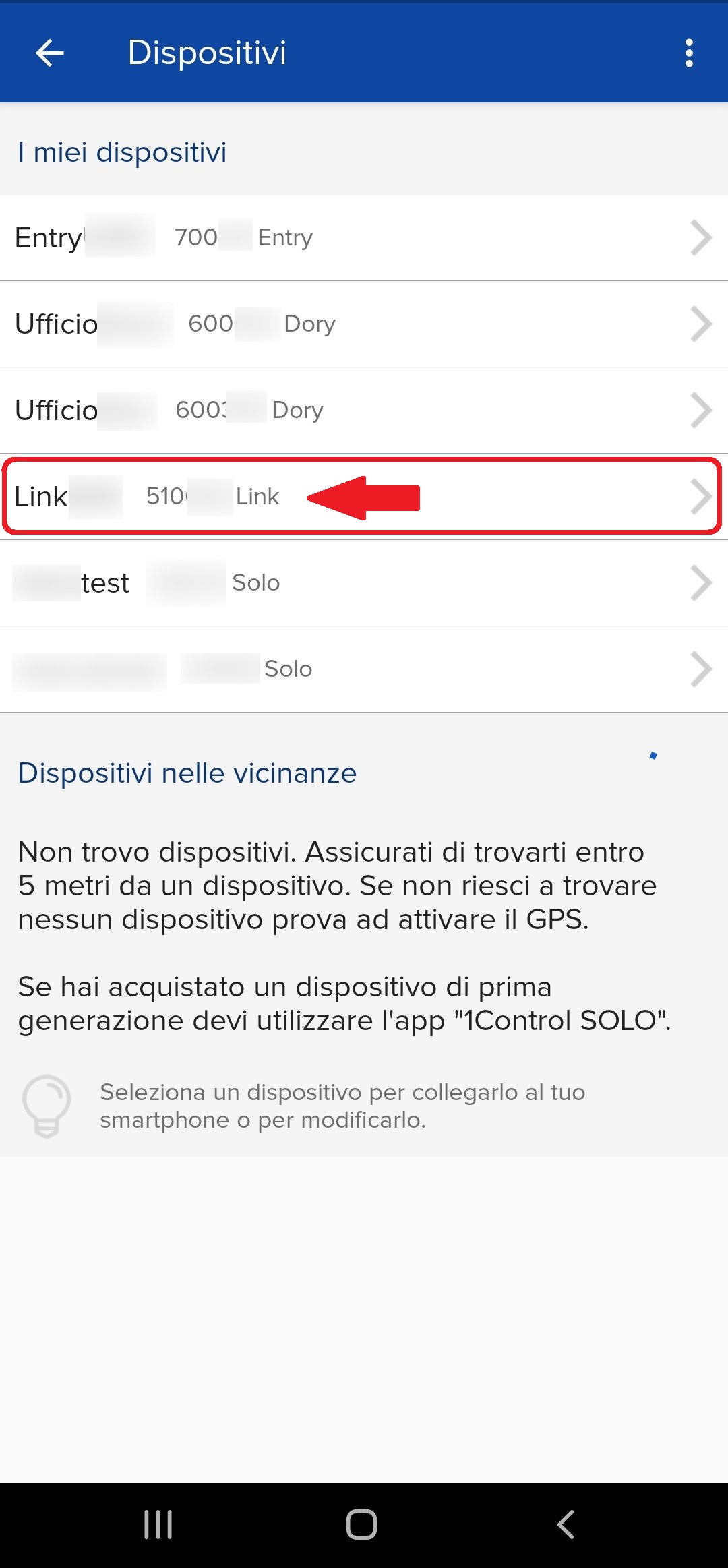
- Open the "Manage your devices" section;
- Select your LINK;
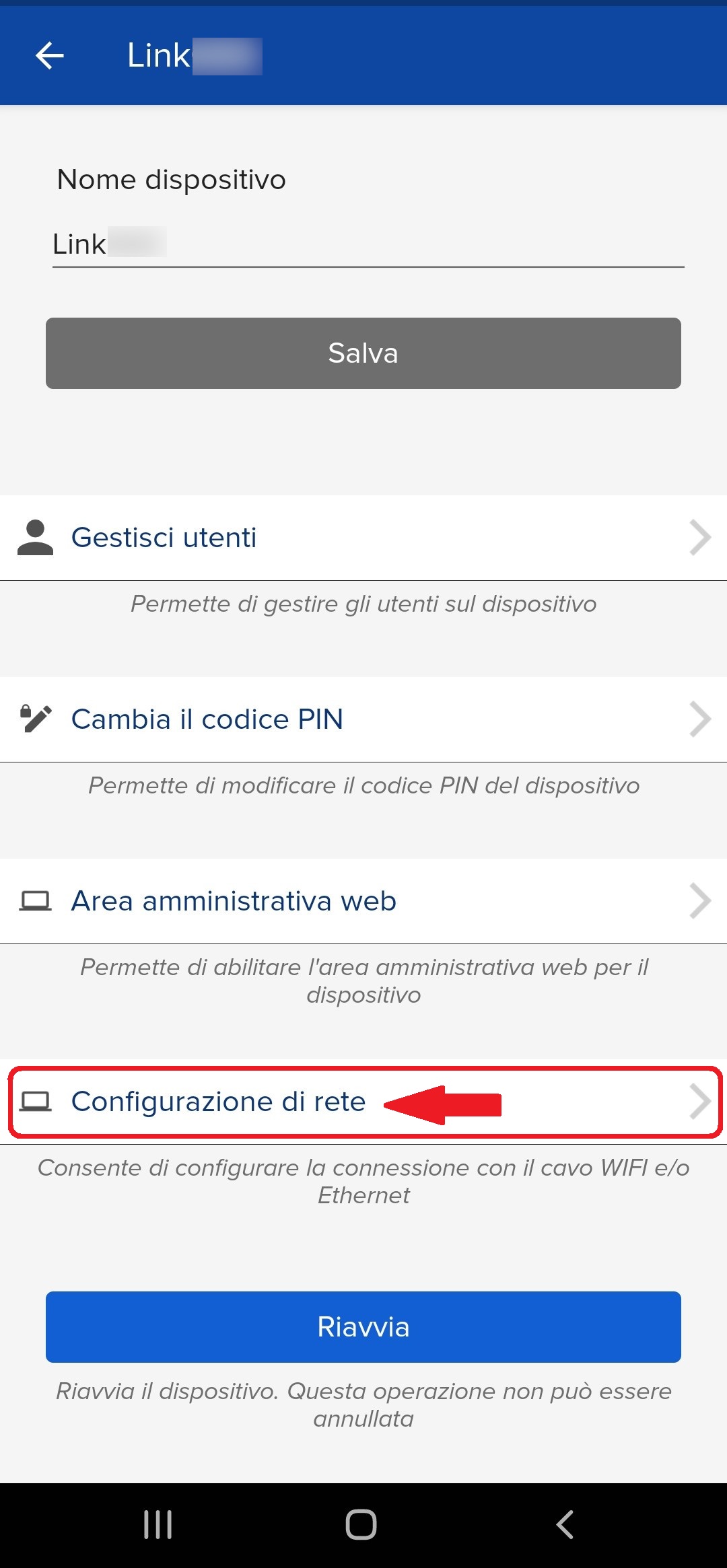
5. Go to "More options" and "Network configuration"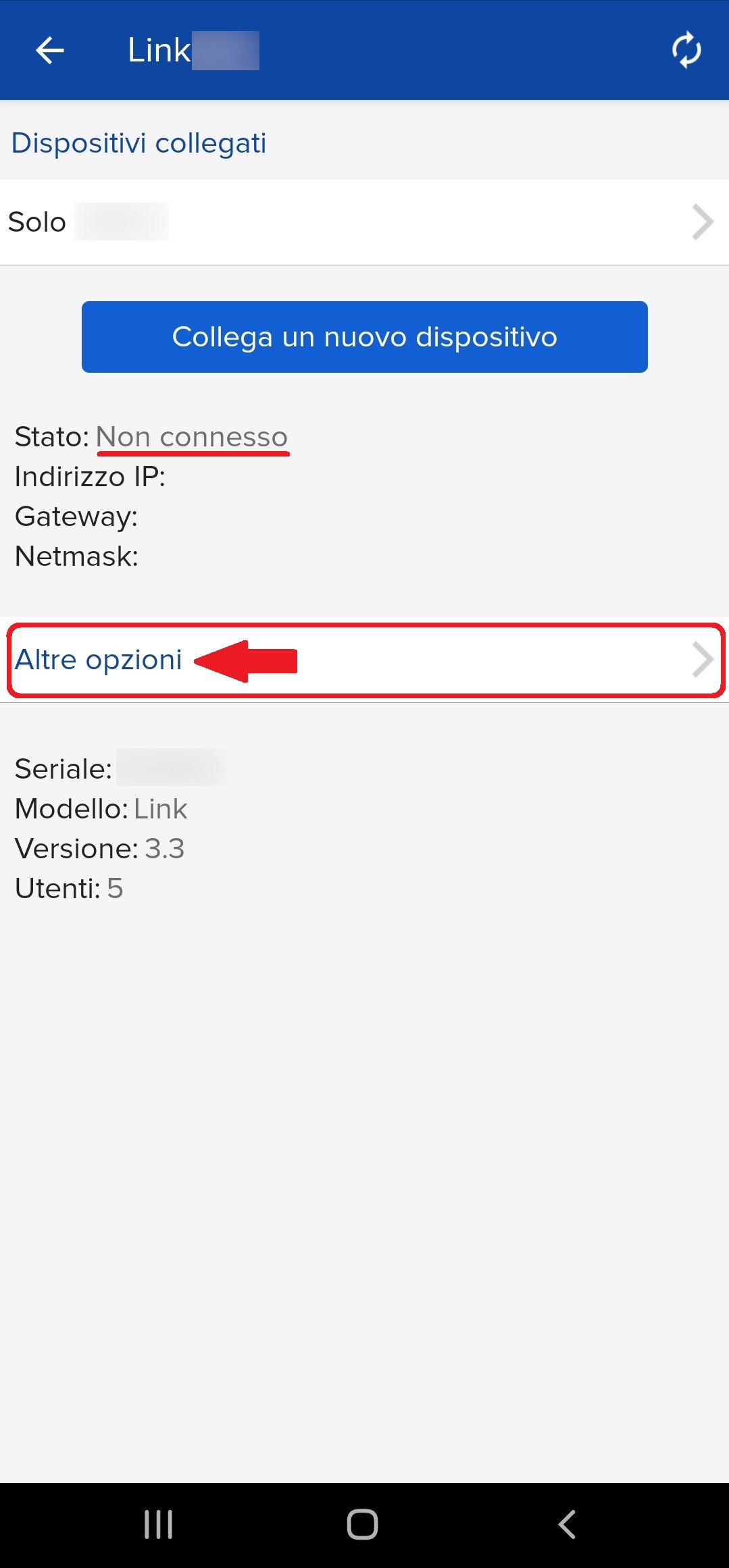
6. Select "Change network" and "search for wifi networks"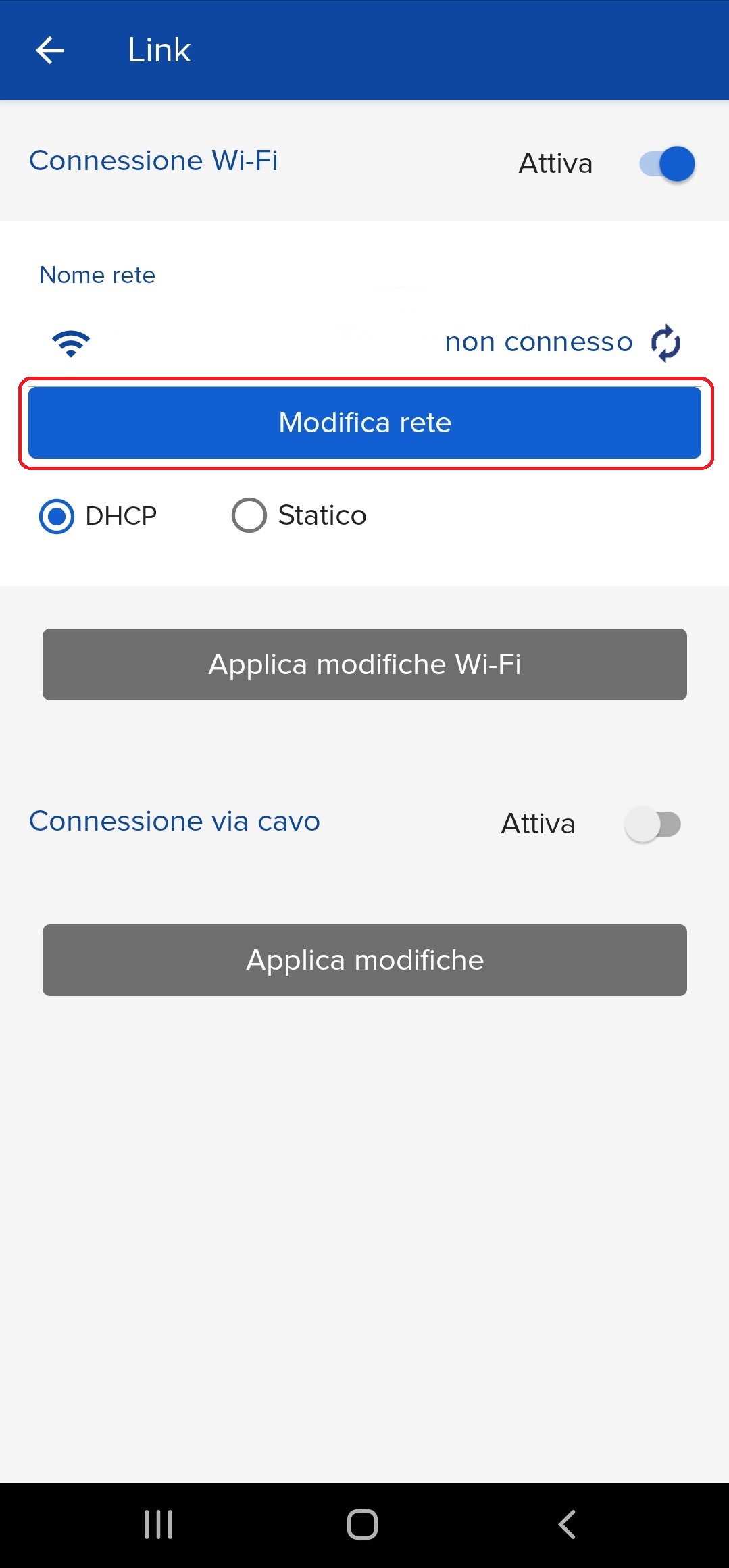
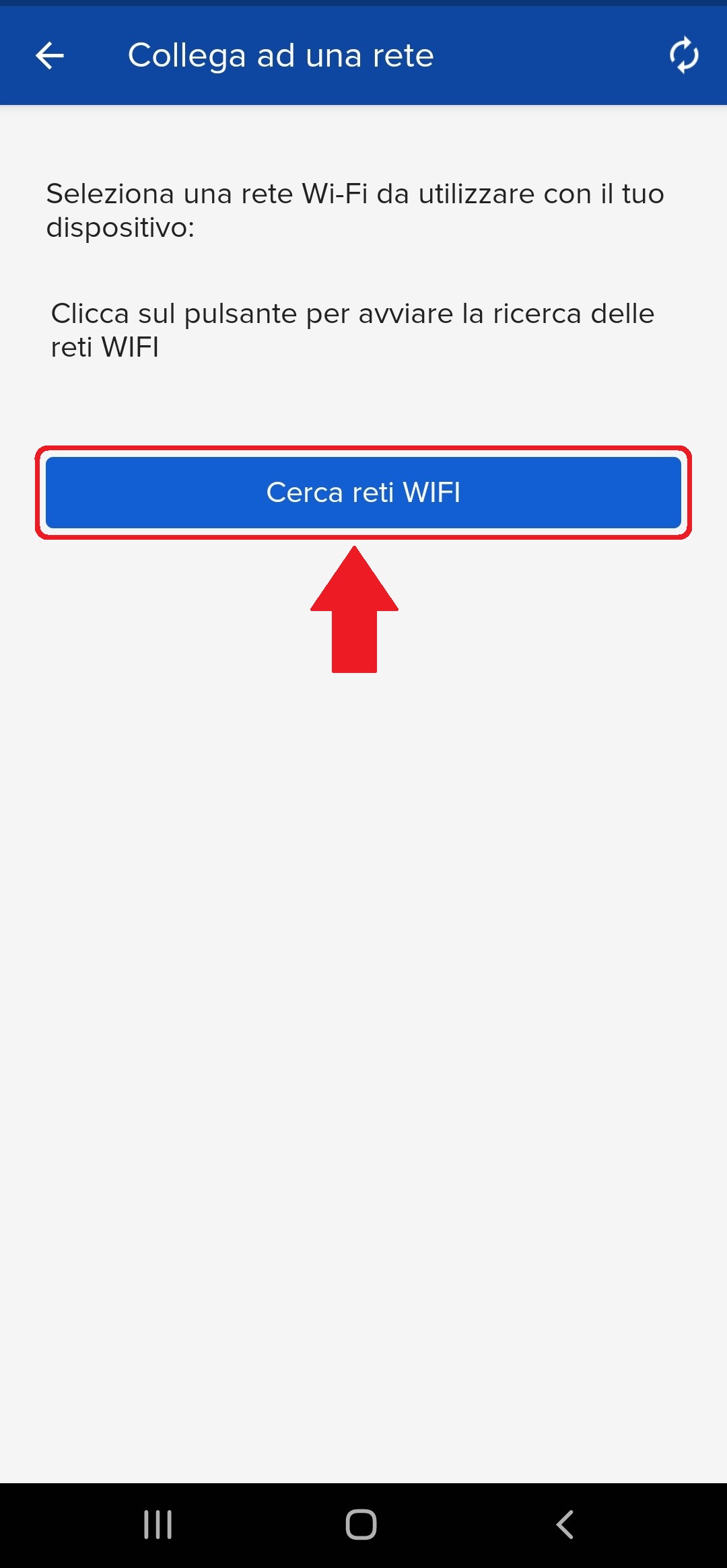
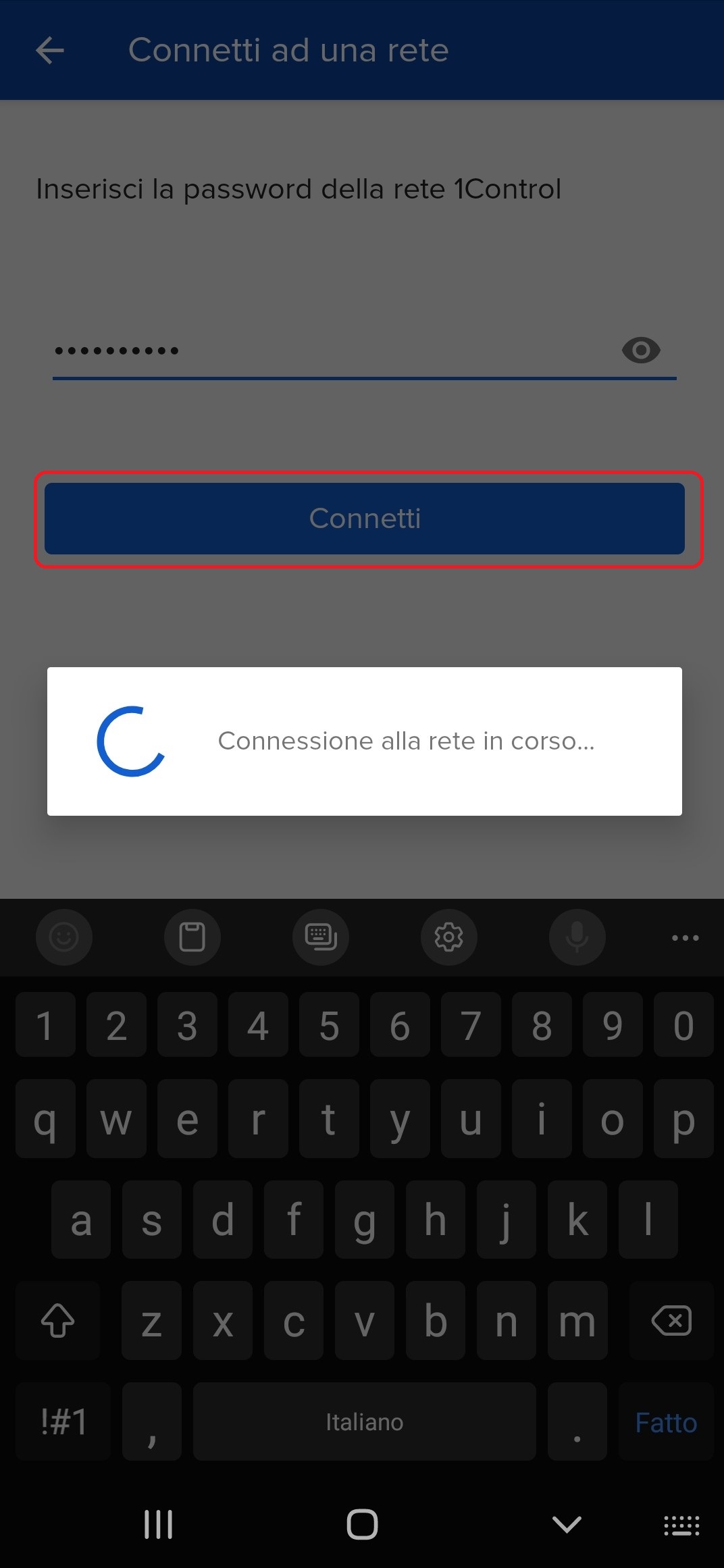
7. Select your 2.4Ghz network and enter the password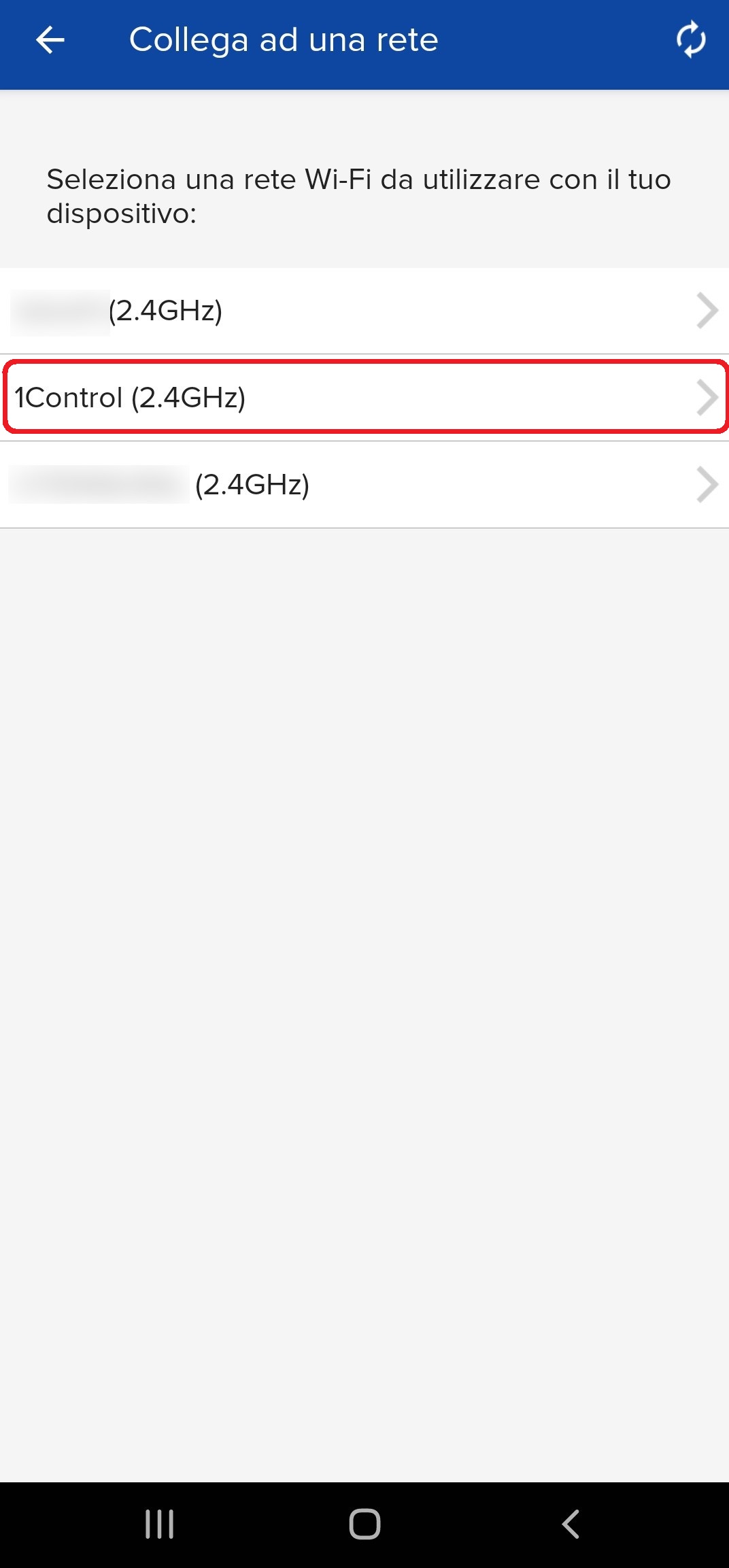
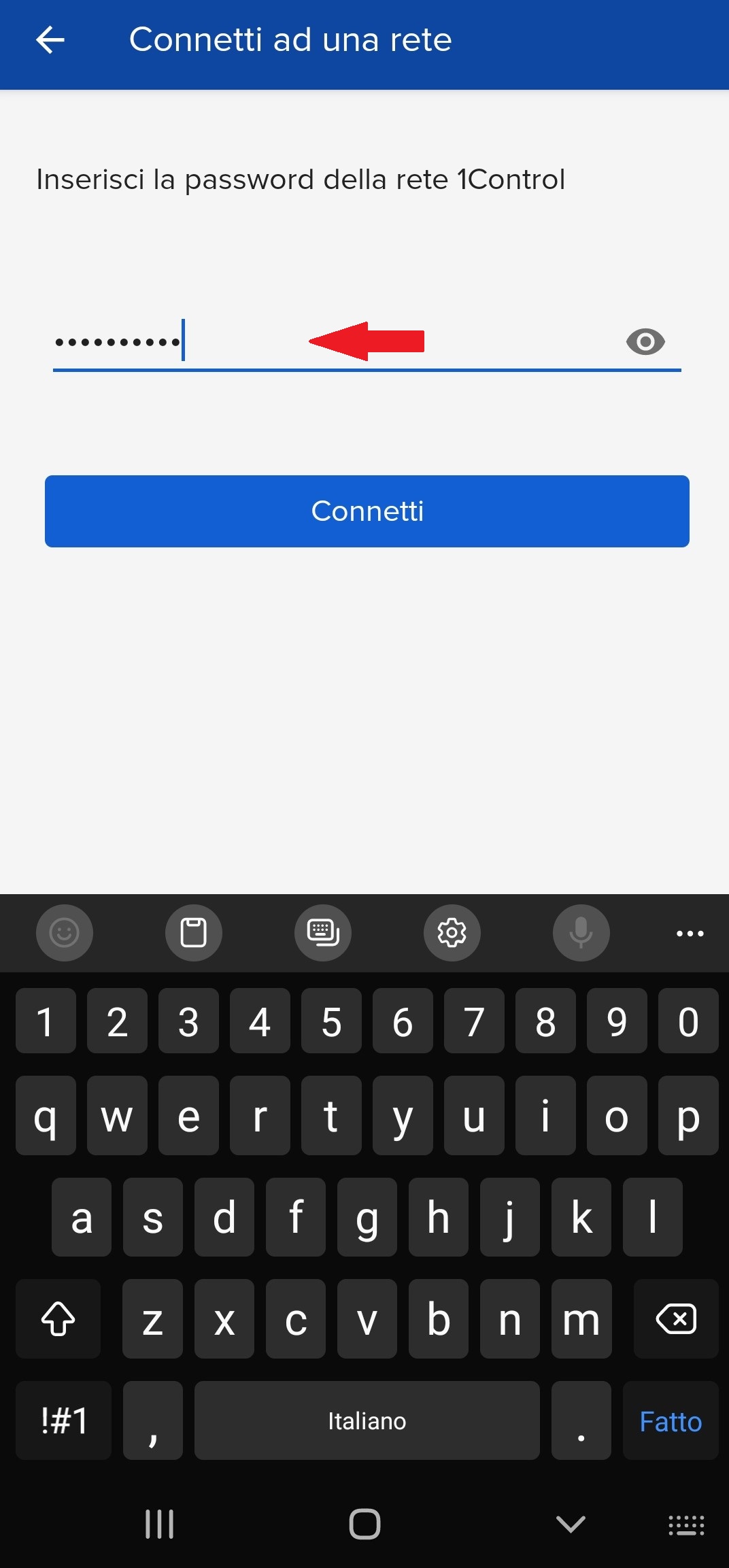
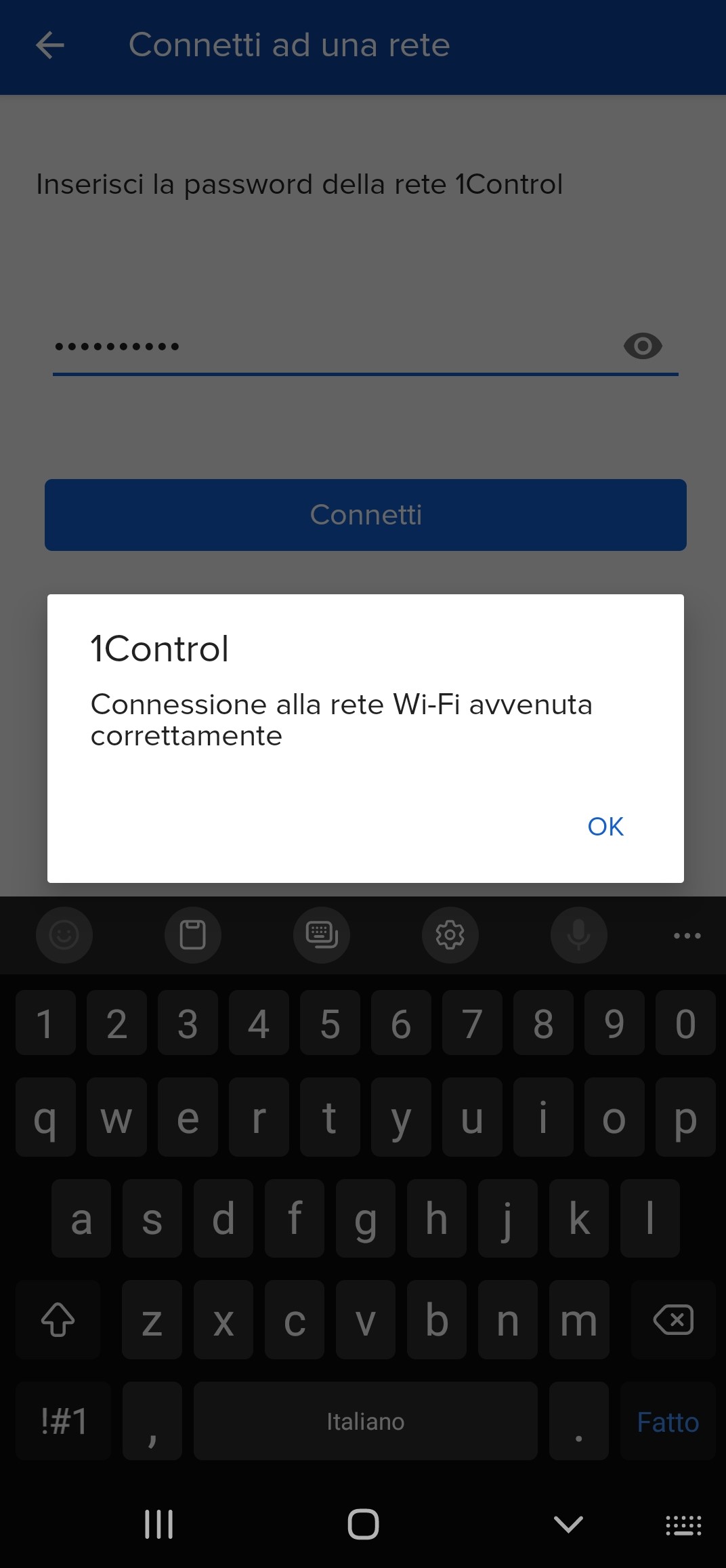
8. Finally, click on "Connect" and return to the home page