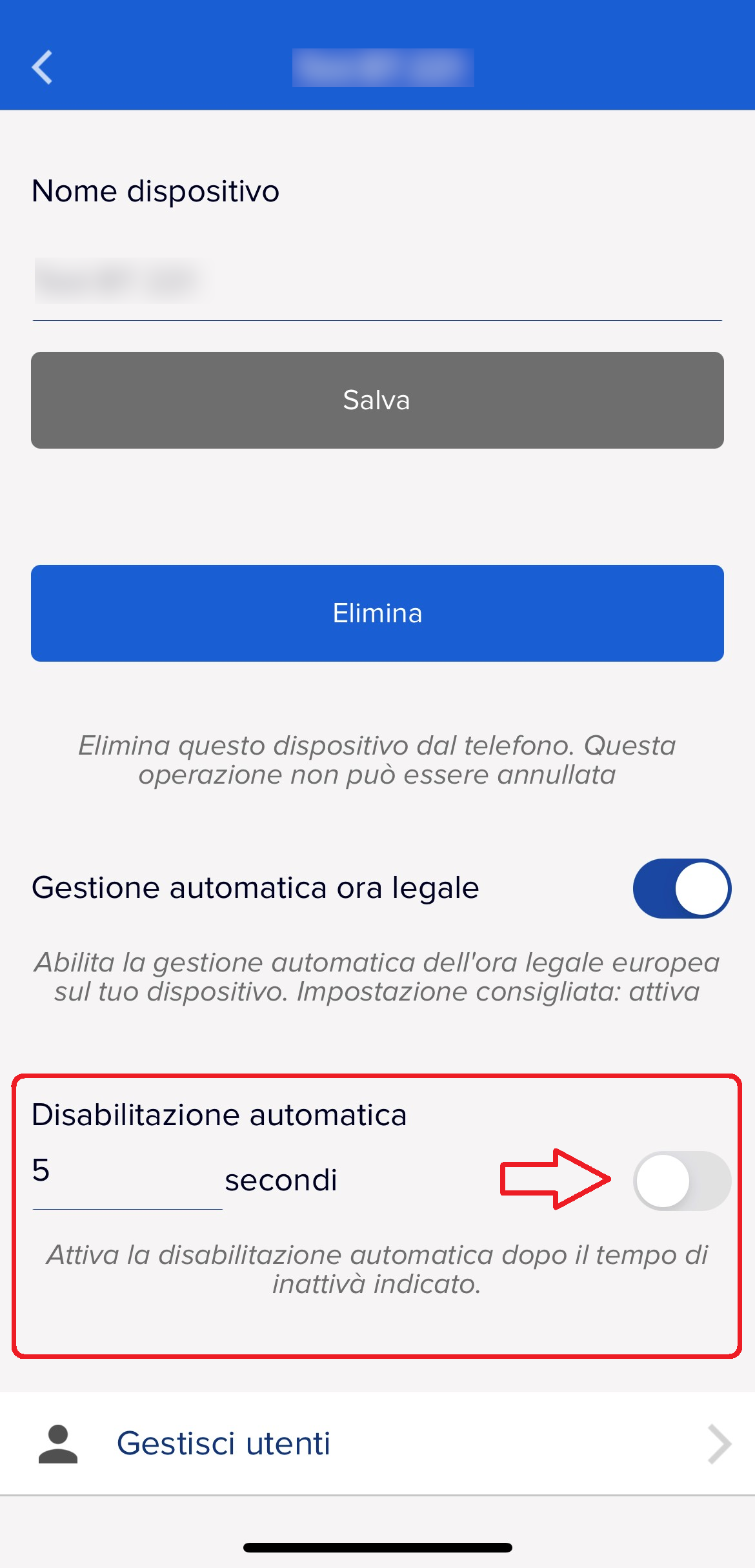
It is possible to set the automatic disabling of the DORY by choosing the inactivity time as shown in the picture, to perform the setting proceed as follows:
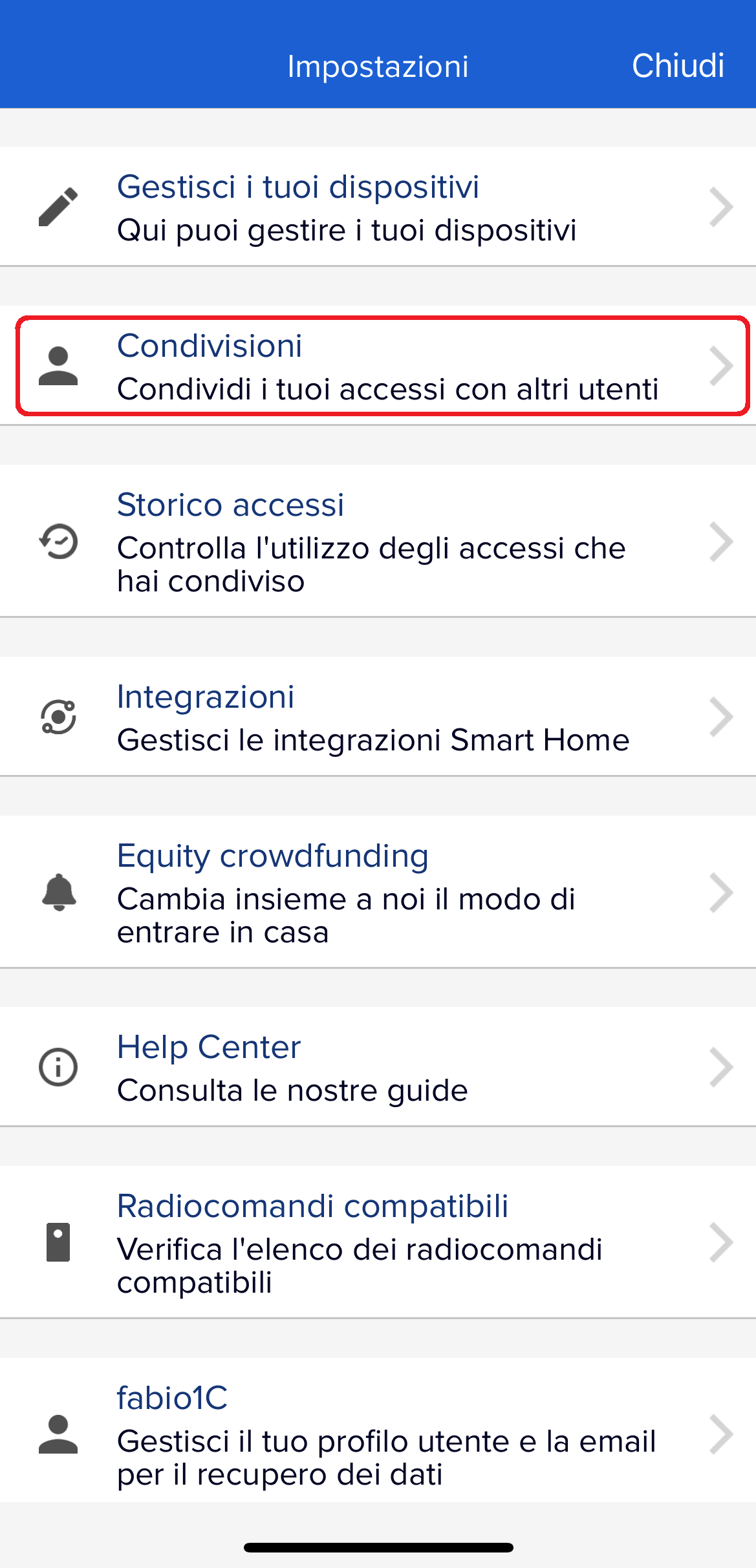
- Open the settings (by clicking the gear on the top left of the app's main screen)
- Go to "Manage your devices"
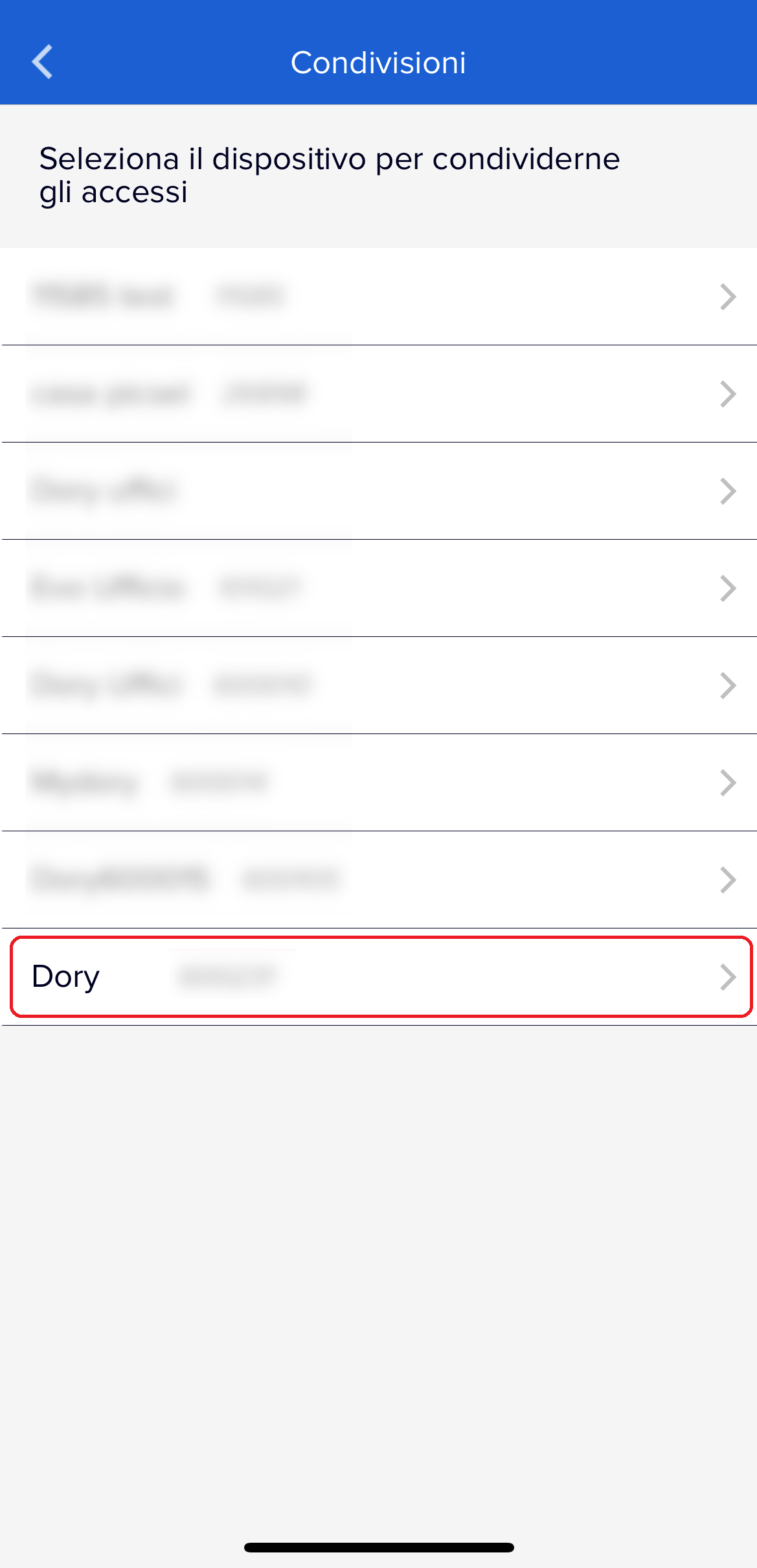
- Choose the DORY in question
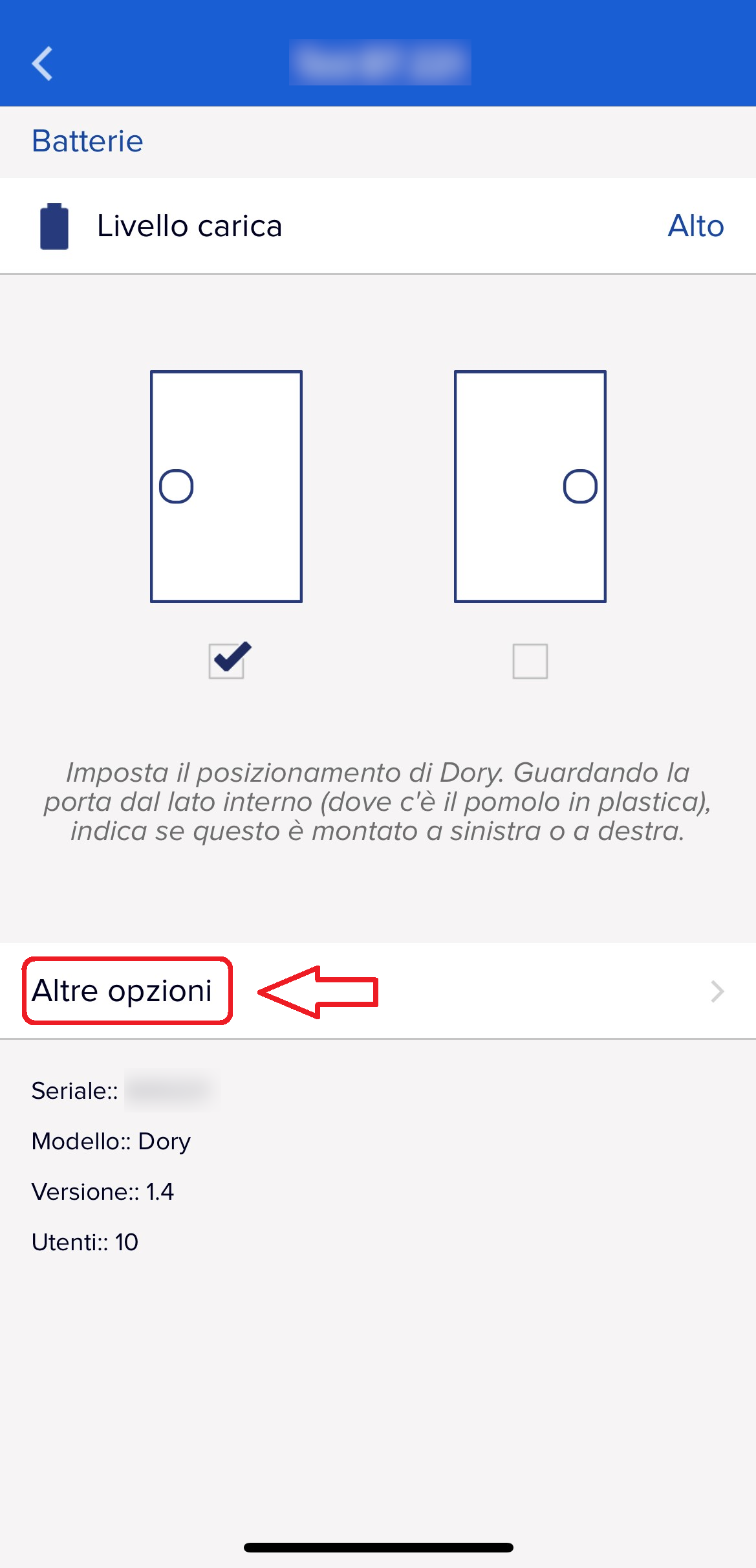
- Click on "More options" at the bottom
- Set the desired time and activate the function
 |
 |
 |
 |