Google Home Integration Setting

Updated on 10/01/2022

Google Home setup procedure
1

Open the Home    app on your phone

If the Home app is not installed, you can download it from the Play Store

Disponibile su Google Play

Or from the App Store

App Store

2

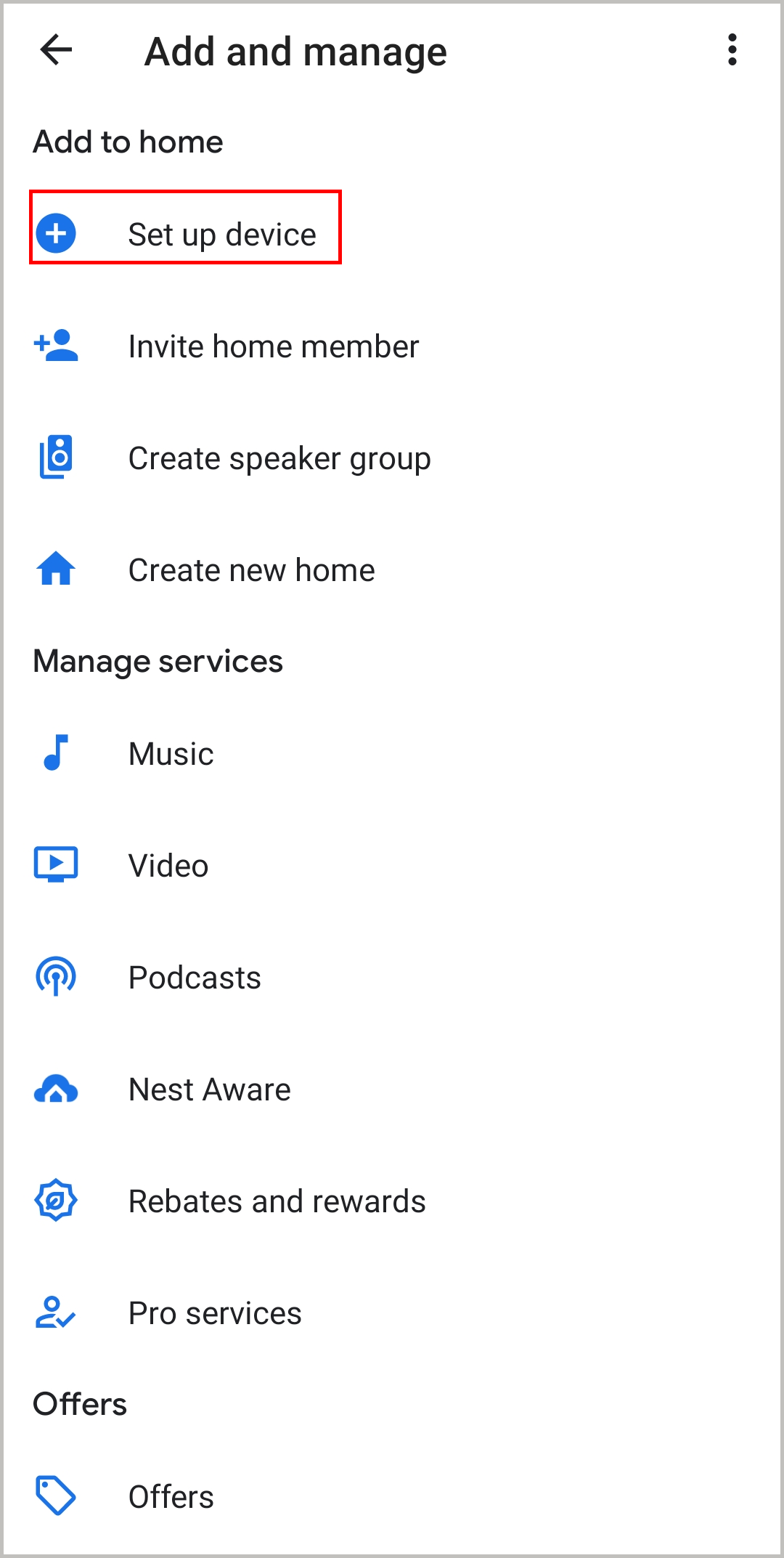
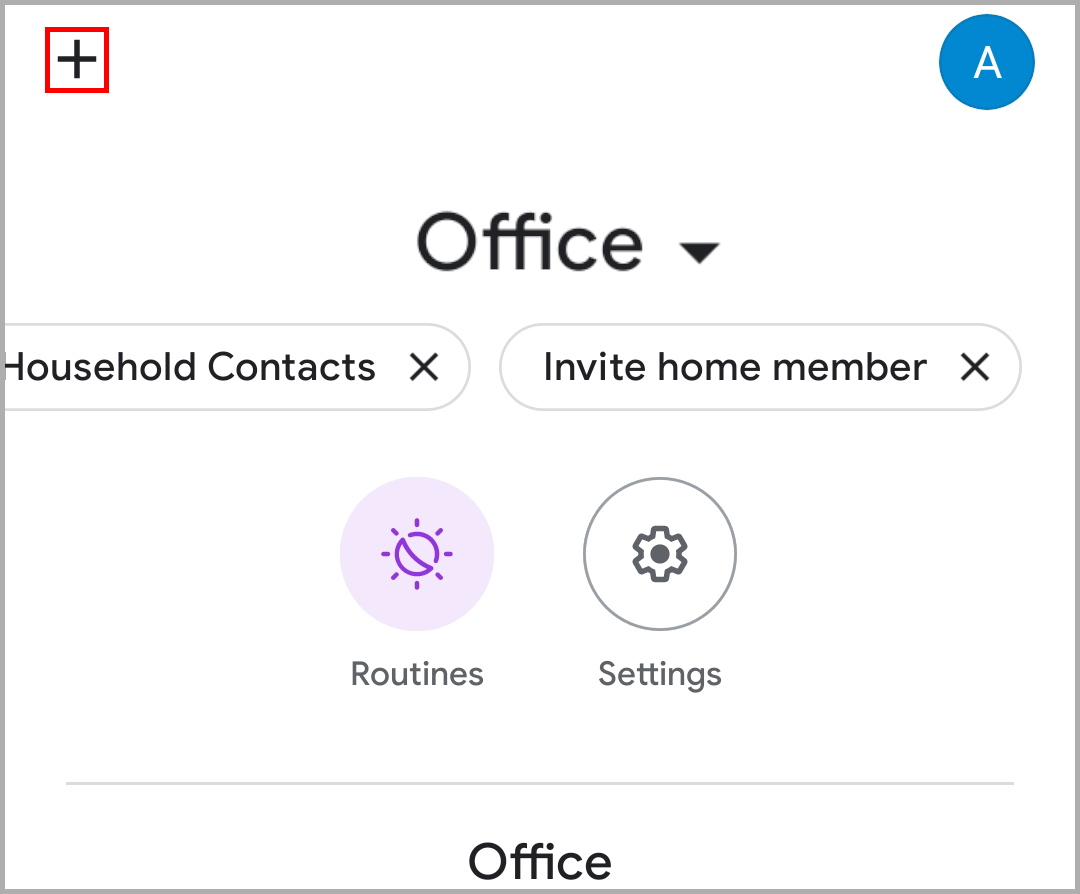
Select the "+" icon at the top left
https://www.1control.eu/assistanceData/guida-google/eng/Guida_Google_1_ENG.png

3

Select "Configure device"

https://www.1control.eu/assistanceData/guida-google/eng/Guida_Google_3_ENG.png

4

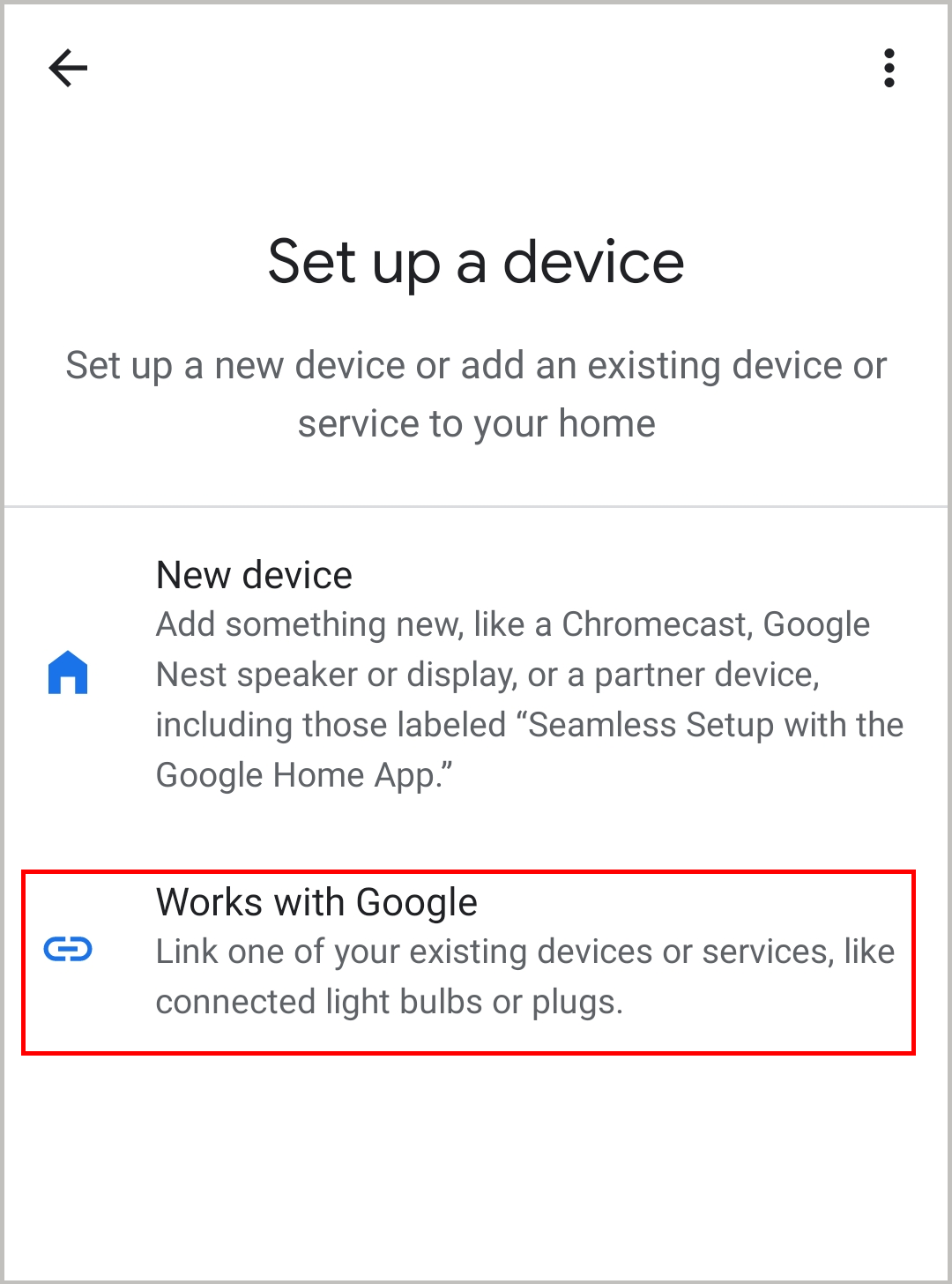
Select "Works with Google"

https://www.1control.eu/assistanceData/guida-google/eng/Guida_Google_4_ENG.png

5

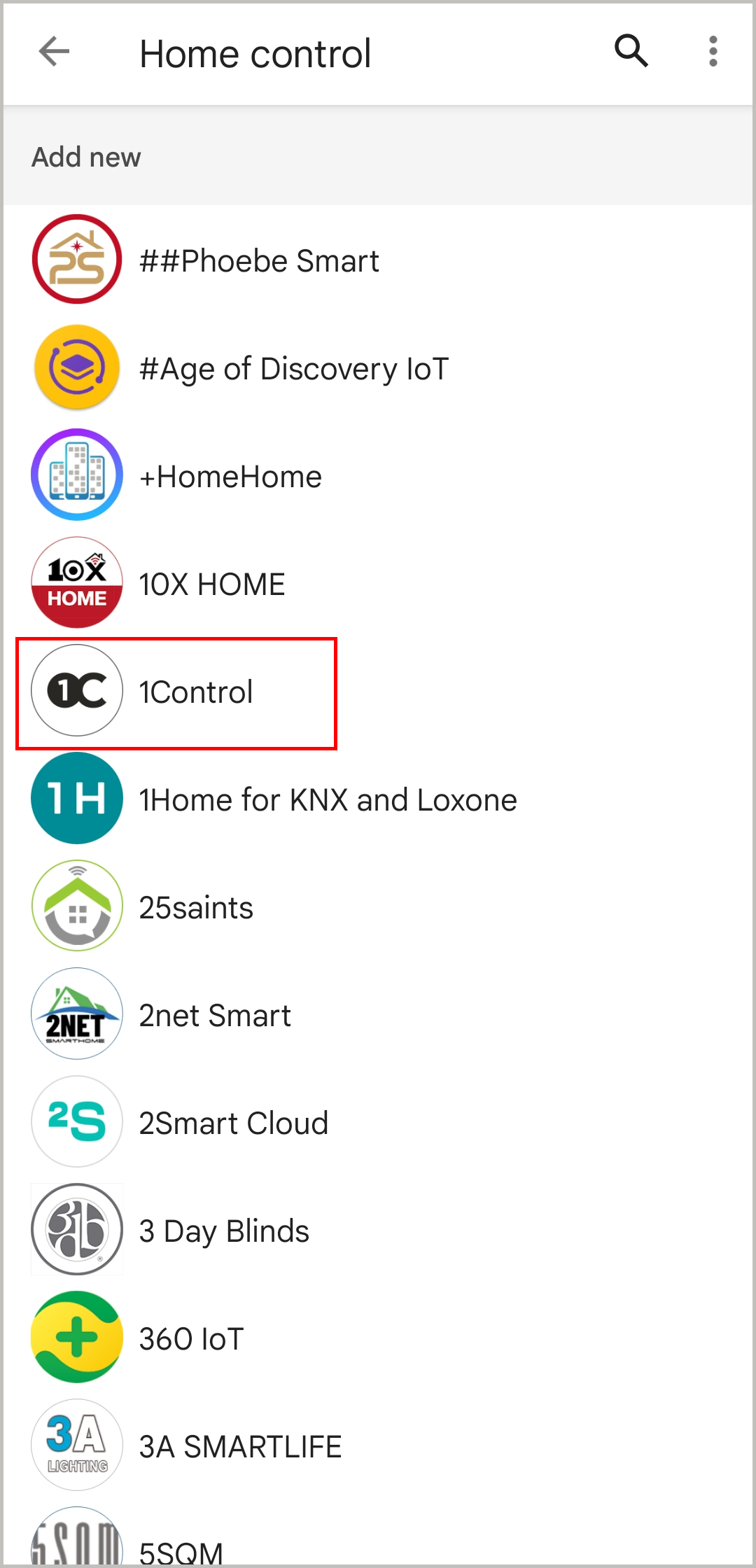
Scroll the list to select the 1Control app
https://www.1control.eu/assistanceData/guida-google/eng/Guida_Google_5_ENG.png

6

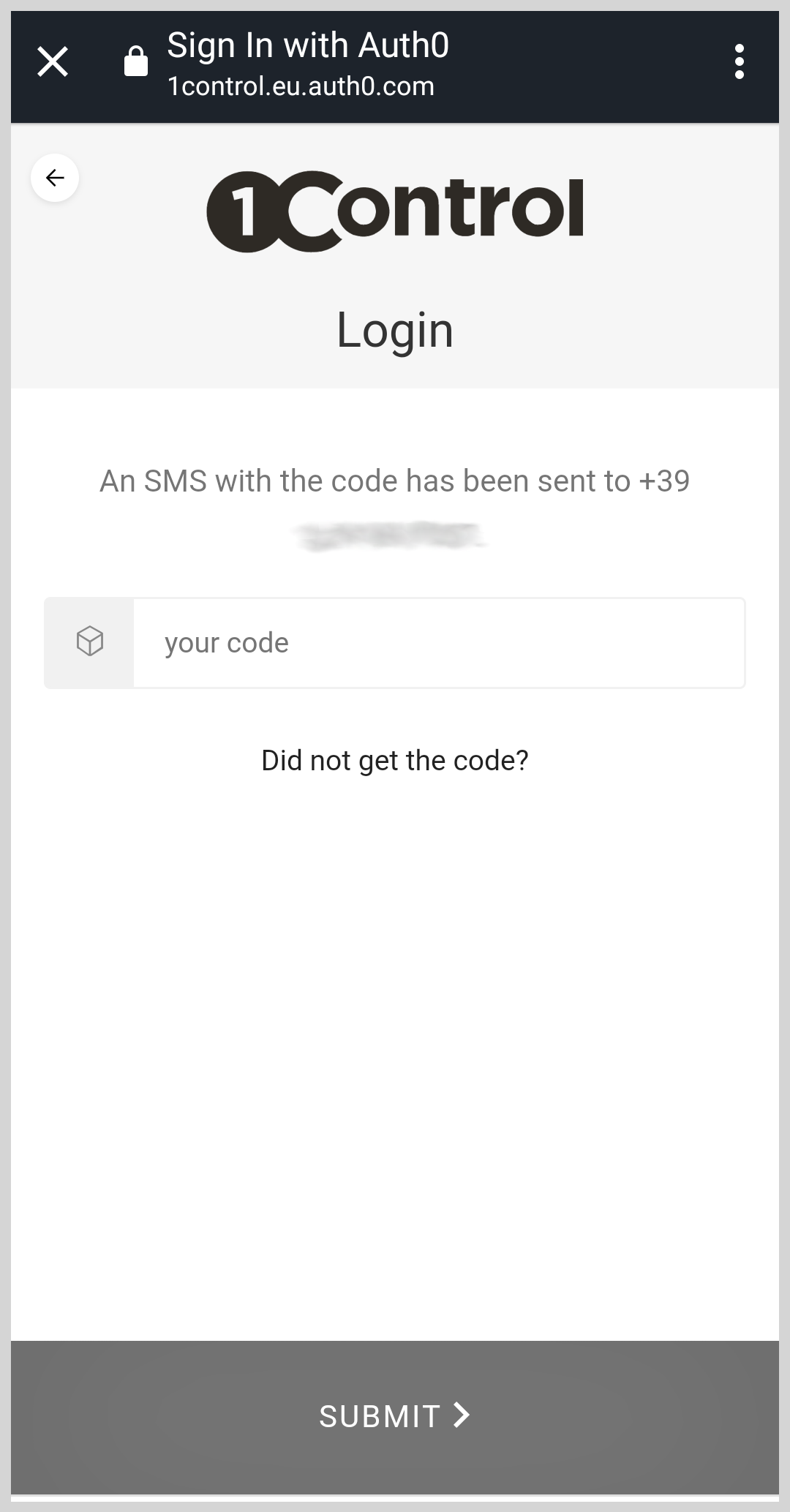
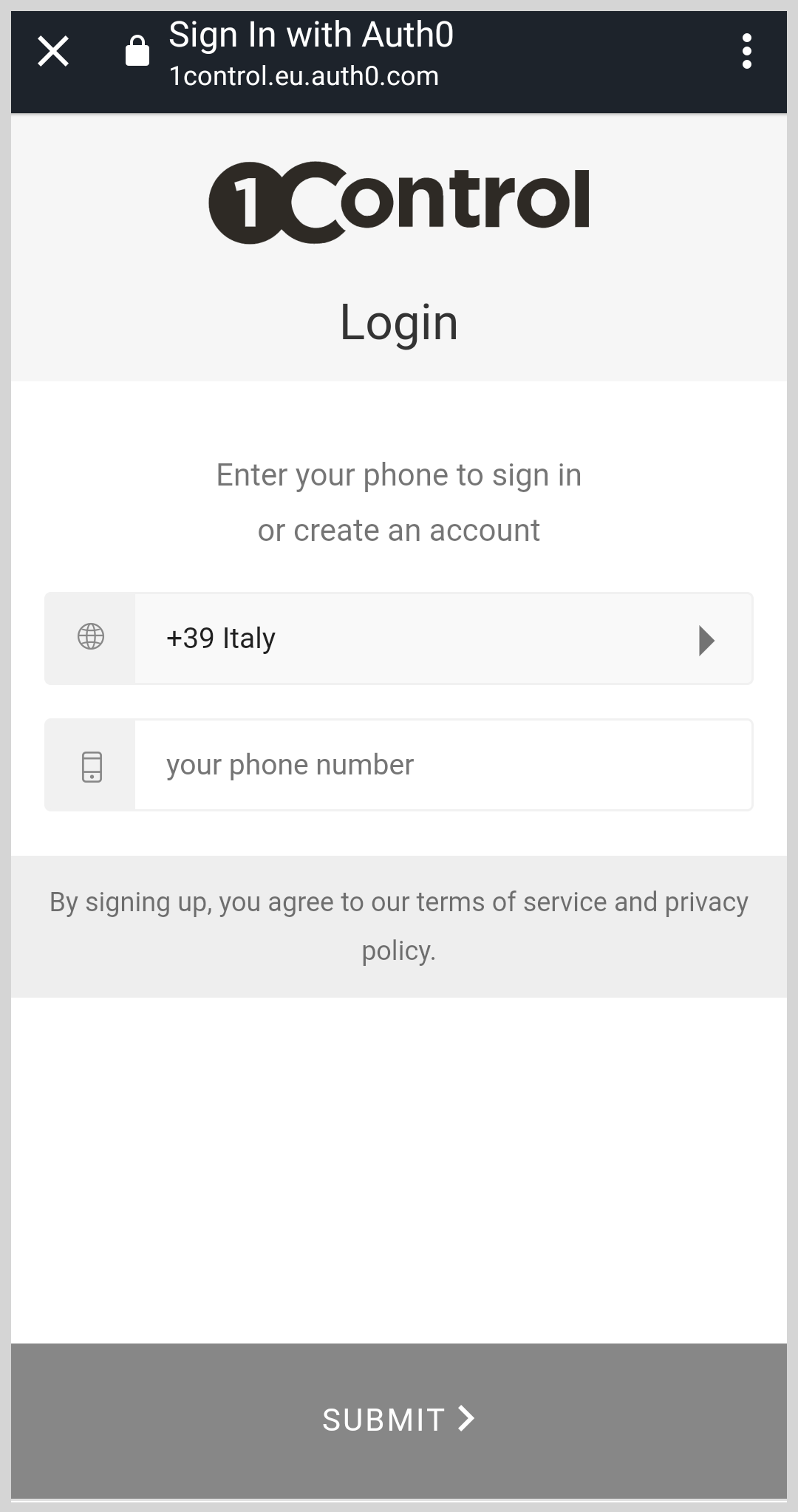
Log in with your phone number

Attention: the number used MUST be the same as that used for registration in the 1Control app

After pressing the button, confirm, wait for the next screen to appear, it may take a few seconds
https://www.1control.eu/assistanceData/guida-google/ita/registration1.png

7

Wait for the SMS to arrive

https://www.1control.eu/assistanceData/guida-google/ita/registration3.png

8

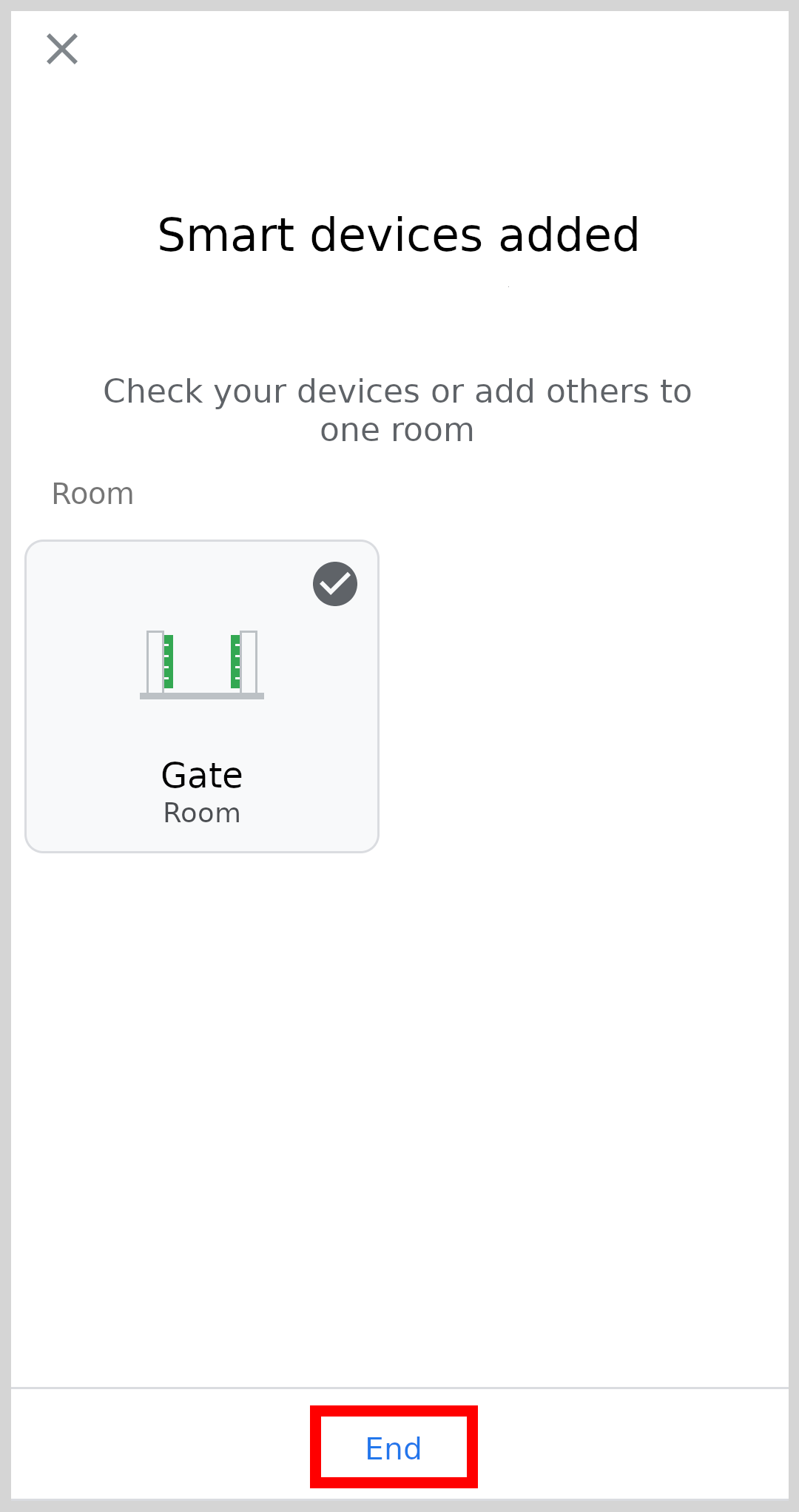
Finished setting, press END on the bottom of the page
https://www.1control.eu/assistanceData/guida-google/eng/Guida_Google_8_ENG.png

9

Now you can open by saying:

"Hey Google, open Gate"

Where "Gate" needs to be replaced with the name chosen for the access
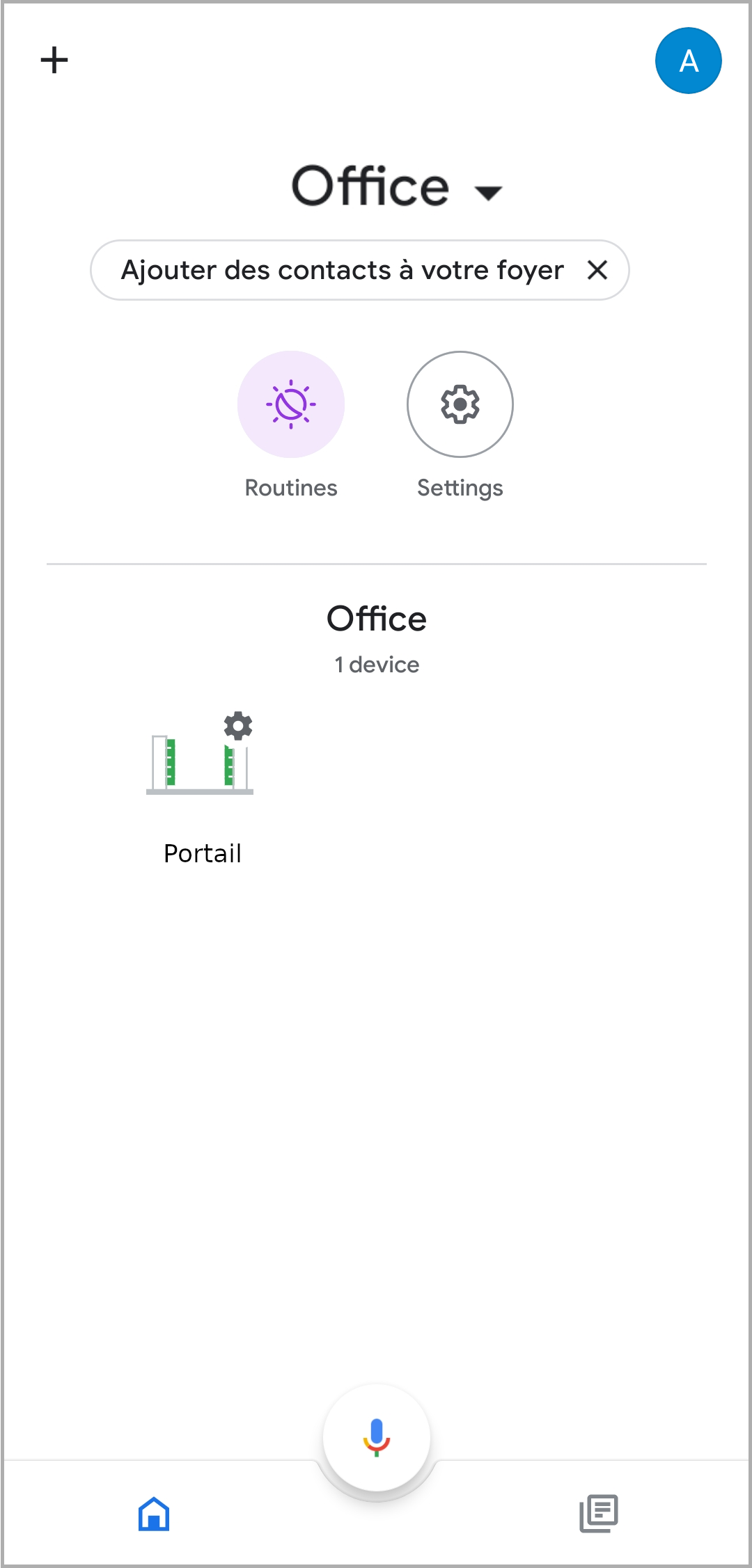
https://www.1control.eu/assistanceData/guida-google/eng/Guida_Google_9_ENG.png

This guide in other languages: Italiano Deutsch Français