Installing the LOCO padlock is extremely simple and requires no technical skills.
Follow these steps to easily set up and use your smart padlock:
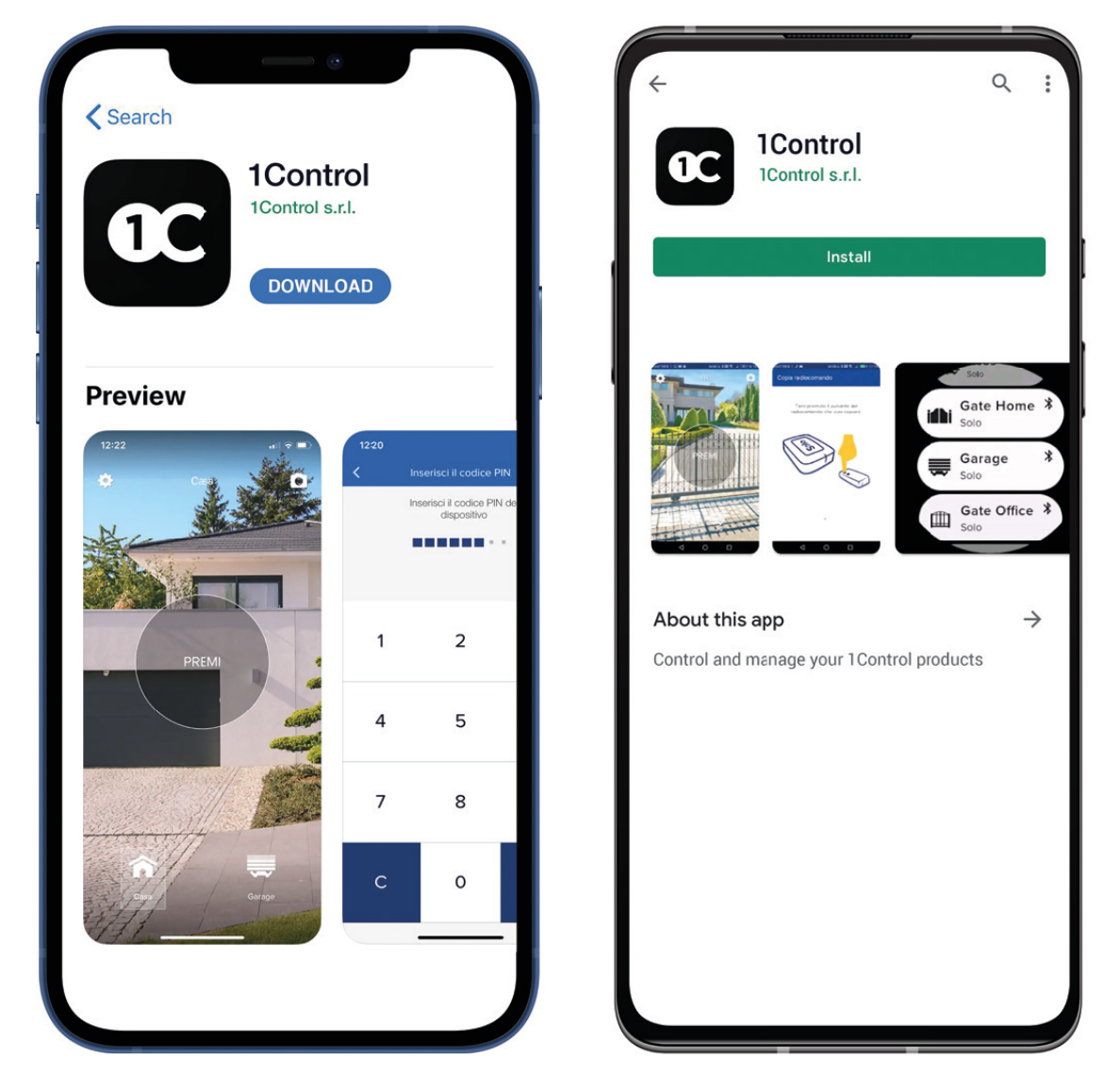
1. Download the free 1Control app on your Android or iPhone smartphone.
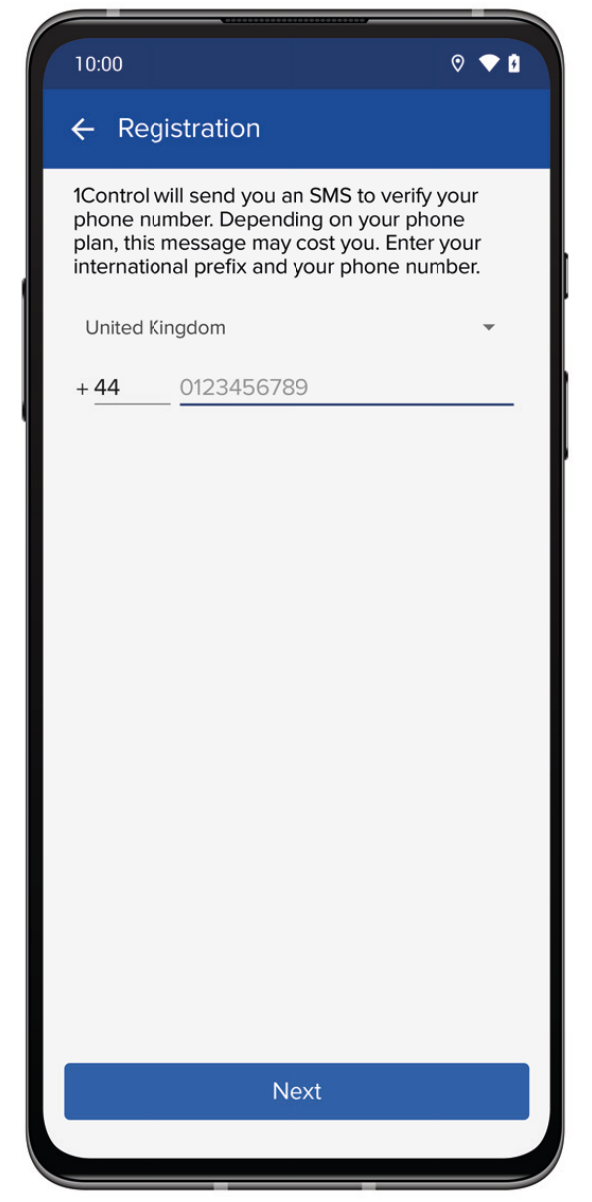
2. Register by indicating your telephone number. Registration is required to share your access.
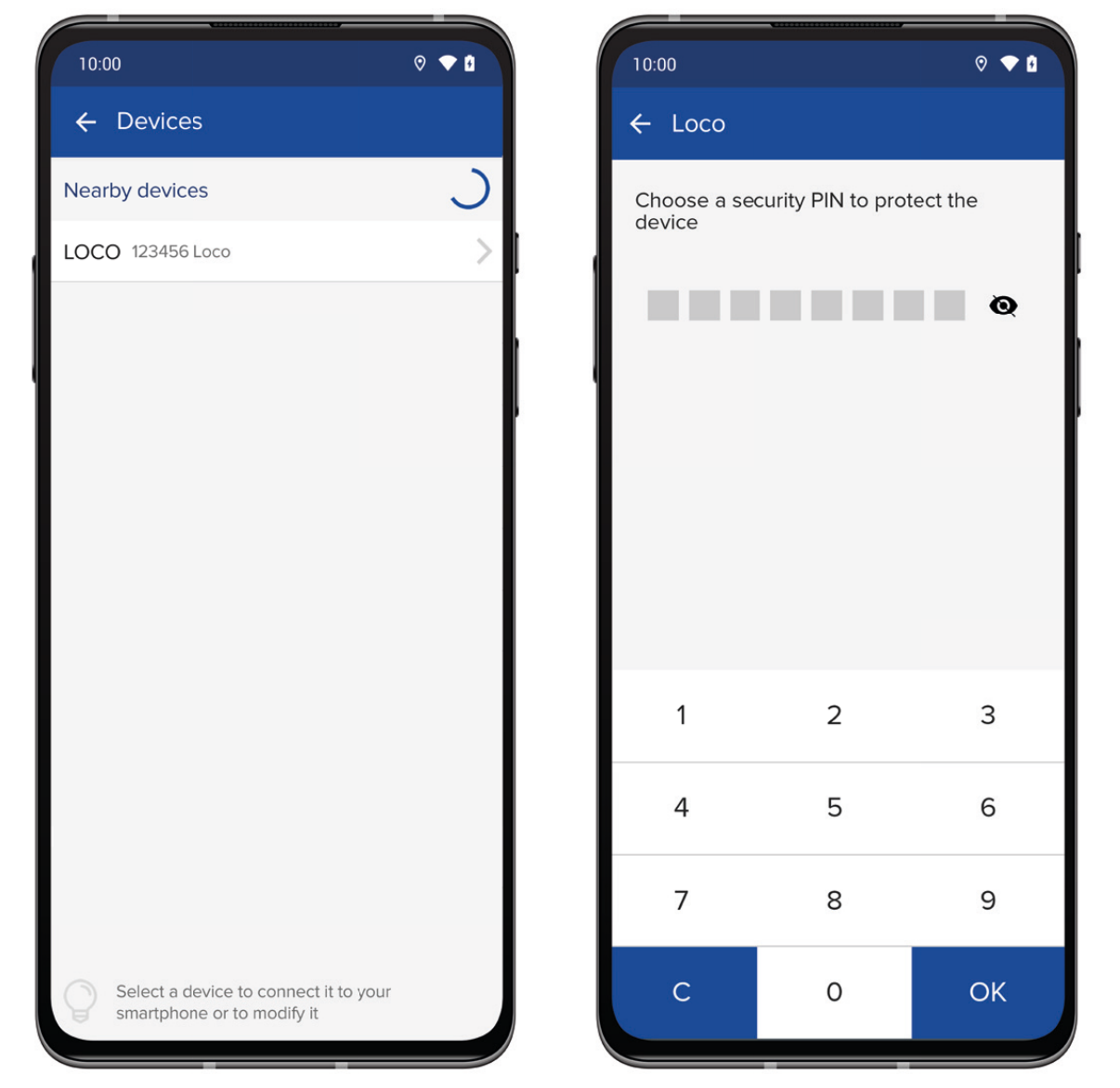
3. Select your LOCO padlock from the list of nearby 1Control devices and set a security PIN code to protect it.
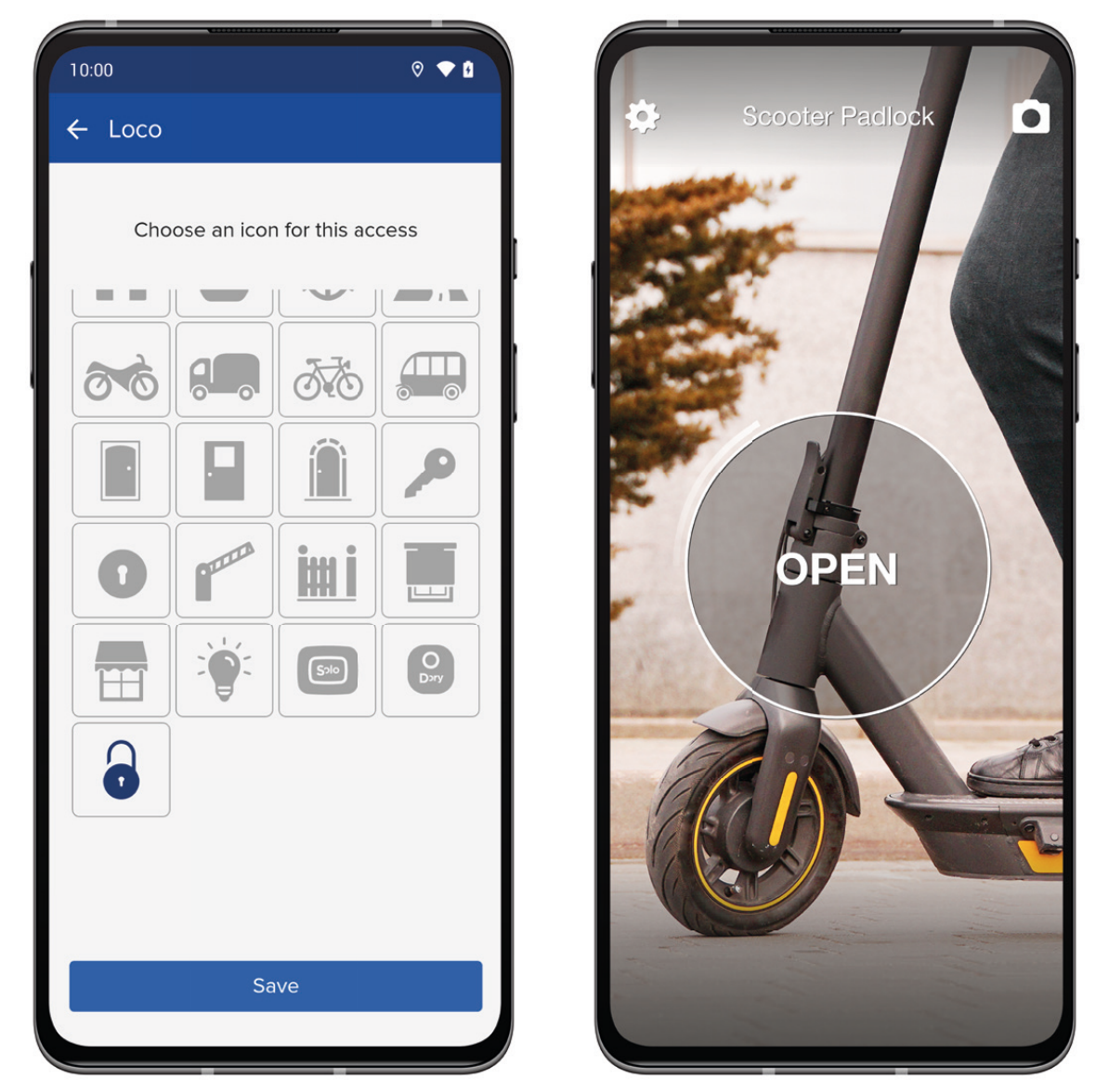
4. Name your padlock and choose an icon. You are ready to open and close with your smartphone and smartwatch!
5. Share LOCO with whoever you want: give the PIN code you have chosen to friends and relatives to allow them a unlimited access to the device.
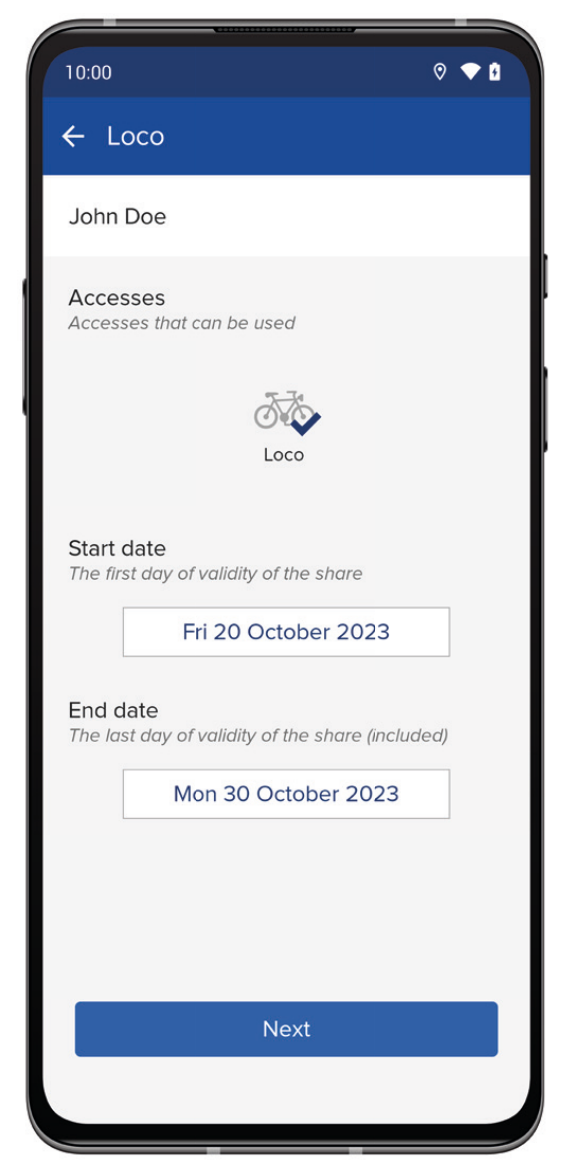
Or create a share from the app, simply indicating the phone number of whoever you want to enable, even remotely. You can also create time-limited shares and revoke them whenever you want.
If you encounter any problems, do not hesitate to contact our technical assistance by filling out the request at this link: www.1control.eu/en/help