To create the 1Cons app widget on Android smartphones, proceed as follows:
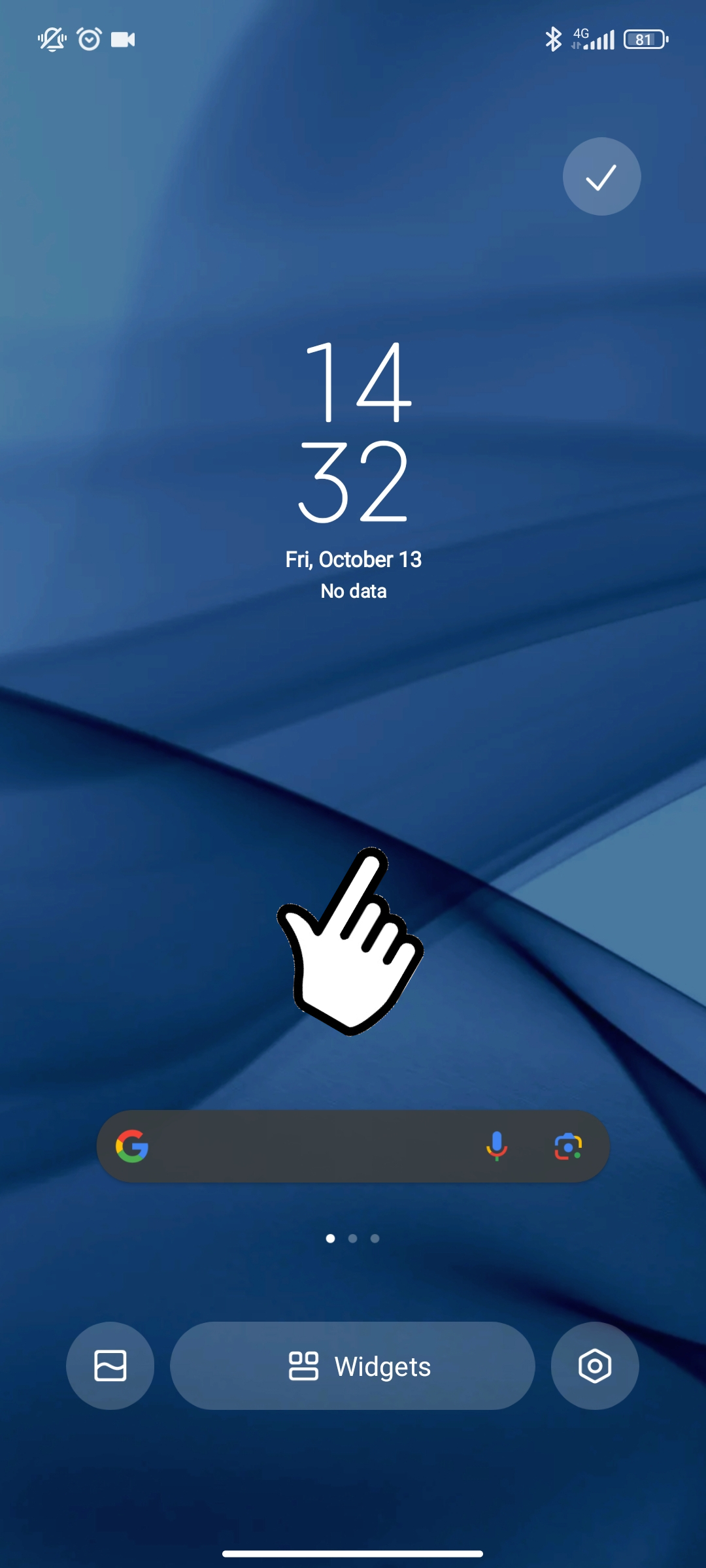
1) From Home, press and hold the center of the screen until the "Widgets" item appears and select it
 |
 |
2) Scroll through the widget list until you find our 1Control app and select it, the widget will appear on the screen
 |
 |
Below is a demonstration video: