In case of desynchronization of the WearOS Smartwatch with the Android smartphone, a similar message may appear:
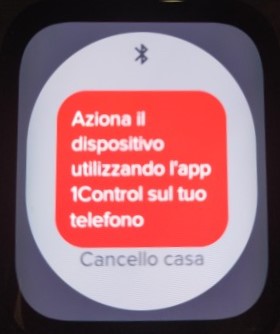
To resynchronize the devices proceed as follows; When clearing data from the 1Control app on your WearOS smartwatch, follow these steps:
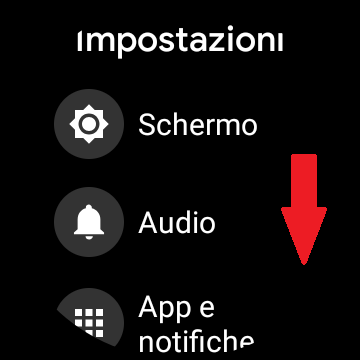
1) Enter Settings, scroll down and select "App Information"
 |
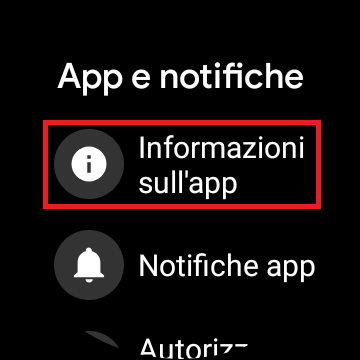 |
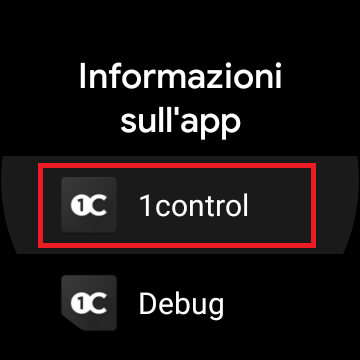
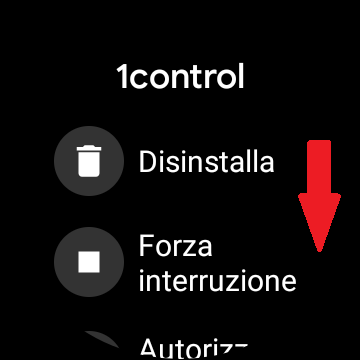
3) Select the 1Control app, scroll down to "App information"
 |
 |
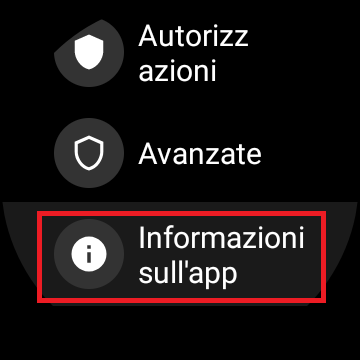
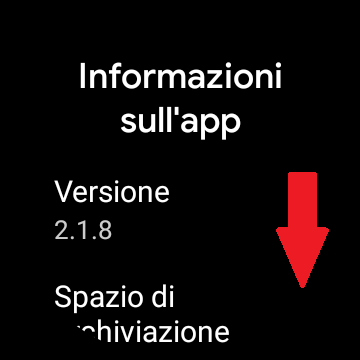
4) Tap on "App Info" and scroll down
 |
 |
5) Press "Clear data"
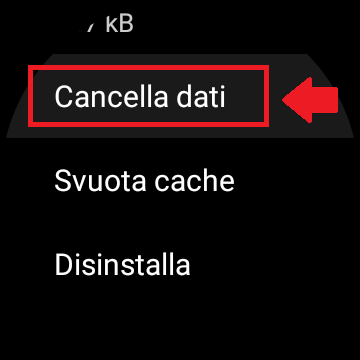
At this point to resynchronize the smartphone data with the smartwatch :
1) Enter the app and activate the access that is not activated by the smartwatch
once the drive is complete, perform this manual update in the app:
2) Go to settings and press as indicated on "Smartwatch" and then on "Sync data with your smartwatch" , this will allow you to re-establish synchronization
between Smartwatch and Smartphone
 |
 |