To install the 1Control WearOS app you need to go to Google Play Store
*(you must have a smartwatch that uses the WearOS operating system)
Proceed as follows;
1) Select our 1Control app in Google Play and press on "Available on other devices" (1) under the 1Control icon
2) Subsequently, your WearOS smartwatch will be recognized (2) and it will be possible to install the app by pressing "install"
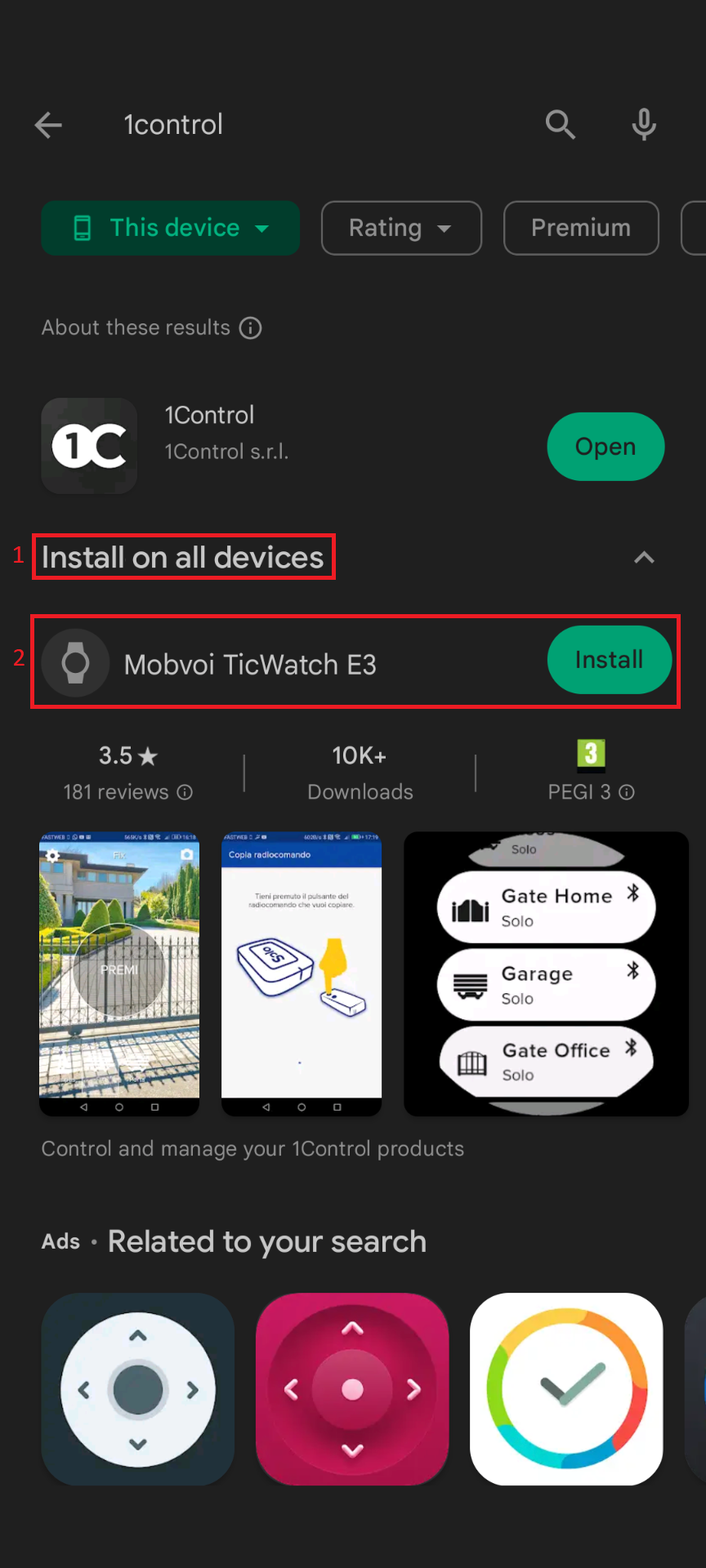
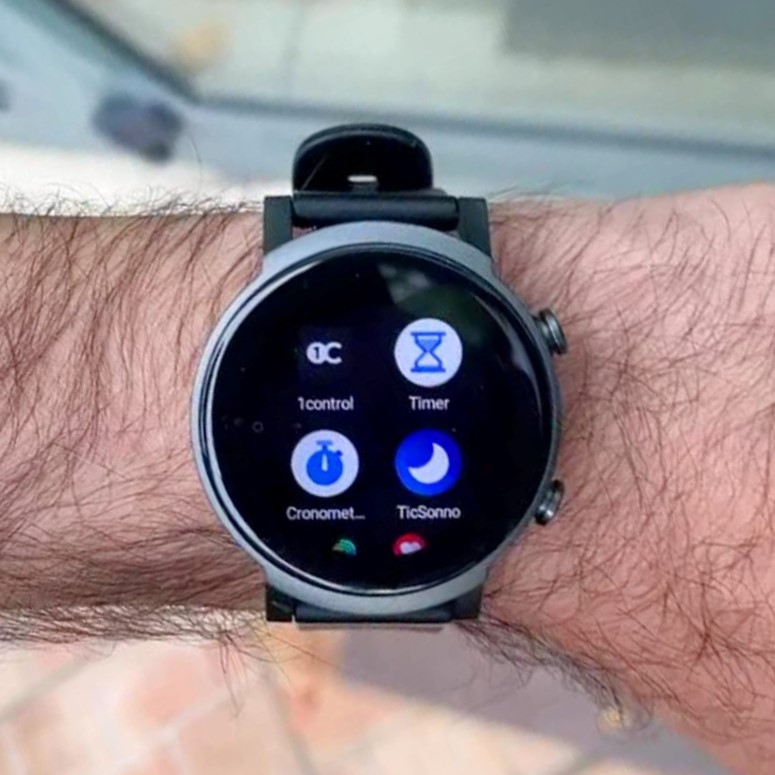
3) The app is now installed on your WearOS smartwatch
In case of desynchronization of the smartwatch with the smartphone, we invite you to follow this guide: Update Synchronization of WearOS Smartwatch and Android Smartphone