To complete the copy, follow the procedure as indicated
- Start copying until the "Check operation" screen
- Press the menu button at the top right to enter manual recording as in the image below
- Move the slider higher than 4 seconds

- On the board, press the "SEL" button for 1 second, the F1 LED flashes slowly
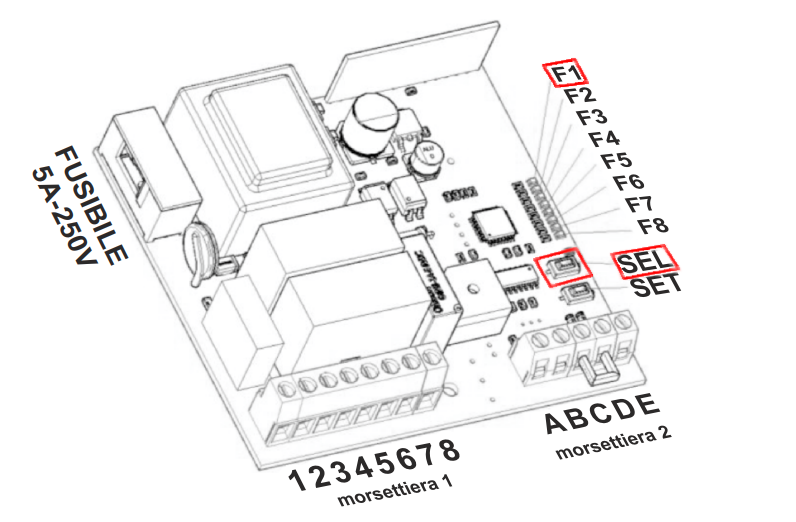
- In the app Press " Send opening signal " and wait 5 seconds, the LED f1 starts flashing quickly
- Press the " Send opening signal " button again and wait 5 seconds, the LED will remain lit steadily to indicate that the procedure was successful.
- Press " Next " at the bottom and continue executing the opening and closing text using the "Open/Close" button