To complete the copy of your remote control
1) Start copying until the "Check operation" screen
2) Press the menu key at the top right to enter manual recording as in the image below
3) Move the upper slider to 1 second 
4) Position "SOLO" near the symbol shown in the image with the notch facing the control unit 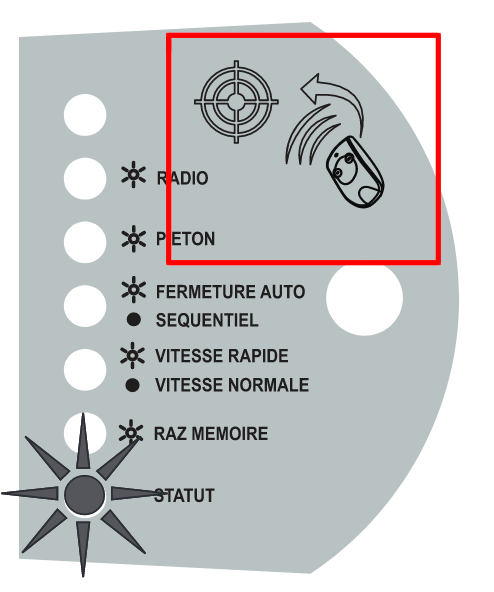
5) On the app, press the "Transmit opening signal" button