To complete the copy, follow the procedure as indicated
- Start copying until the "Check operation" screen
- Press the menu button at the top right to enter manual recording as in the image below
- Move the slider at the top to the maximum transmission time

- Standing in front of the gate control unit, with the gate closed, press the opening button of the memorized radio control for at least 15 seconds.
The dot at the bottom right of the "Co" text lights up and the gate should open.
The radio control button must be held down, without releasing it, until the dot goes off.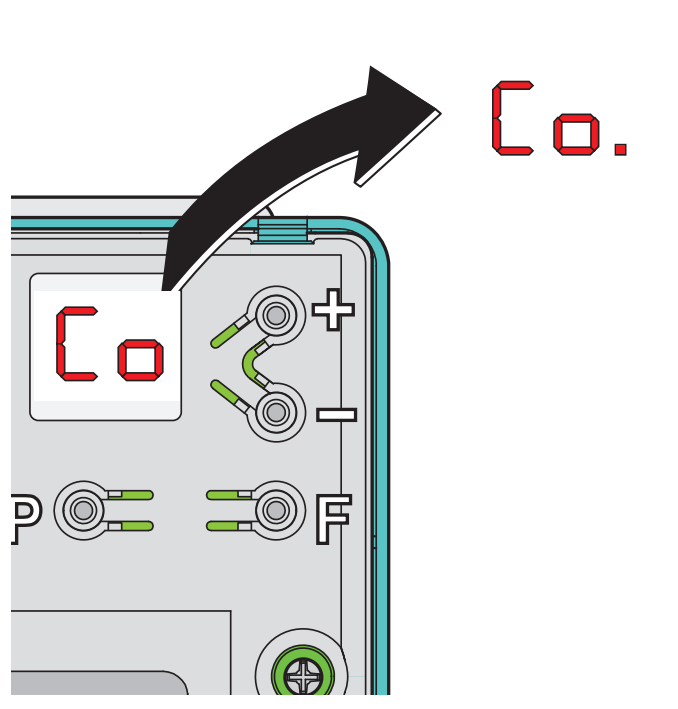
- Holding ONLY in front of the control unit, press the " Transmit opening signal " button in the app and wait 30 seconds, the gate should open.
- When the gate closes, press the "Next" button and carry out an opening test using the "Open/Close" button
If the opening test is not successful, repeat the procedure starting from point 2.