To complete the copy of the radio control, follow the following procedure while standing near the automation:
1) Start copying until the "Check operation" screen
2) Press the menu button at the top right to enter manual recording as in the image below
3) Move the slider above 5 seconds

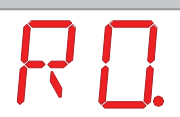
4) On the control unit using the up and down keys select the " R0. " option from the display and press the enter key

5) On the control unit, use the up and down keys to select the " SR" option from the display and press enter 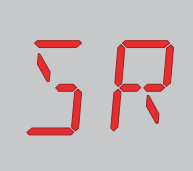
6) In the app, press the " Send opening signal " button
7) The display on the control unit should show "OK"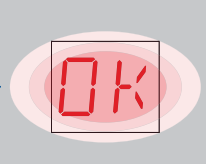
8) Press the "ESC" key on the control unit