For manual association between the SOLO signal and the Alltronik Speed 600 control unit, follow this procedure:
- Start copying until the "Verify Operation" screen appears
- Press the menu button on the top right to enter manual recording as in the image below
- Move the slider above 5 seconds

- Wait until the garage has been closed for at least 2 minutes
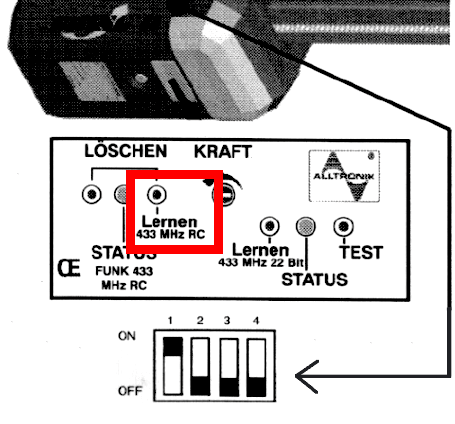
- On the control unit, identify the position of the dip switches present and make sure that dip 1 is in the "ON" position and all the others in the "OFF" position.
(the photo below shows dip 2 in the "ON" position, refer to the image in point 5)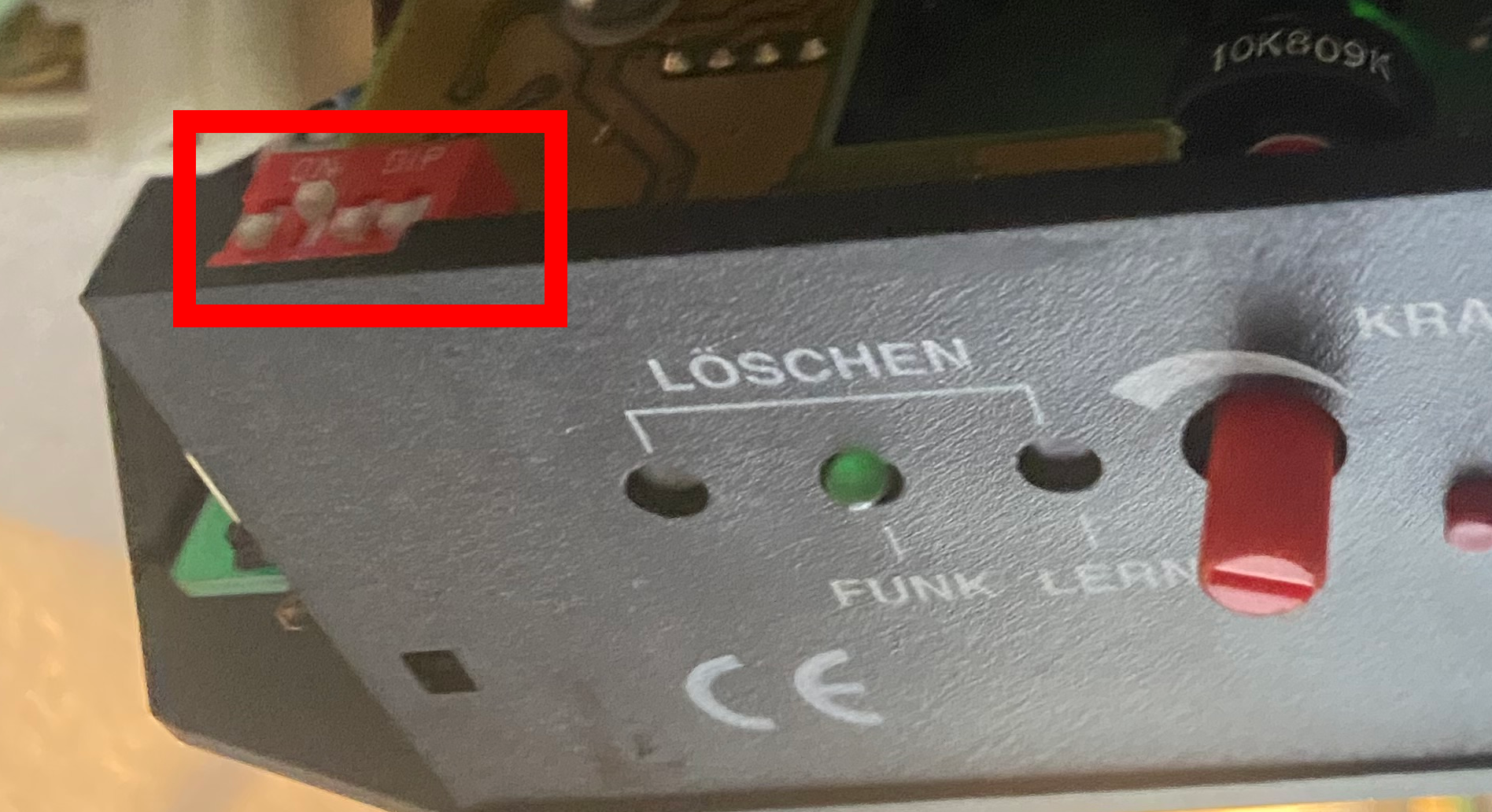
- Press the "Lernen" button until the LED next to it starts flashing
- Press "Transmit opening signal" in the app and wait about 10 seconds
- The LED should turn off
- Wait another minute
- Press the "Next" button at the bottom of the app and test the copy operation using the "Open/Close" button