To complete the copy, follow the procedure as indicated
- Start copying until the "Check Operation" screen
- Press the menu button at the top right to enter manual recording as shown in the image below
- Move the slider above 4 seconds

- press the P key. The LED relating to the channel to be copied will flash.
By repeatedly pressing the P key you can select the desired channel (L1 = channel 1 etc.)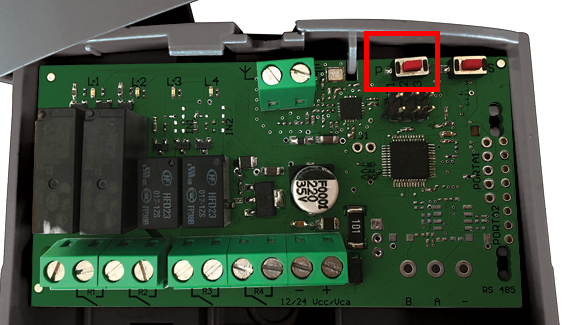
- Press the Transmit Open Tone button on the app
all the LEDs remain on steady for half a second to confirm the copy