To complete the copy, follow the procedure as indicated
- If there are other receivers installed nearby, disable them by momentarily removing the power.
- Start copying until the "Check Operation" screen
- Press the menu key at the top right to enter manual recording as in the image below
- Move the upper slider to 4 seconds

- Move the black jumper to cover all two brass pins
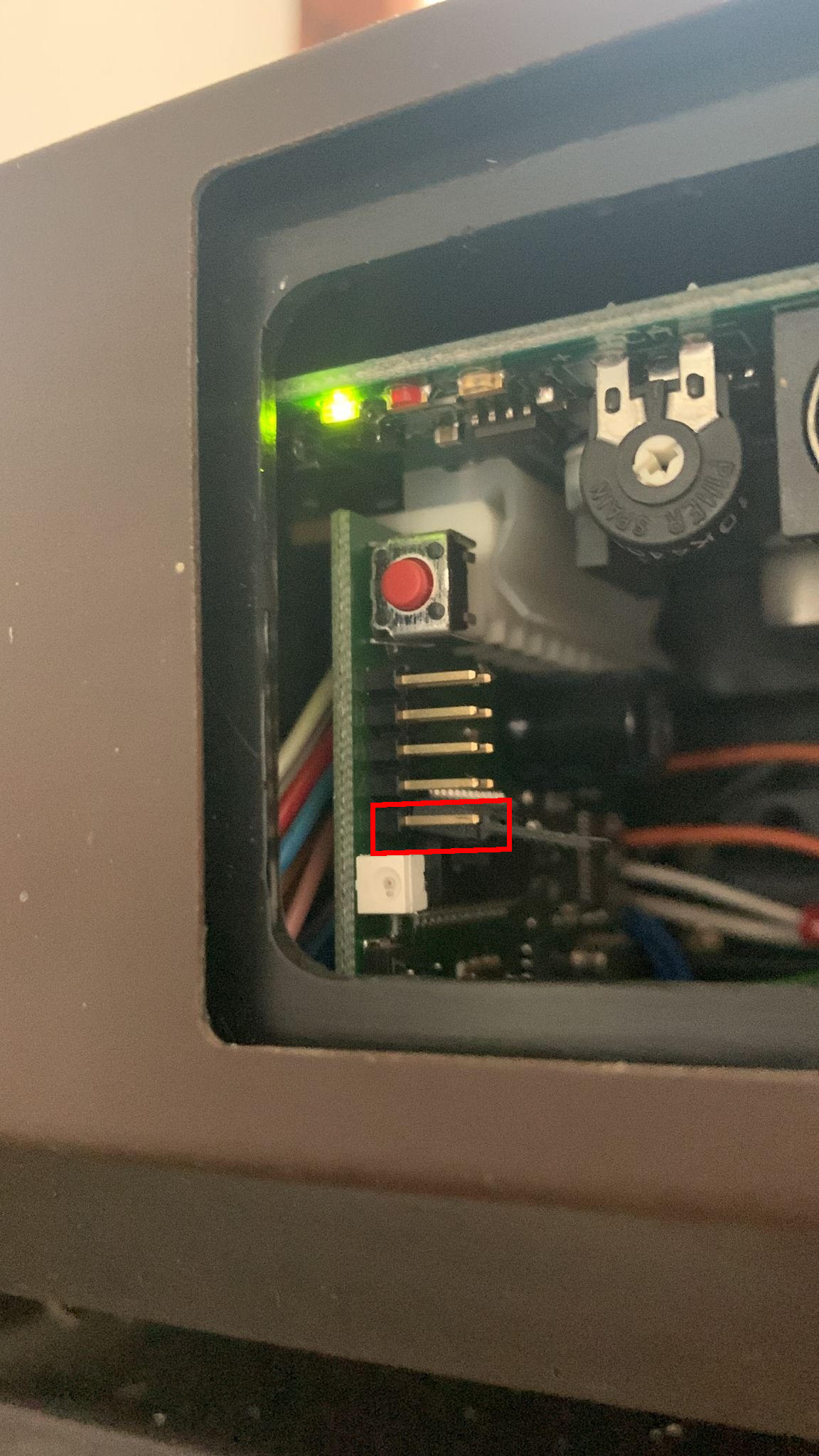
- Press the red button for two seconds and meanwhile press "Send opening signal" in the app, then release the red button.
- Wait a few moments and bring the jumper back to its initial position.