To change the battery on the sensor you need to have:
- Screwdriver with Philips 000 tip
- CR2032 battery
Both easily available on the market.
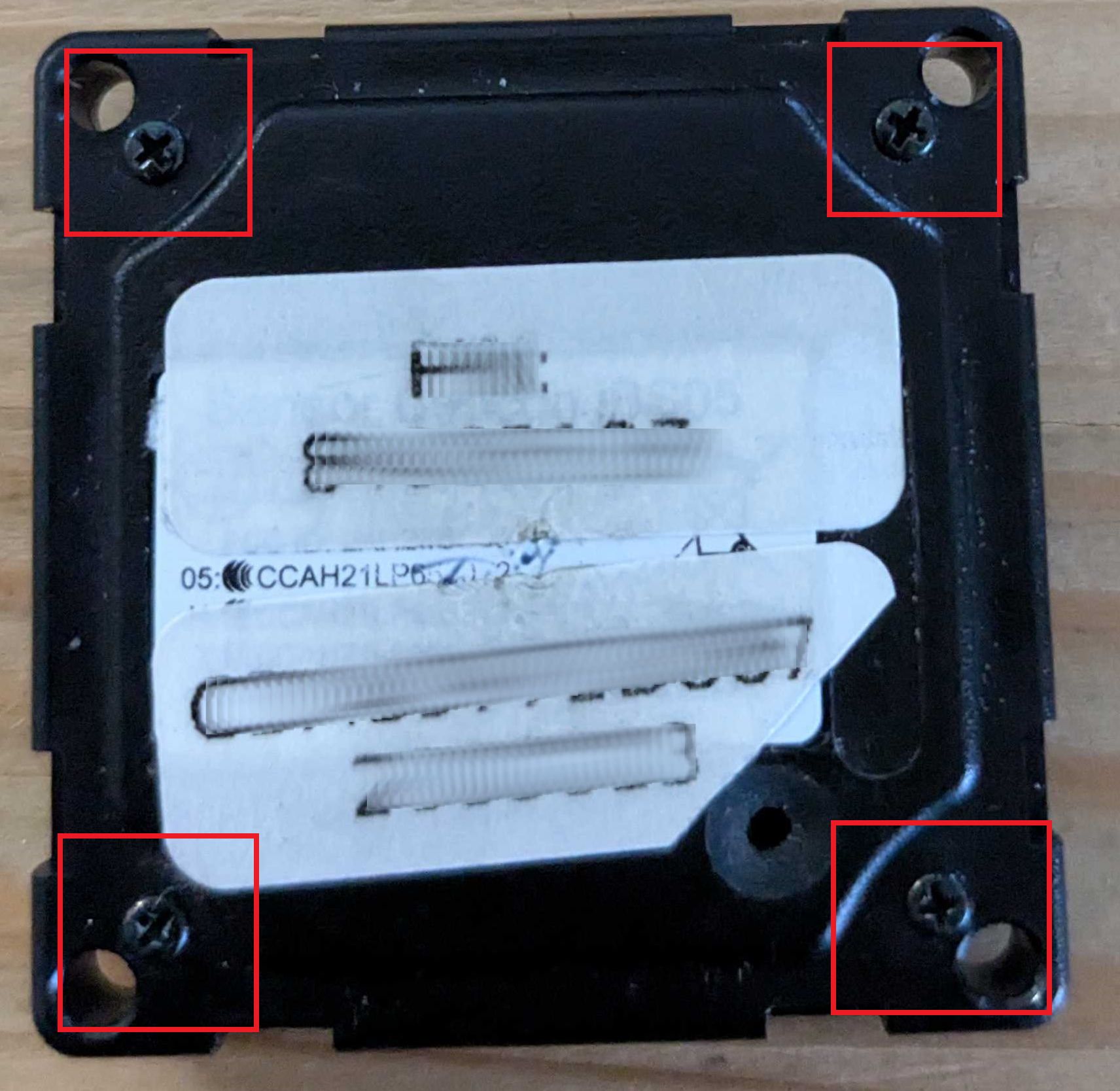
- Position the sensor with the screws facing upwards.
- Unscrew the 4 highlighted screws, using the screwdriver
- Lift the upper cover by pressing on one of the grooves on the edge of the sensor.
- Inside, you will find the circuitry, the gasket that makes the sensor waterproof, and the battery.
- Using the tip of the screwdriver or a thin tool with electrical insulation, remove the battery.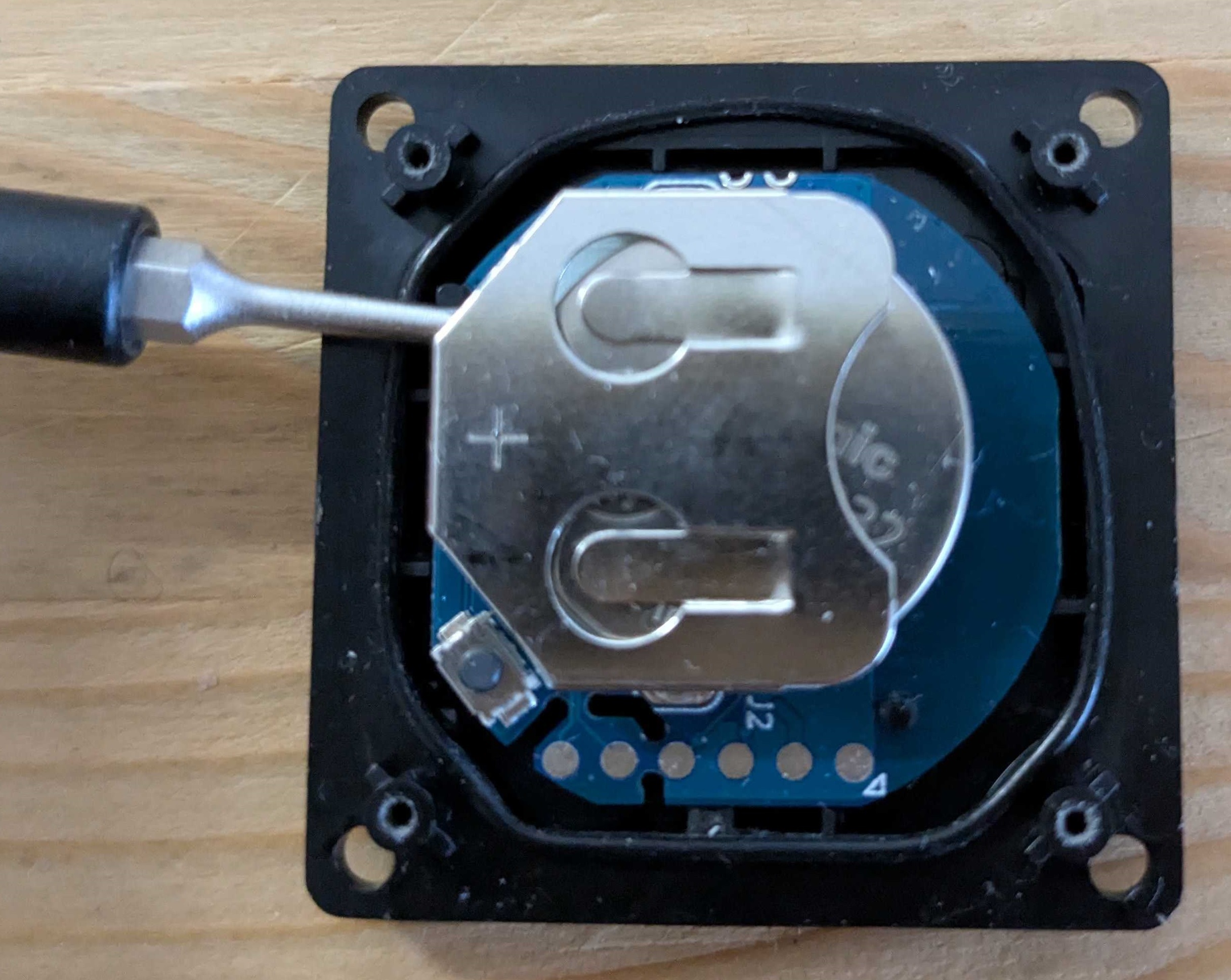
- Insert the new battery, making sure to place the battery in line with the "+"
- Position the round gasket as shown in the photo and apply it to the edge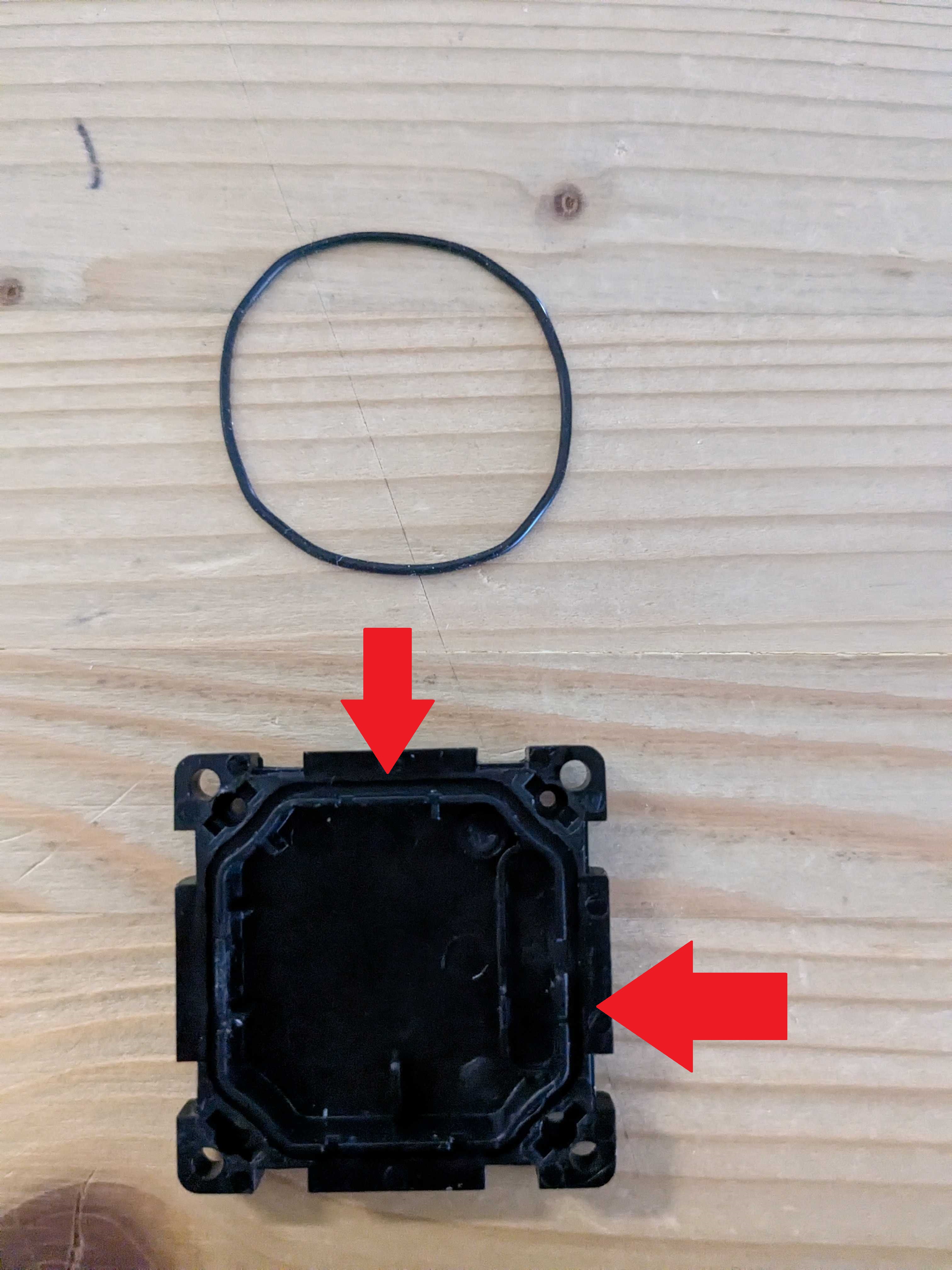
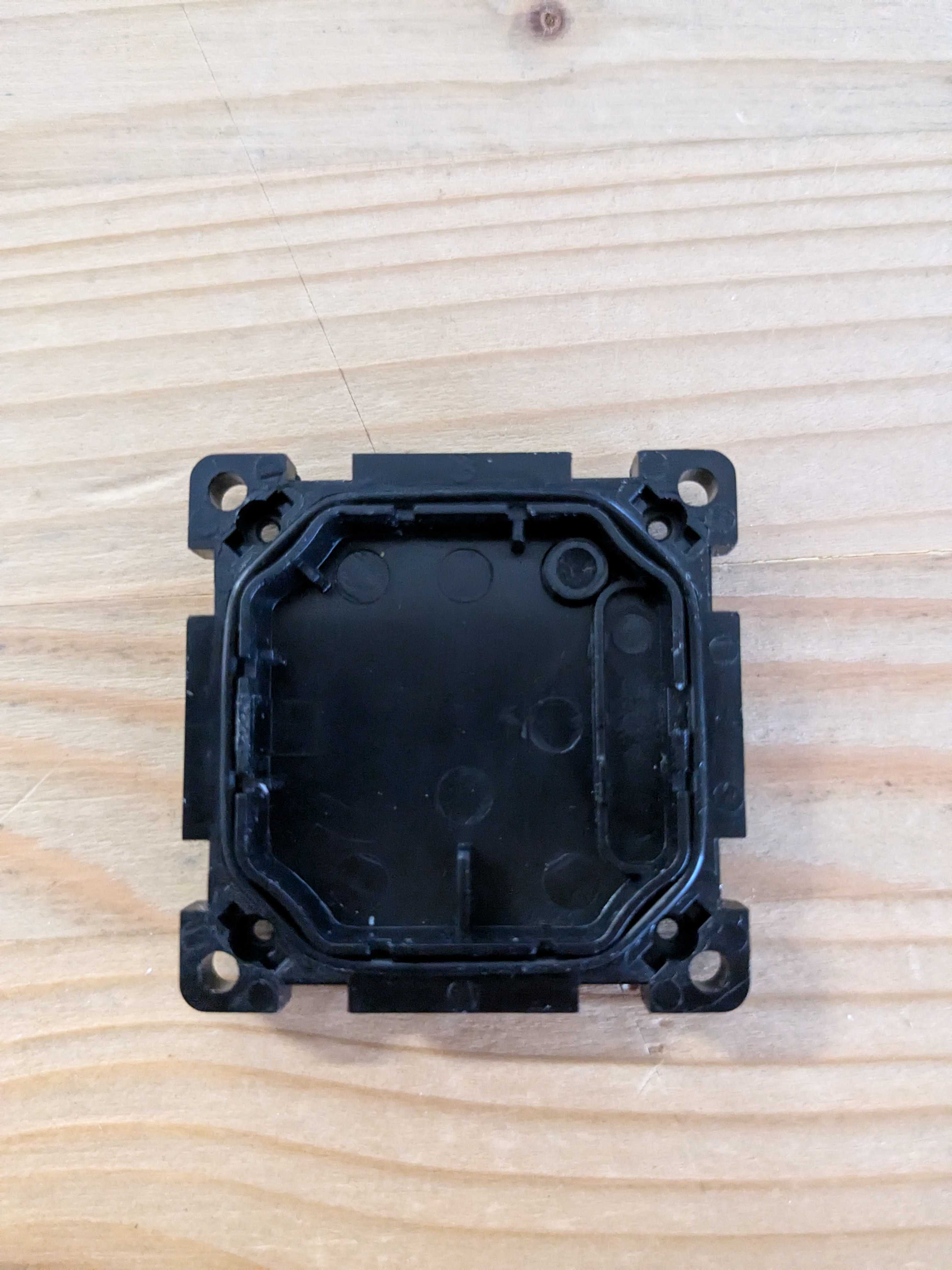
- Close the case and screw the screws back in.
- Press the outer membrane and turn the sensor back on.