To complete the copy follow the procedure as indicated
- Start copying until you get to the "Verify Operation" screen
- Press the menu button on the top right to enter manual recording as in the image below
- Move the slider above 5 seconds

- On the control unit, locate the display and the 4 programming buttons:
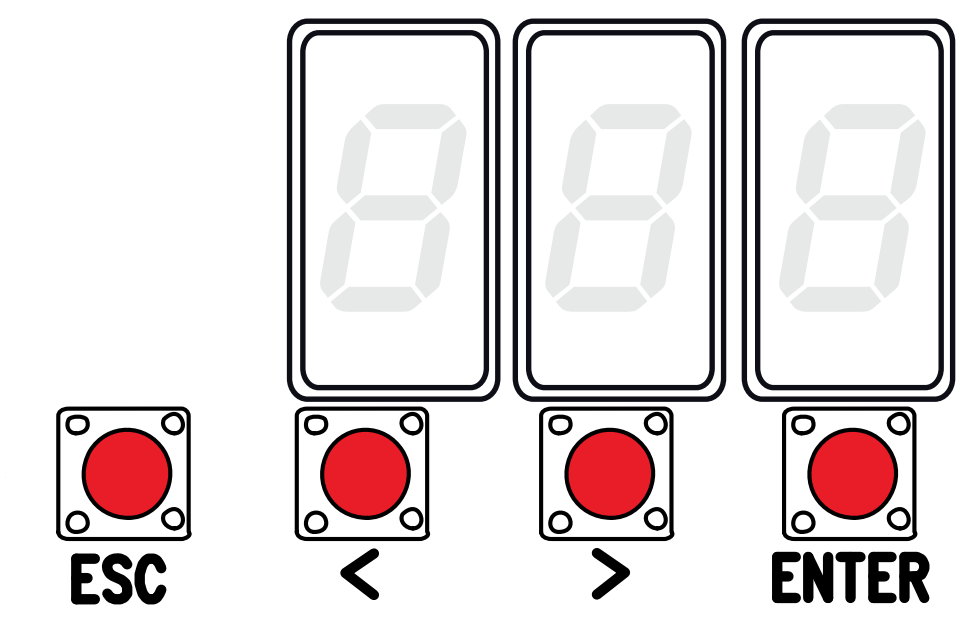
- Enter programming mode by pressing the "Enter" key for 1 second
- Using the "<" and ">" keys select "U1" and press "Enter"
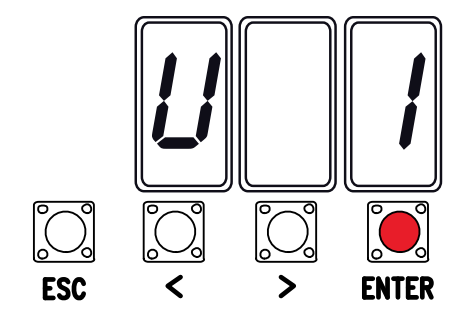
- Select the desired opening mode using the "<" and ">" keys. Then press "Enter" to confirm.
Possible settings:
1)Step-by-Step (open-close)
2)Sequential (open-stop-close-stop) <---recommended
3)Opening
4) Pedestrian opening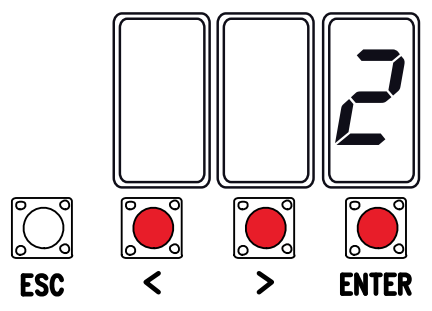
- A number from 1 to 25 will appear
- In the app, press the " send opening signal " button and wait 20 seconds