To complete the copy, follow the procedure as indicated
- Start copying until the "Check operation" screen
- Press the menu button at the top right to enter manual recording as in the image below
- Move the slider higher than 5 seconds

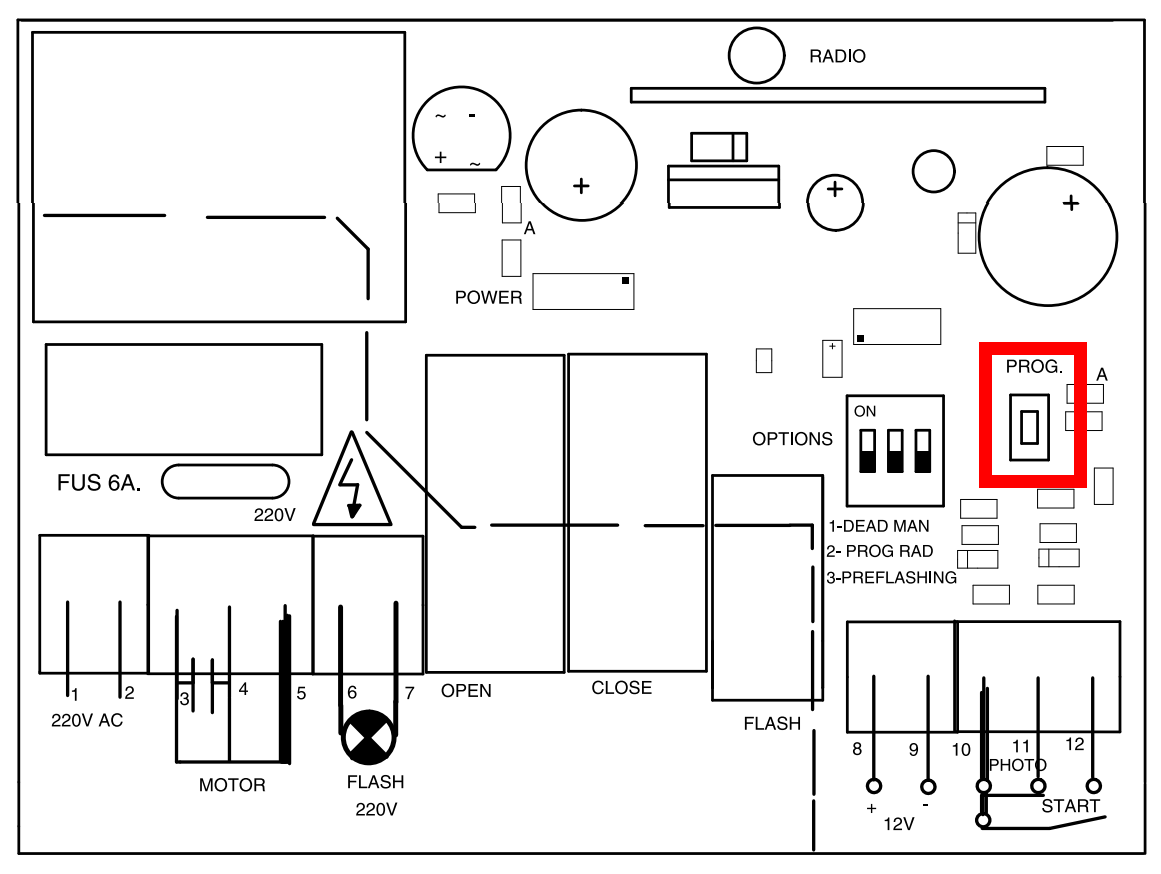
- Press the "PROG." button present on the control unit for approximately 1.5s, until you hear an acoustic signal coming from the control unit, release the button following it
- In the app, press the " send opening signal " button and wait 10 seconds.
- Press the "Next" button
- Press the round "Open/Close" button on the "Check Operation" page
- If the gate does not operate, repeat the guide from point 2