To complete the copy of your radio control:
1) Start copying until the "Check operation" screen
2) Press the menu button at the top right to enter manual recording as in the image below
3) Move the slider above 4 seconds 
4) Press the P button on the receiver and release 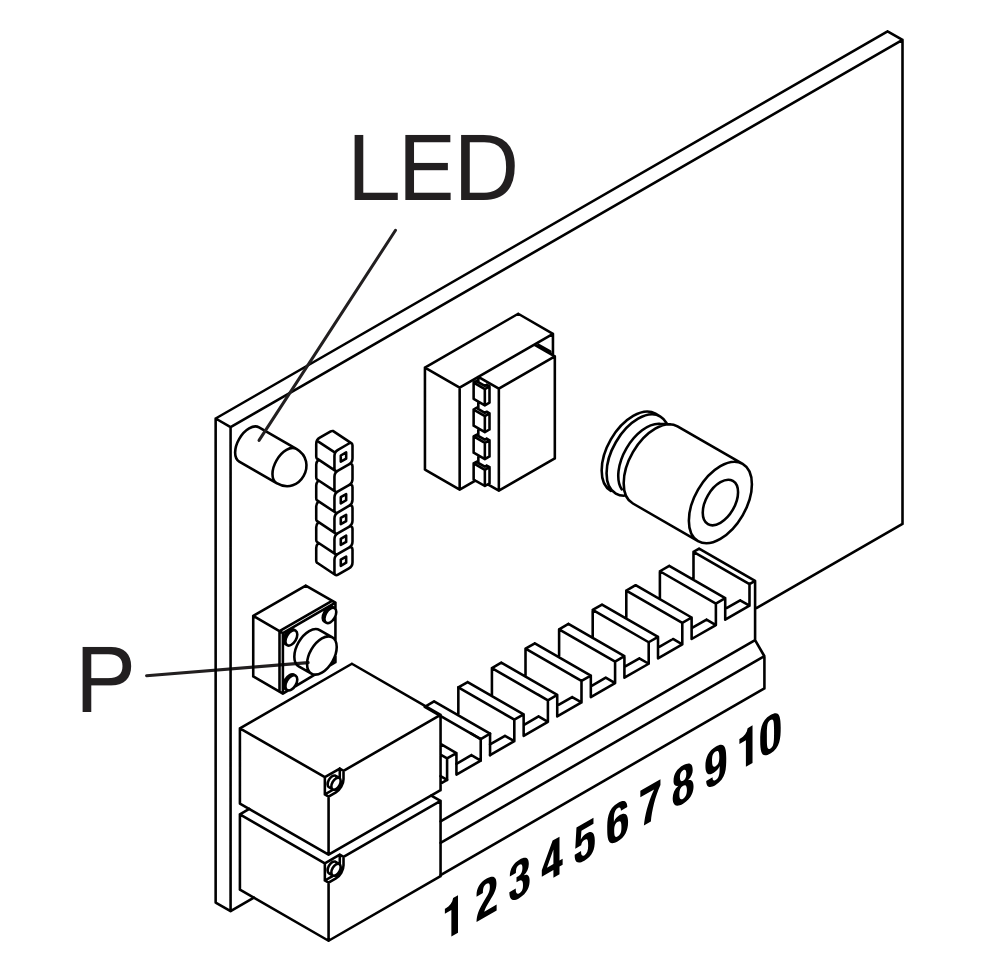
5) The Red LED turns on for 3 seconds, then turns off for 1 second and turns back on for 5 seconds.
6) While the red LED is still lit, press " Send opening signal " in the 1Control app
7) Wait for 10 seconds
8) Press the "Next" button in the 1Control app and check whether the copy works using the open/close button