To create the 1Cons app widget on iPhone, proceed as follows:
1) From Home, move to the Widgets panel on the left, swiping with your finger and pressing "edit"
 |
 |
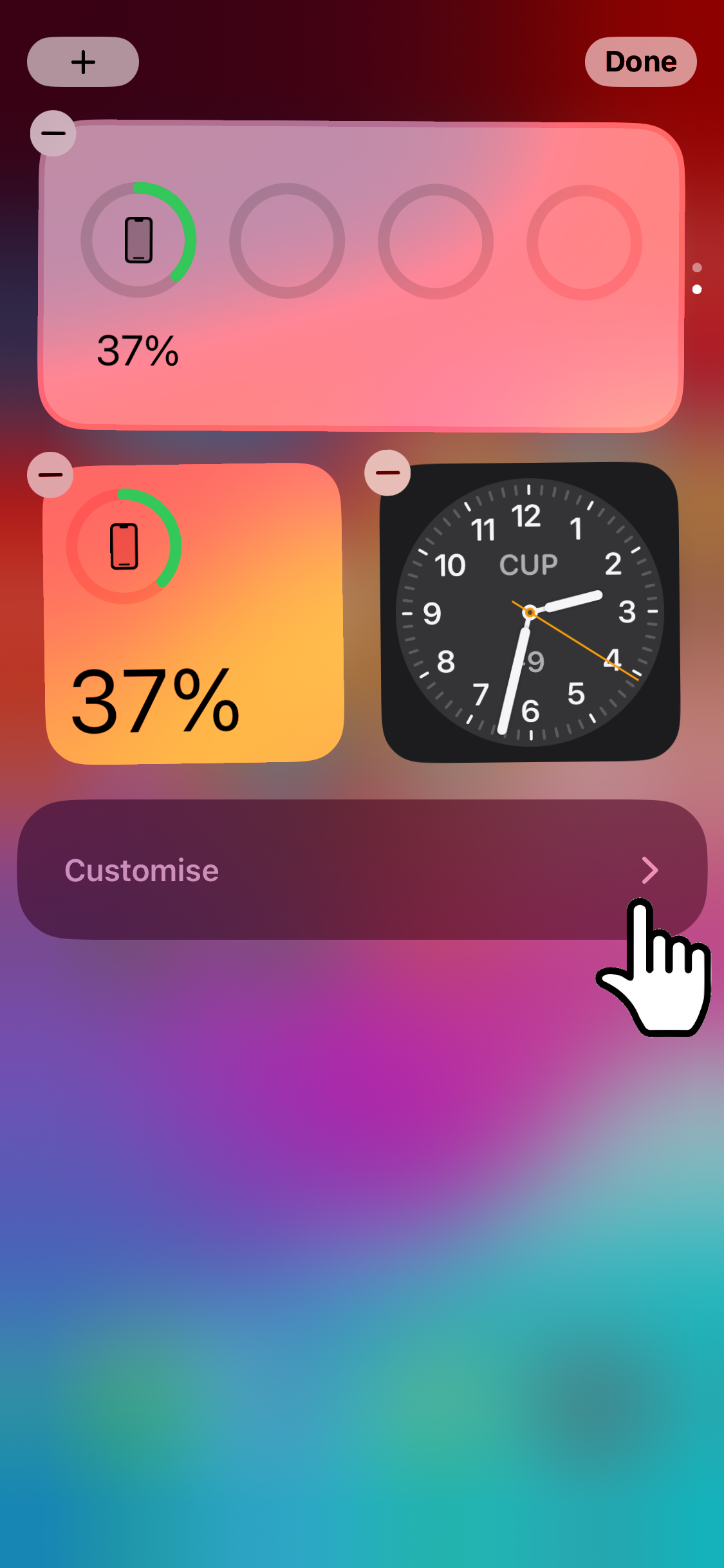
2) Press on "Customize" and then add the 1Control app with "+".
 |
 |
3) Press on "done", now you will find our app in the Widgets section
 |
|
Below is a demonstration video: